Pterodactyl Backup Retention
Product information
Release v0.1.0 (Updated )
Reviews
0 von 5 Sternen
0 purchases
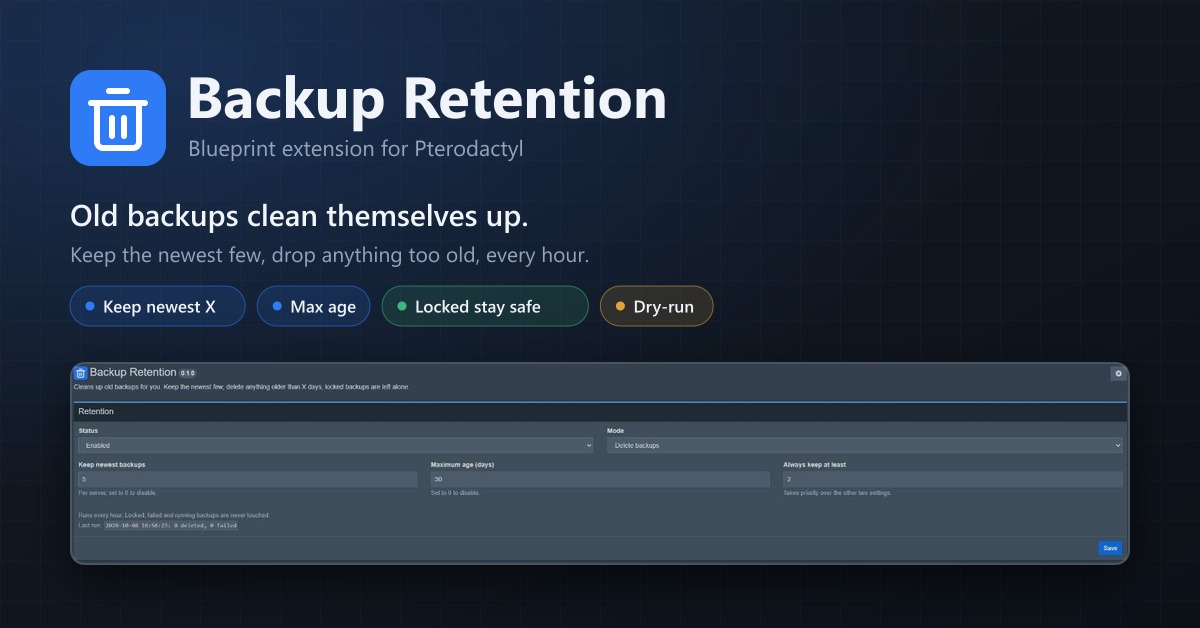
Automatically deletes old backups. Keep the newest few, remove anything older than X days, locked backups stay.
€9,99
Release historyDescription
Backup Retention cleans up old server backups for you. Set a few rules once, and every hour the extension goes through all servers and deletes the backups that fall outside of them. Locked backups are never touched, and there's a dry-run mode so you can check what it would do first.
Why Out of the box, Pterodactyl only rotates backups when a scheduled backup task runs and the server is already at its backup limit. Everything else is up to your users. In practice that means:
- backups pile up until the limit is reached, then manual backups fail with "too many backups"
- old backups never expire
- disk usage on your nodes or your S3 bucket keeps growing
Features
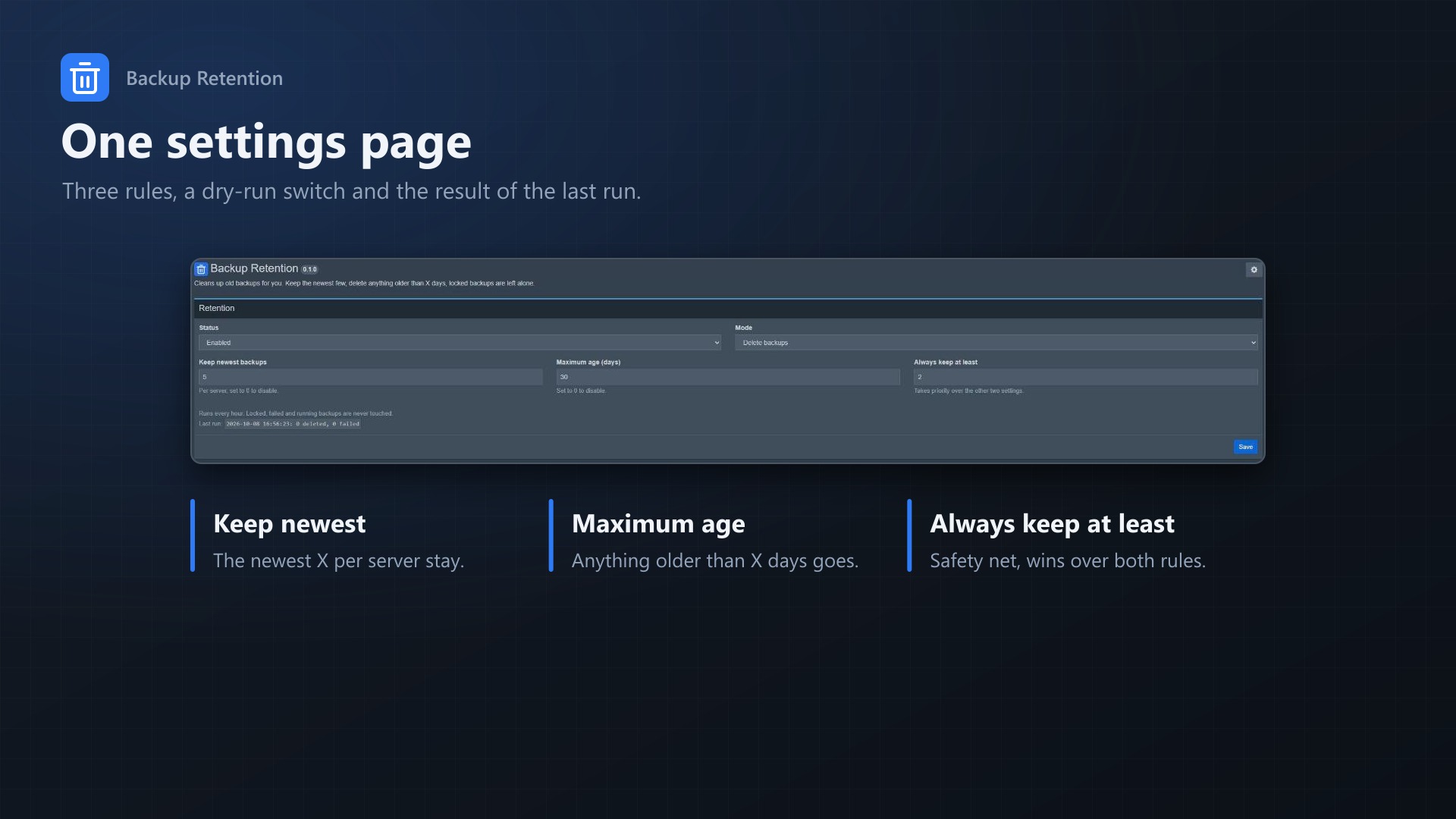
- Keep newest X: keeps the X most recent backups of each server
- Maximum age: deletes backups older than X days
- Always keep at least X: safety net, a server never drops below this number
- Locked backups are never deleted and don't count towards the limits
- Failed and running backups are ignored
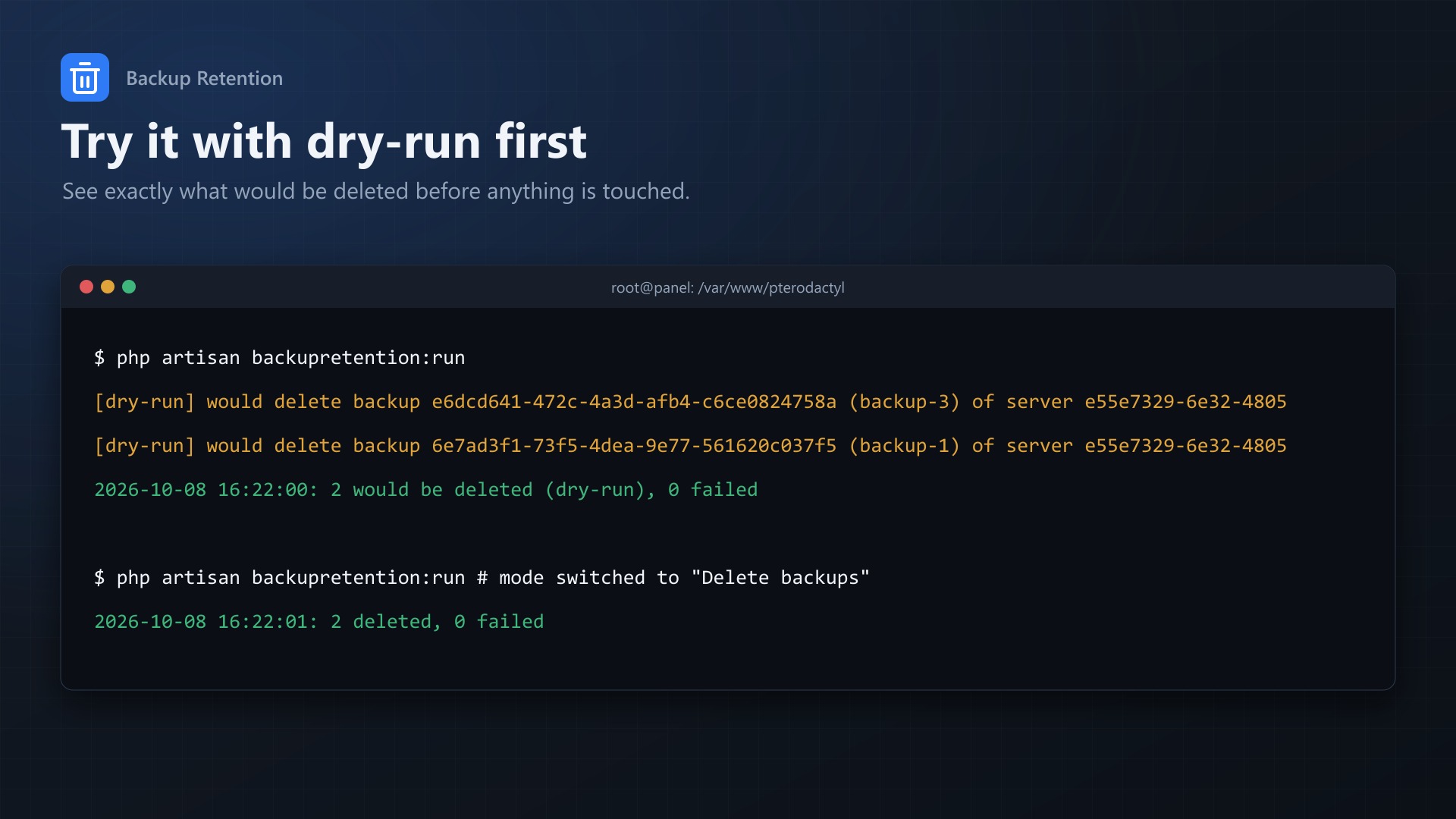
- Dry-run mode to see what would be deleted before anything happens
- Every deletion shows up in the server's activity log, so users know why a backup is gone
- Offline nodes are skipped and retried on the next run
- Works with Wings (local) and S3 backups, deletion goes through Pterodactyl's own backup service
- No core files are modified
Requirements
- Pterodactyl Panel 1.15.x
- Blueprint (beta-2026-08 or newer)
- PHP 8.2+
Installation
- Upload backupretention.blueprint to /var/www/pterodactyl
- Run blueprint -install backupretention
- Open Admin > Extensions > Backup Retention
- The extension is disabled and in dry-run mode after installing, so nothing happens until you turn it on.
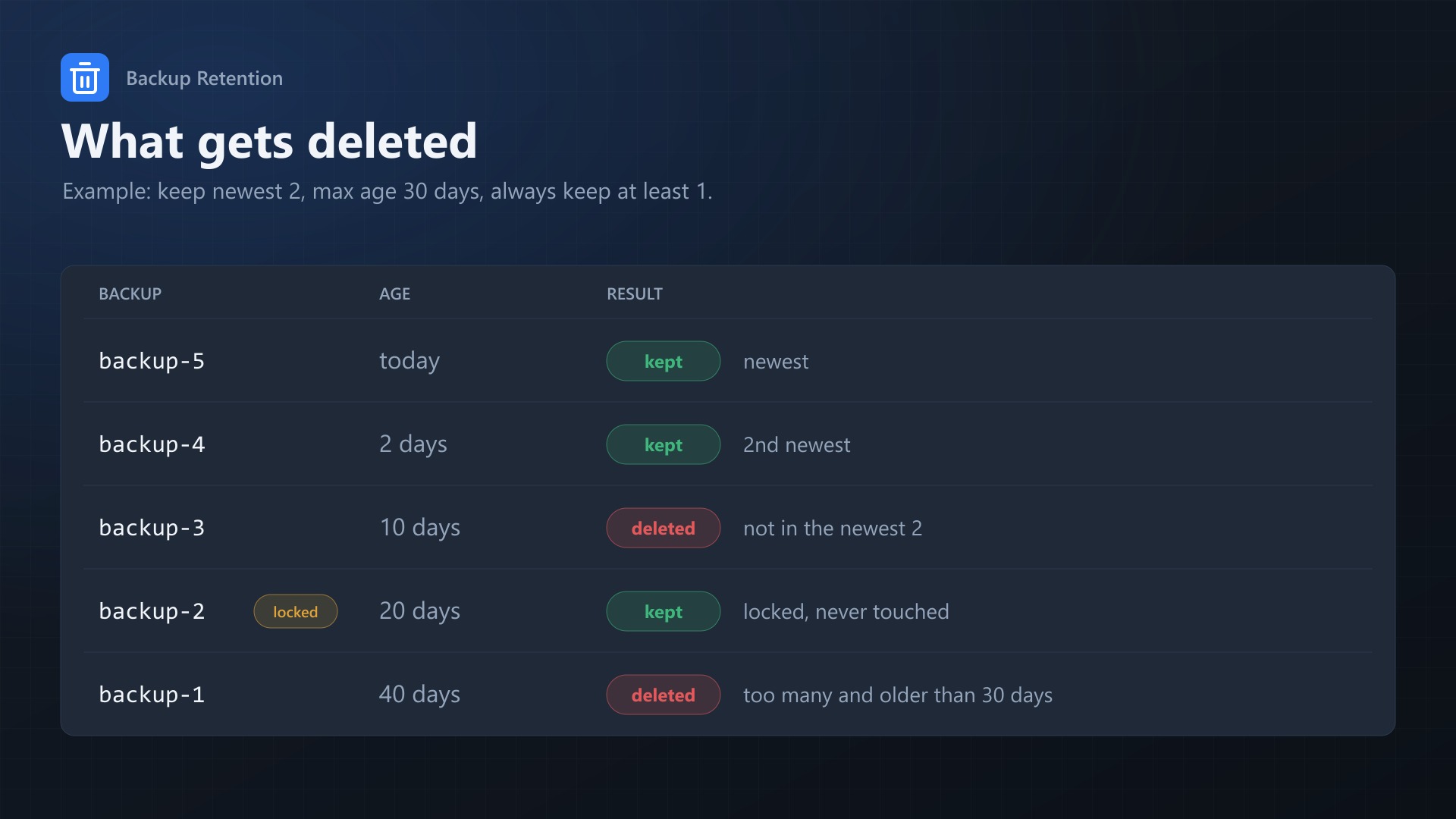
Example With keep newest 2, max age 30 days, always keep at least 1:
- Backup Age Result
- backup-5 today kept
- backup-4 2 days kept
- backup-3 10 days deleted
- backup-2 (locked) 20 days kept
- backup-1 40 days deleted
Support
Full documentation is included in the download (README.md). If something doesn't work, send me the output of php artisan backupretention:run and I'll take a look.