Blueprint Discord Logger
Product information
Release v1.0.1 (Updated )
Reviews
5 von 5 Sternen
5 out of 5 stars · 1 reviews · 5 purchases
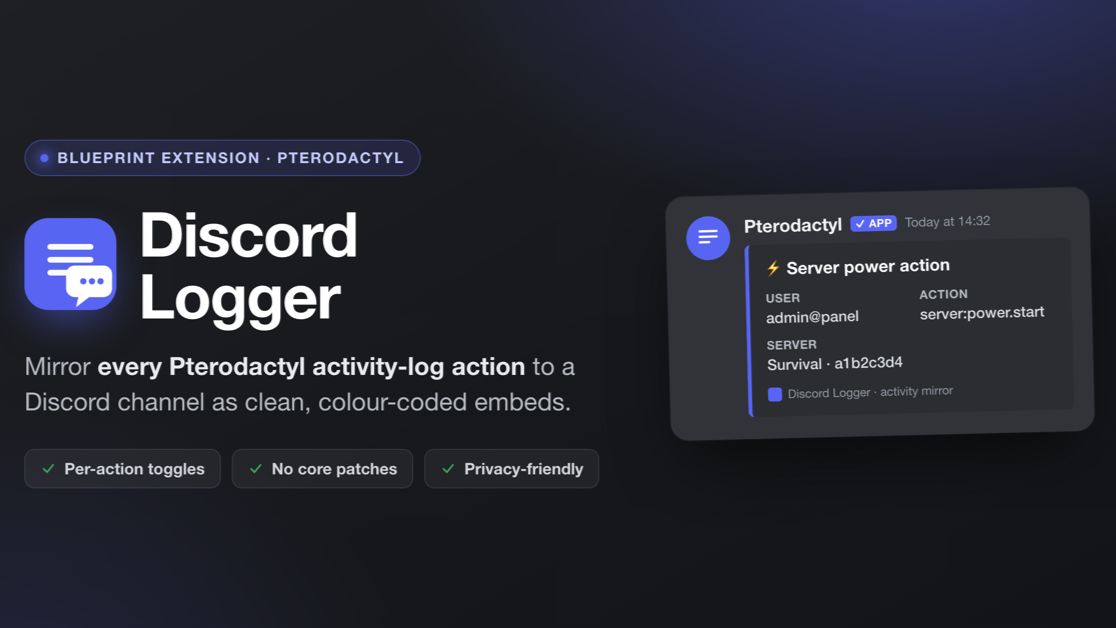
Mirror every Pterodactyl activity-log action to a Discord channel as clean embeds
€3,99
Release historyDescription

Discord Logger — for Blueprint
Discord Logger turns your panel's built-in activity log into a live audit feed in Discord. Every login, power action, file change, backup, database operation, schedule, subuser edit and console command can be forwarded to a webhook as clean, colour-coded embeds — so you and your staff see what's happening across your servers without opening the panel. Each of the 73 supported events can be individually enabled or disabled from the admin page.
Why you'll want it
- Full coverage — 73 activity events across 11 categories (full list below).
- Per-action toggles — enable or disable every single event from the admin page.
- Colour-coded embeds — each category has its own colour, and destructive or failed actions (deletes, kills, failed logins, reinstalls…) are automatically highlighted in red.
- Rich context — every embed shows who did what, on which server, when — with an optional IP address.
- No core patches — touches zero core panel files, so it survives panel updates. No bundled CSS means fast installs (no
yarn build). - Privacy-friendly — IPs are opt-in, and the webhook URL is stored write-only. Master on/off switch and a "Send test message" button included.
- Rate-limit safe — delivery is capped to stay under Discord's webhook limits; bursts are caught up over the following minutes.
Setup (under 2 minutes)
- Install with Blueprint:
blueprint -install discordlogger - Open Admin → Extensions → Discord Logger.
- Paste a Discord webhook URL.
- Tick Enable logging, choose which actions to forward, and Save.
- Hit Send test message to confirm it works.
Logged events
- Authentication: Failed login, Successful login, Password reset, Requested a password reset, Two-factor checkpoint, Used a two-factor recovery token, Two-factor authentication, Blocked login from an unlisted IP, Failed SFTP login
- User account: Created a new user, Changed account email, Changed account password, Created an API key, Deleted an API key, Added an SSH key, Removed an SSH key, Enabled two-factor authentication, Disabled two-factor authentication
- Power: Started the server, Stopped the server, Restarted the server, Killed the server
- Backups: Started a backup, Completed a backup, Backup failed, Downloaded a backup, Deleted a backup, Started restoring a backup, Completed a backup restore, Backup restore failed, Locked a backup, Unlocked a backup
- Databases: Created a database, Rotated a database password, Deleted a database
- Files & SFTP: Compressed files, Read a file, Copied a file, Created a directory, Decompressed an archive, Deleted files, Downloaded a file, Pulled a remote file, Renamed files, Wrote to a file, Started a file upload, Uploaded a file, SFTP action denied, Created files over SFTP, Modified files over SFTP, Deleted files over SFTP, Created a directory over SFTP, Renamed files over SFTP
- Network: Added an allocation, Updated allocation notes, Set the primary allocation, Removed an allocation
- Schedules & tasks: Created a schedule, Updated a schedule, Executed a schedule, Deleted a schedule, Created a task, Updated a task, Deleted a task
- Settings & startup: Renamed the server, Changed the server description, Edited a startup variable, Changed the Docker image
- Subusers: Added a subuser, Updated a subuser, Removed a subuser
- Server: Reinstalled the server, Sent a console command