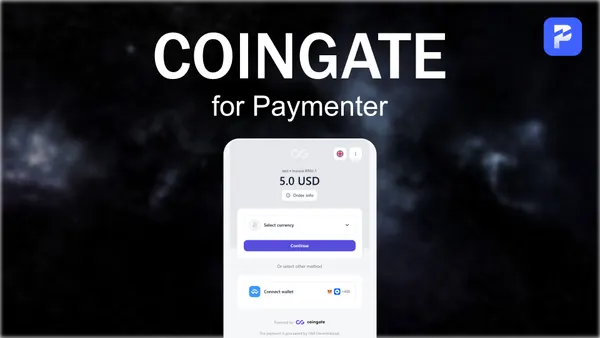
CoinGate for Paymenter
Product information
Release v1.0 (Updated )
Reviews
0 von 5 Sternen
0 purchases
Accept cryptocurrency payments via CoinGate.
€9,90
Release history

Description
CoinGate Payment Gateway
Accept cryptocurrency payments (Bitcoin, Ethereum, Litecoin, etc.) via CoinGate.
Installation
- Enable the extension
- Go to Admin Panel > Extensions > Gateways
- Enable "CoinGate Gateway"
- Go to Admin Panel > Extensions > Gateways
- Create API Token
- Configure the extension
- Enter your API Token
- Enable "Sandbox Mode" if you want to test with sandbox credentials
- Optional: Enter a "Receive Currency" (e.g., EUR, USD, BTC) to settle payments in that currency
Configuration
| Setting | Description |
|---------|-------------|
| API Token | Your CoinGate API Token |
| Sandbox Mode | Enable for testing environment |
| Receive Currency | Settlement currency (empty = invoice currency) |
Supported Cryptocurrencies
CoinGate supports 70+ cryptocurrencies, including:
- Enter your API Token
- Bitcoin (BTC)
- Ethereum (ETH)
- Litecoin (LTC)
- USDT, USDC
- and many more
Click the picture to join my Discord-Server and get support!