Crash & Log Insights
Product information
Release v0.1.0 (Updated )
Reviews
0 von 5 Sternen
0 purchases
Reads the logs of a crashed server and tells the customer the likely cause and the fix in plain words: a Diagnose tab, automatic crash detection and an email to the owner.
€9,99
Release historyDescription
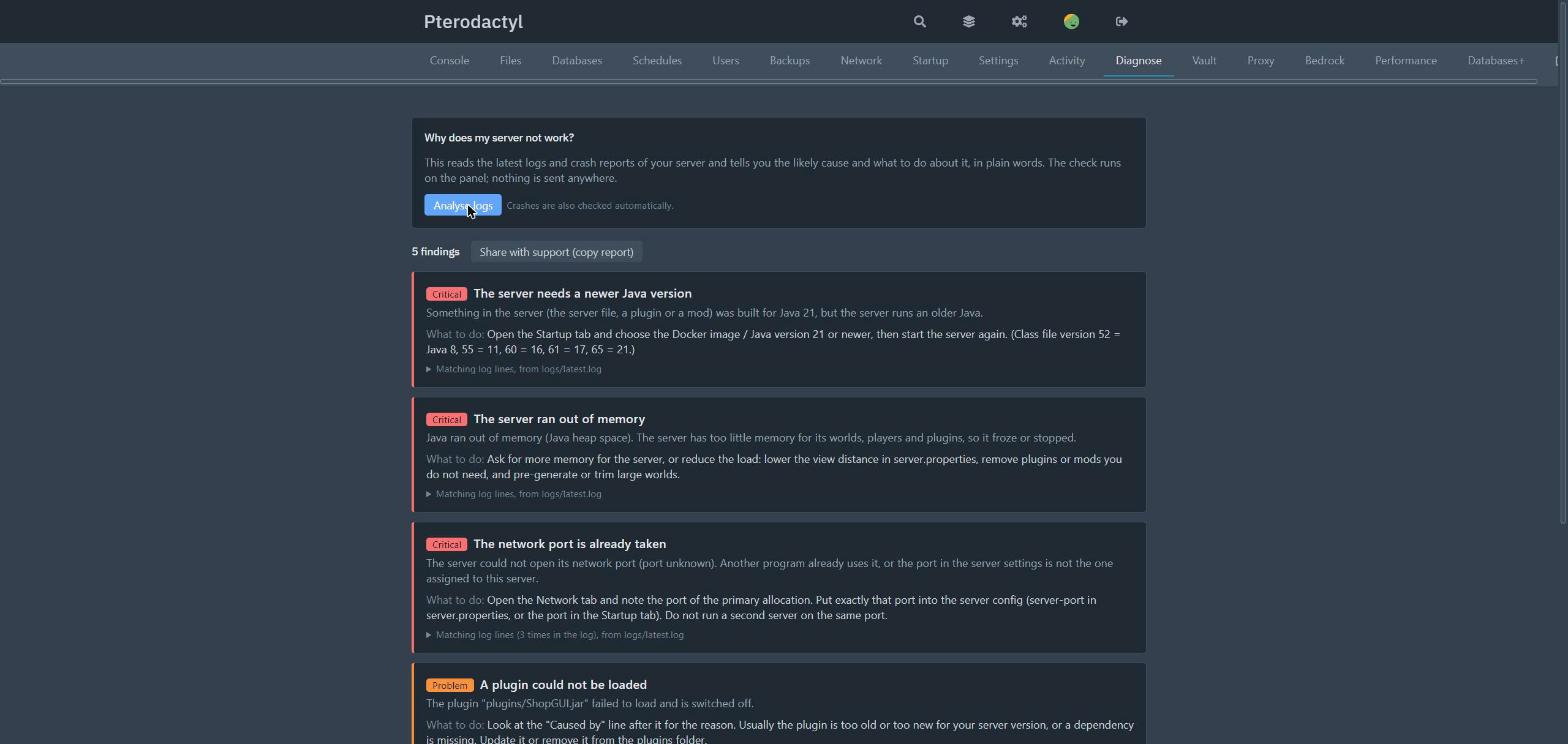
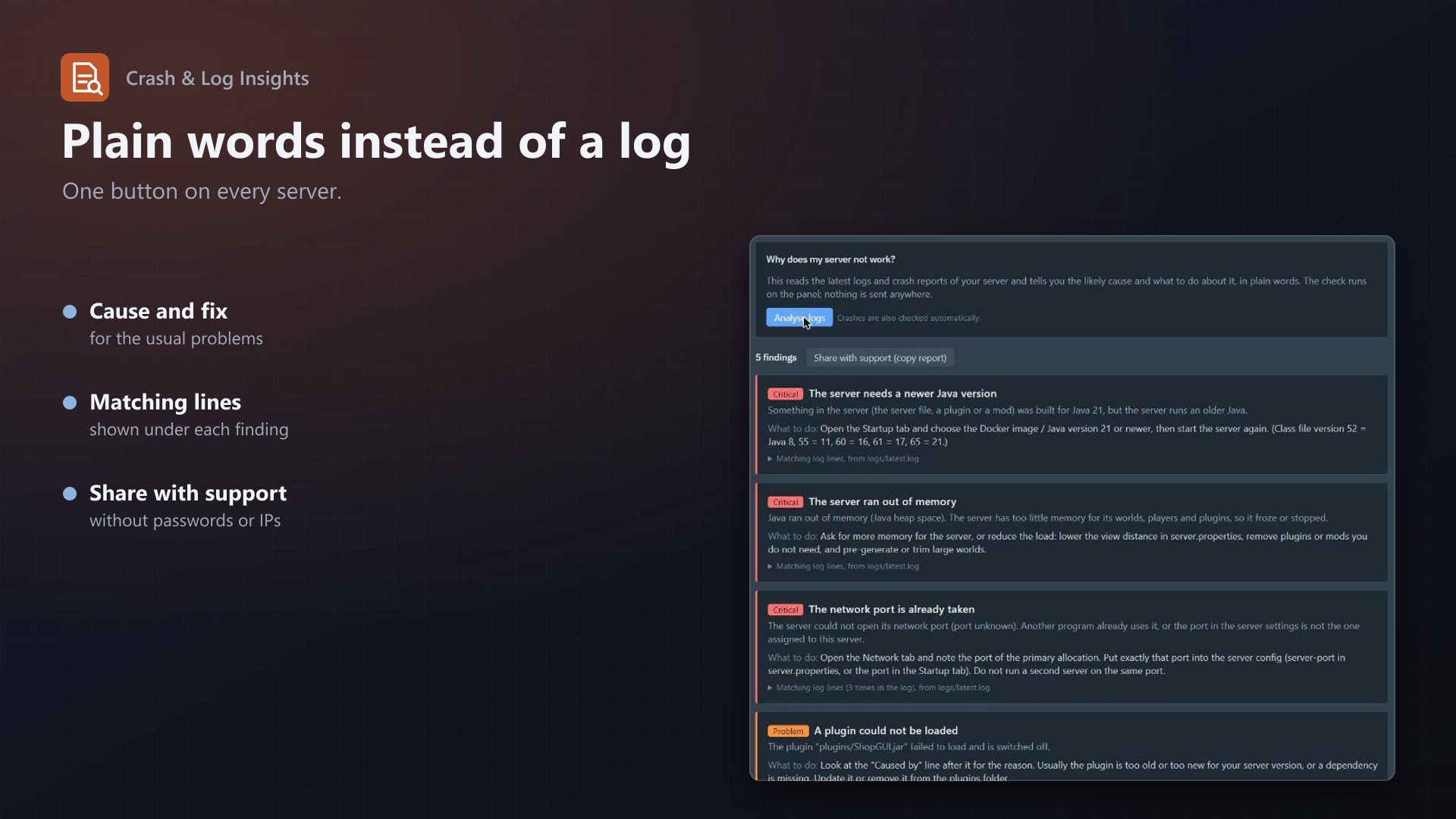
"My server doesn't work" is the ticket every host knows. The reason is almost always in the log, and nobody reads it. Crash & Log Insights adds a Diagnose tab to the server page that reads the logs and explains the problem in plain words.
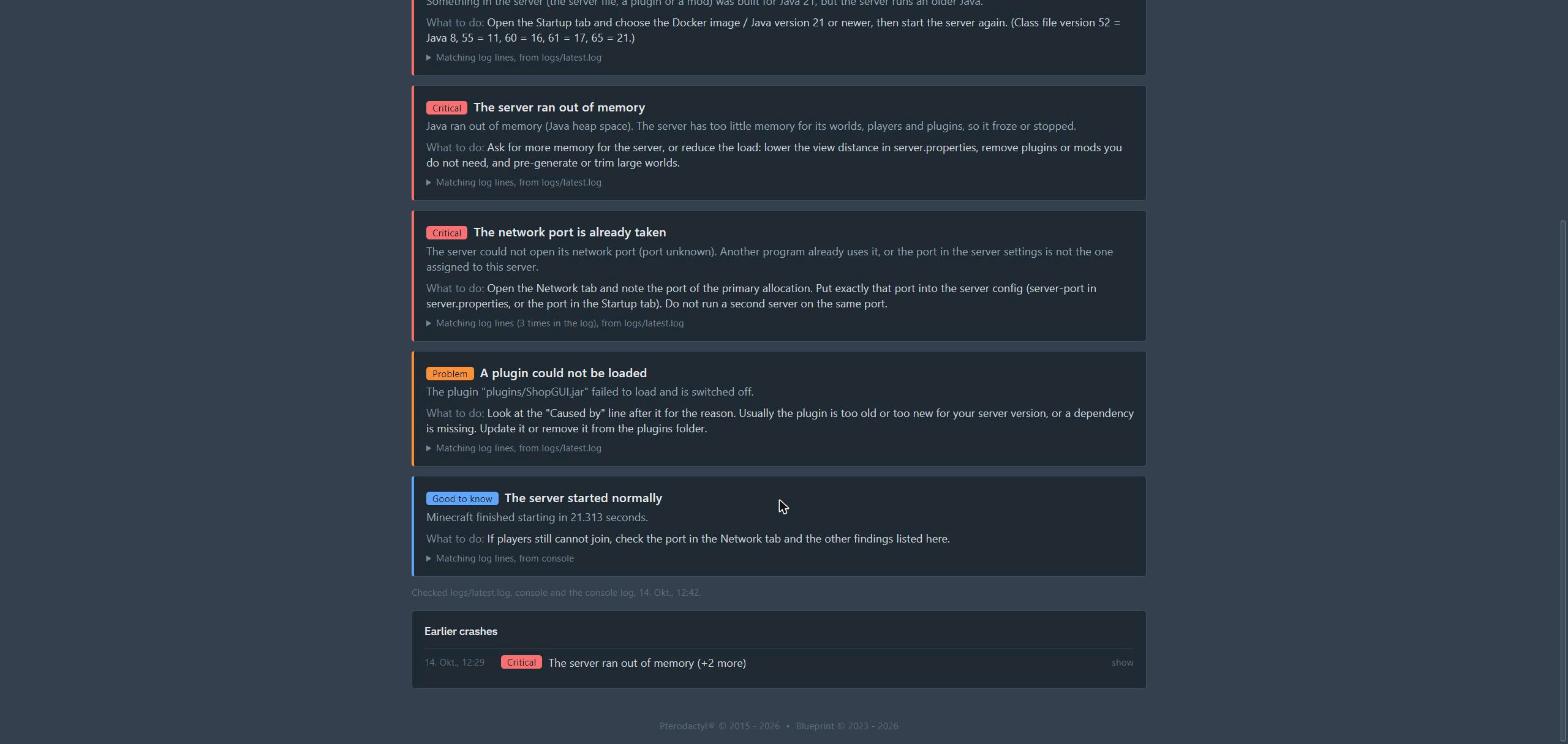
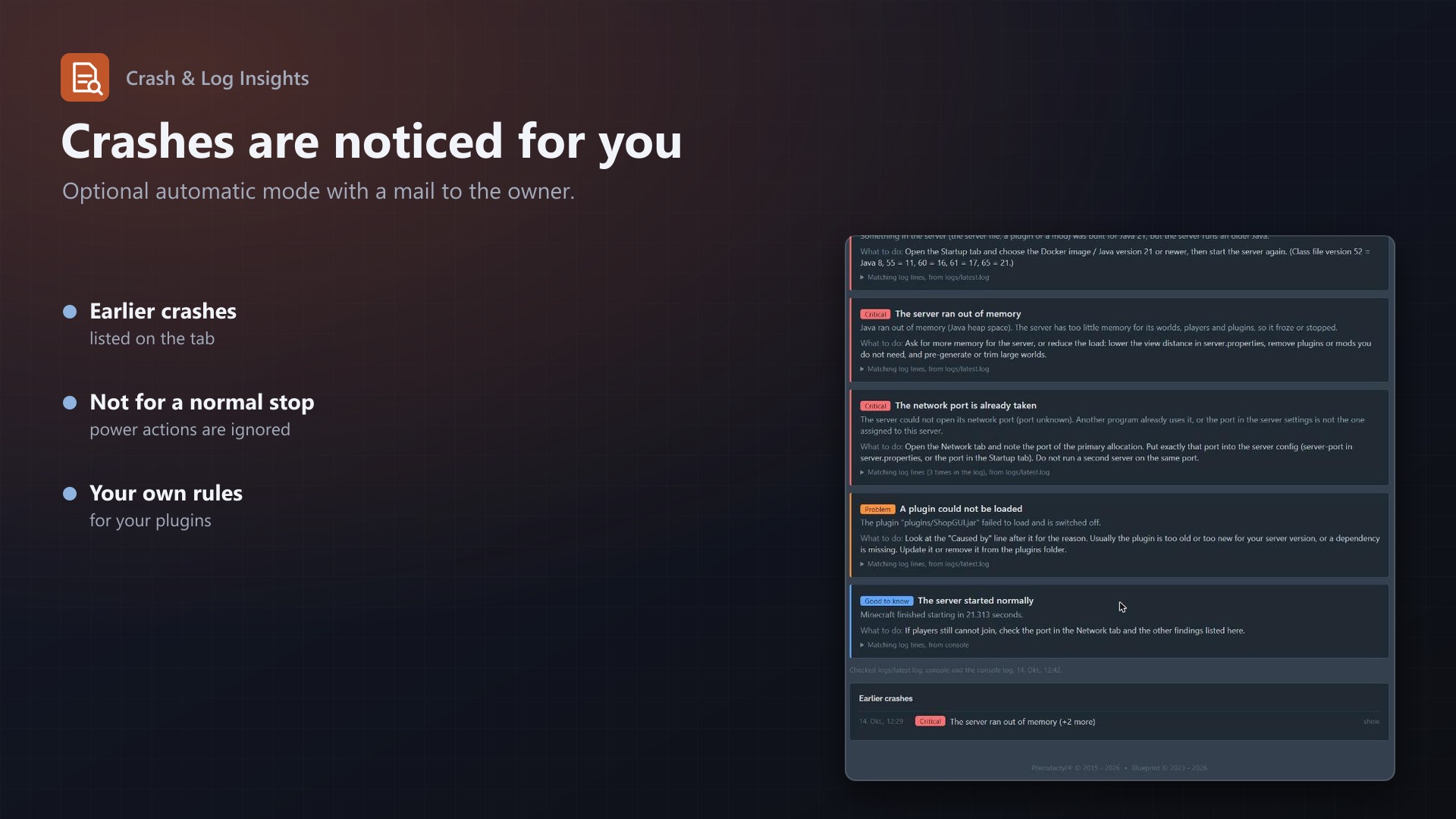
What the customer gets One click, plain answers: "The server ran out of memory", "This needs Java 21: change the Java version in the Startup tab", "The Minecraft EULA is not accepted". Each finding has a severity, an explanation, the fix and the log lines it comes from Reads the right files: logs/latest.log, the newest crash report, hs_err files and the console log through Wings, so servers of any game work Share with support: copies a clean report; IP addresses, emails, tokens and passwords are removed Optional mclo.gs upload: off by default, clearly marked as sending the log to a third party 60+ rules, checked on your panel Java: out of memory, heap larger than the limit, wrong Java version (class file 65 = Java 21, 61 = 17, ...), missing or damaged jar, bad startup options, hs_err crashes Minecraft: EULA, port already in use, missing plugin or mod dependencies, unsupported API version, damaged or too new worlds, server.properties errors, lag, watchdog crashes, verify-username errors, proxy forwarding System: disk full, killed with exit code 137, segmentation faults, too many open files, DNS problems Games: Rust, Source engine (CS2, GMod, TF2), Terraria and tModLoader, Valheim Nothing is sent anywhere: the analyser is plain PHP on your panel Automatic mode Finds servers that stopped on their own (not by Stop, Restart or Kill), analyses them and keeps the diagnosis Optional email to the owner with the likely cause and the fix, limited to one per server every few hours Customers see their last crashes on the tab, you see all of them in the admin area Under your control Add your own rules: regular expression, severity, title, explanation, fix. Patterns are checked before they are saved and slow ones are refused. A test box shows what a pasted log gives Switch the extension on or off per egg Console or file read permission needed on the server; every analysis goes to the activity log Licence One purchase = one licence = one panel. The licence is bound to one panel domain and the server it runs on. Subdomains count as separate panels: test1.example.com and test2.example.com can't share a licence. You can move the licence to another panel at any time on texus-addons.de.
After buying, sign in on texus-addons.de with your sourceXchange email address. Your licence key is created automatically; download the extension there with the key built in, or enter the key on the extension's admin page.
Requirements Pterodactyl Panel 1.15.x with Wings 1.11 or newer on all nodes Blueprint (beta-2026-08 or newer) The panel's cron job (schedule:run every minute) A licence key from texus-addons.de, free with your purchase, for one panel Outgoing HTTPS from the panel to texus-addons.de Installation Upload texuslogs.blueprint to /var/www/pterodactyl Run blueprint -install texuslogs Enter the licence key under Admin > Extensions > Crash & Log Insights Support The README in the download explains every option. Questions and bug reports through the support link.
Website: texus-addons.de – licence keys, downloads and your account Support: Discord support server or support@texus-addons.de