Folder Permissions
Product information
Release v0.1.0 (Updated )
Reviews
0 von 5 Sternen
0 purchases
Limit subusers to chosen folders: only plugins, only the world or only configs, checked on the panel server for every file action.
€14,99
Release historyDescription
Pterodactyl's subuser permissions are all or nothing: whoever may edit files may edit every file, including server.properties and the server jar. Folder Permissions lets the server owner hand out exactly the folders a helper needs, for example only plugins/.
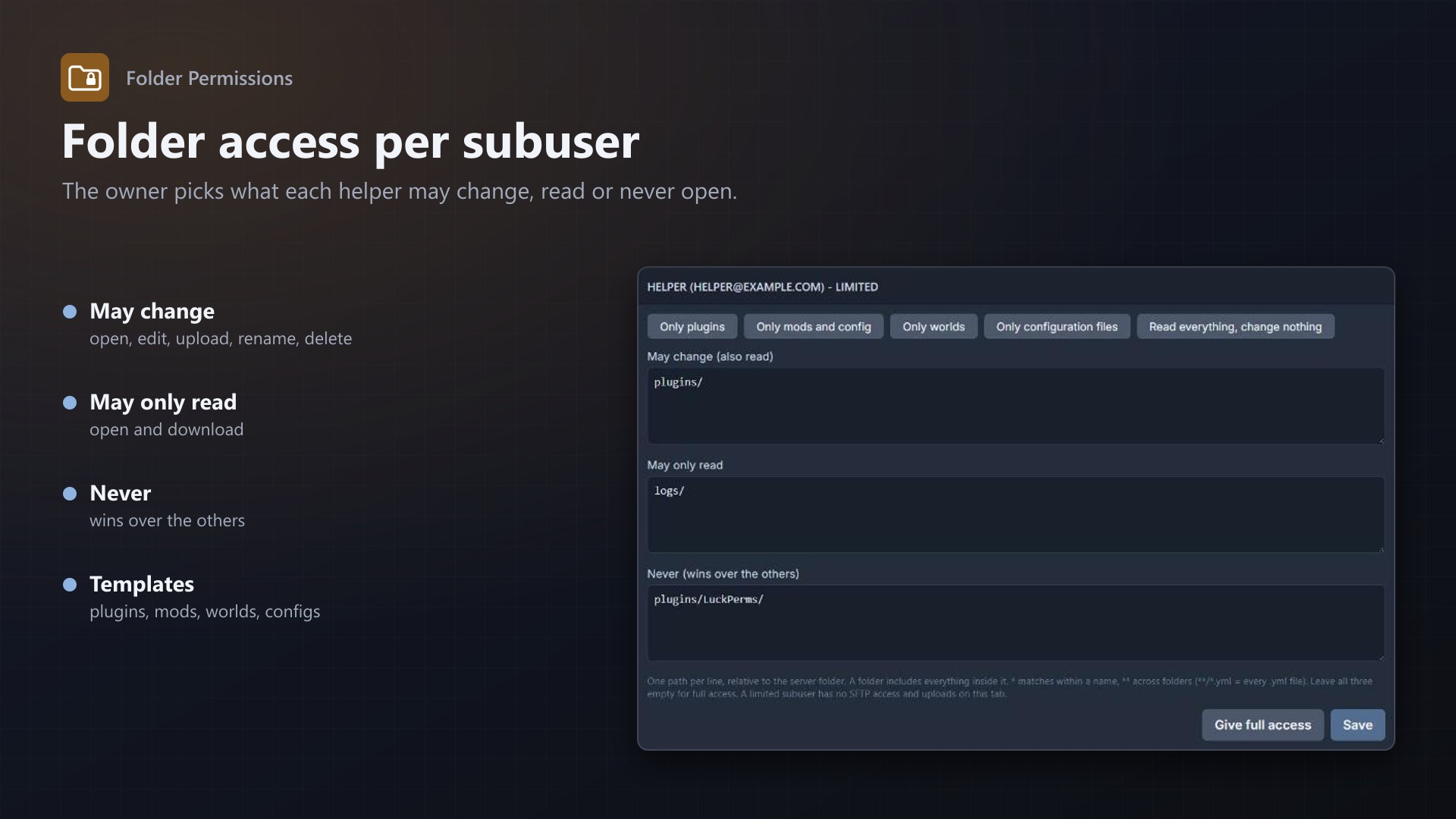
Folder access per subuser
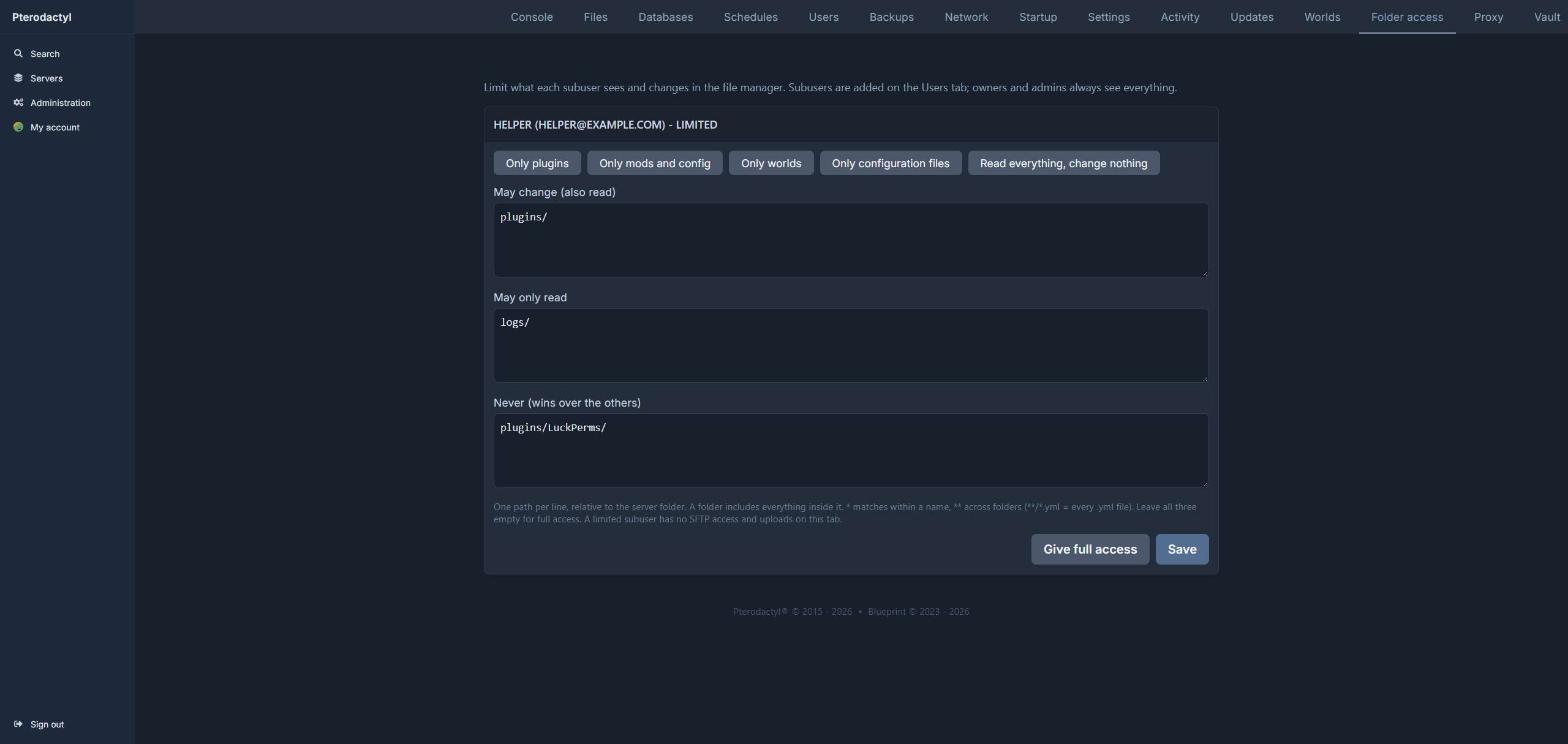
- New Folder access tab on every server: per subuser the paths they may change, may only read, and may never open
- Templates: only plugins, only mods and config, only worlds, only configuration files, read everything but change nothing
- Folders,
*and**patterns (**/*.yml); "never" always wins - Owners and root admins are never limited
Enforced on the panel server
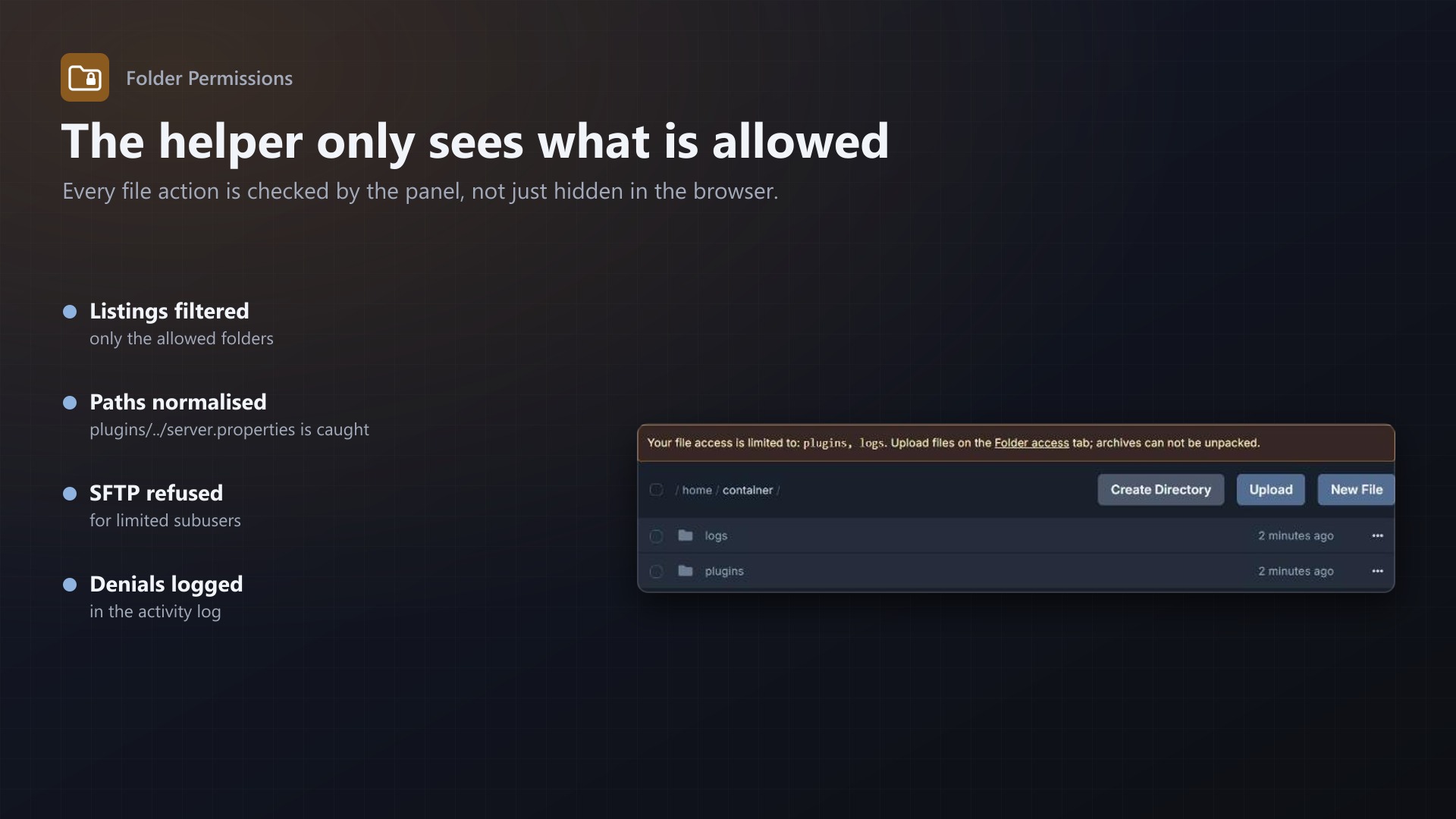
- Every file action of a limited subuser is checked on the server side: list, open, download, save, rename, move, copy, delete, compress, create folder, chmod, pull
- Paths are normalised first, so
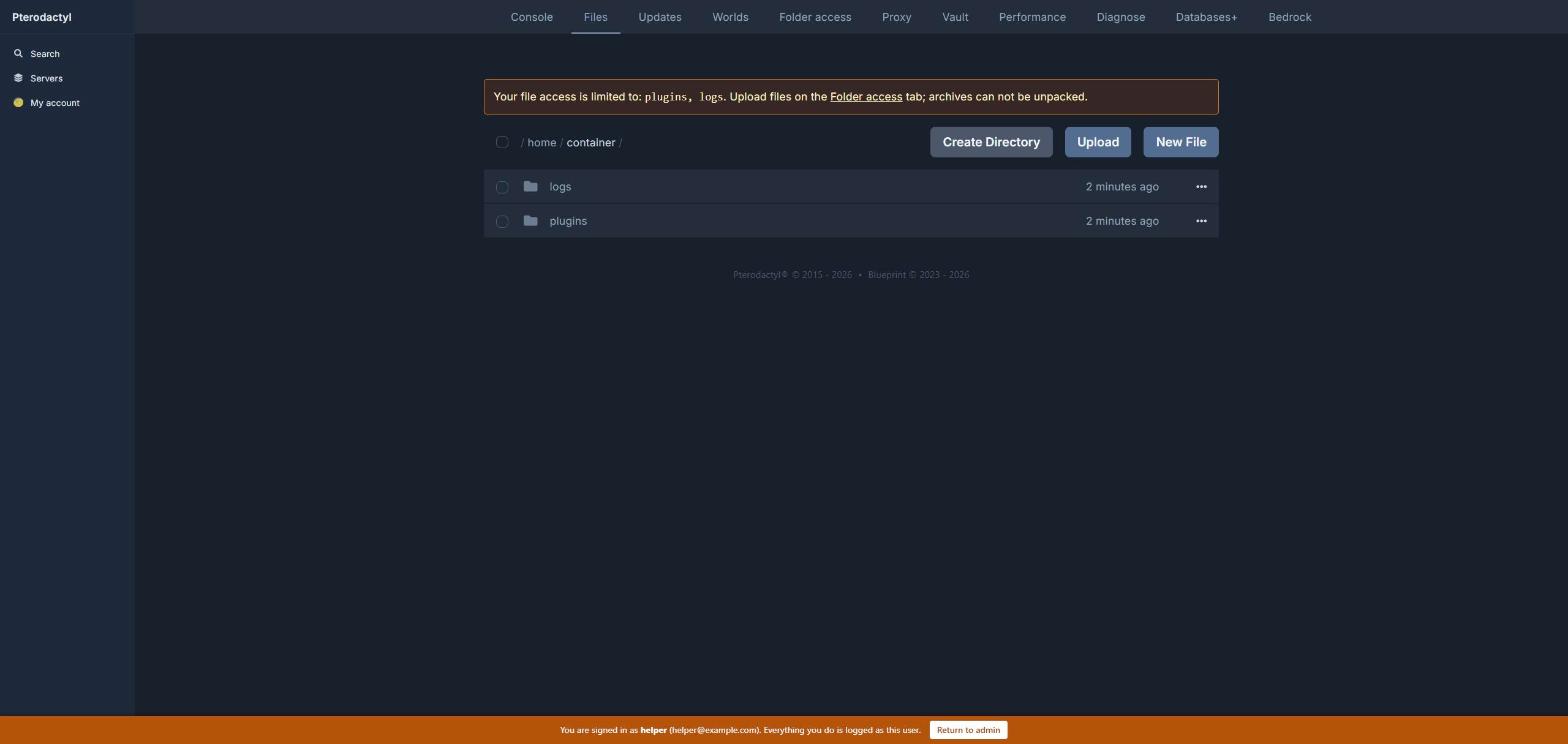
plugins/../server.propertiesis caught - The file manager only shows the allowed folders, with a note what is allowed
- SFTP logins of limited subusers are refused (SFTP runs in Wings, which can not check folder rules); they upload on the Folder access tab, into allowed folders only, with a size limit you set
- Archives can not be unpacked by limited subusers
- Server pages of other extensions are closed to limited subusers unless you allow them
- Denied attempts go into the server's activity log
- No core files and no Wings changes; the limits keep working without an active licence
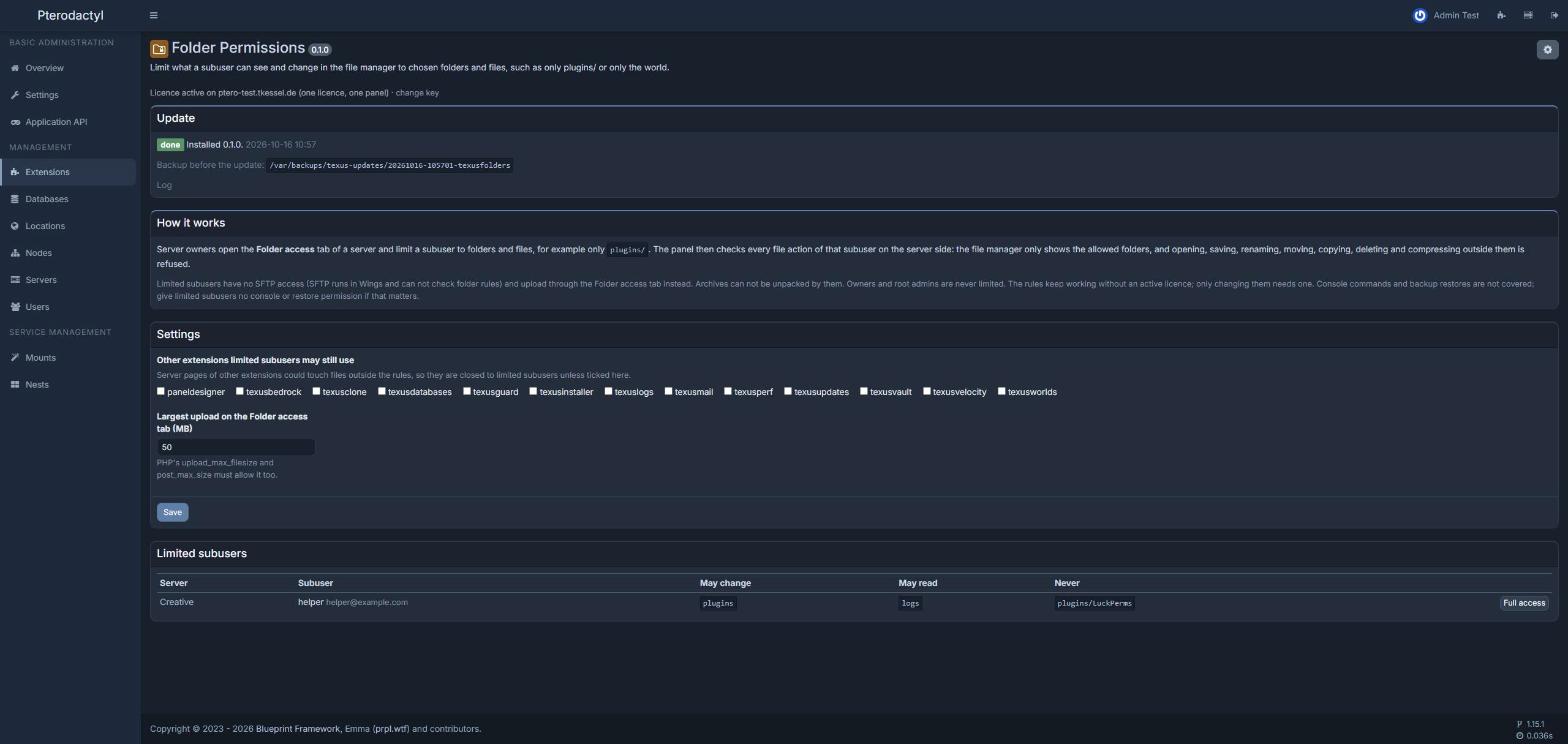
Admin page
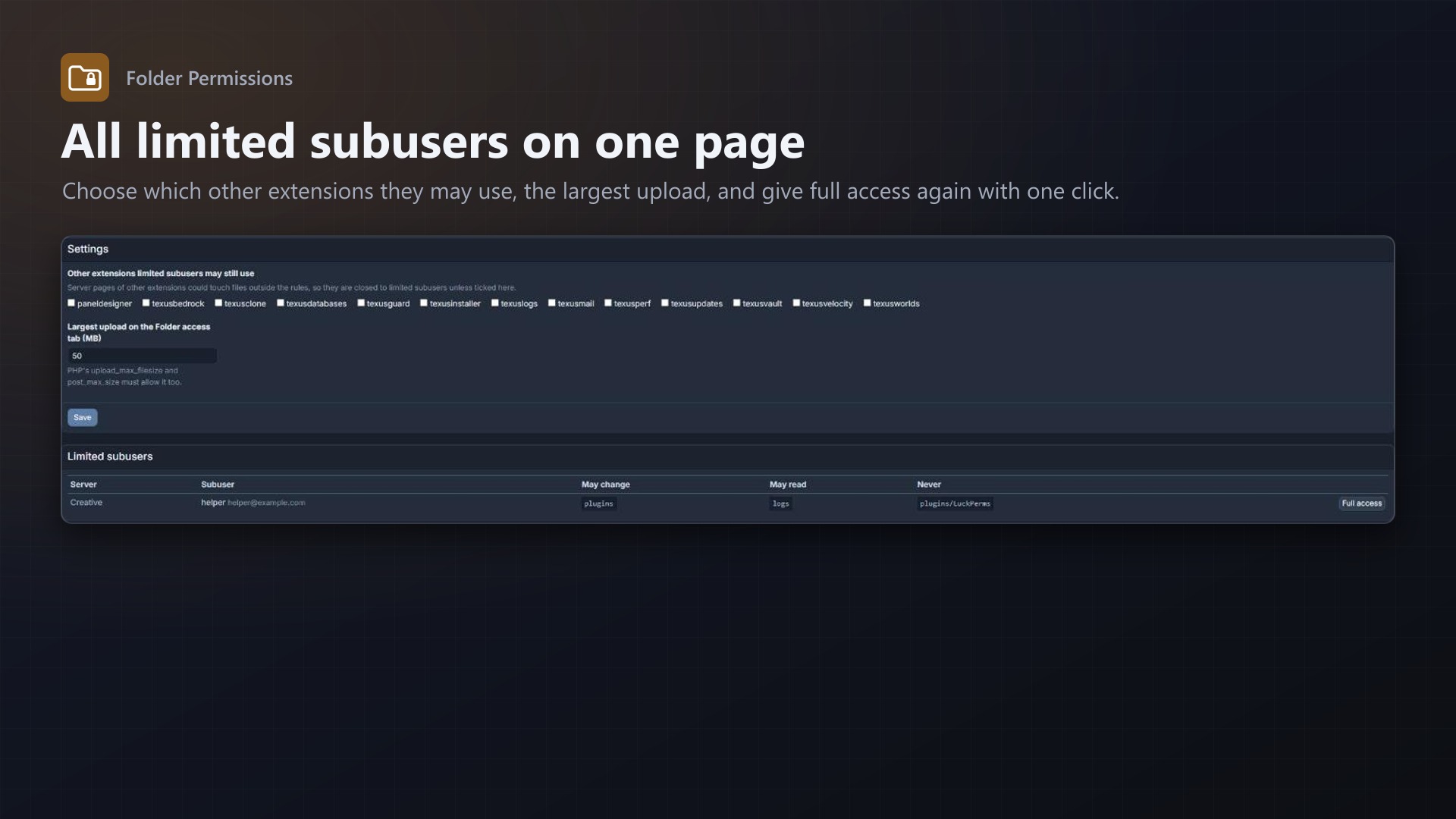
- All limited subusers on one page, with a button for full access again
- Allowed extensions, largest upload, warning if routes are cached
Licence
One purchase = one licence = one panel. The licence is bound to one panel domain and the server it runs on. Subdomains count as separate panels: test1.example.com and test2.example.com can't share a licence. You can move the licence to another panel at any time on texus-addons.de.
After buying, sign in on texus-addons.de with your sourceXchange email address. Your licence key is created automatically; download the extension there with the key built in, or enter the key on the extension's admin page.
Requirements
- Pterodactyl Panel 1.15.x with Wings 1.11 or newer
- Blueprint (beta-2026-08 or newer)
- Routes not cached (Pterodactyl's default)
- A licence key from texus-addons.de, free with your purchase, for one panel