Mail Templates
Product information
Release v0.1.0 (Updated )
Reviews
0 von 5 Sternen
0 purchases
Write the panel's emails yourself: subject and text per language, placeholders, live preview, test mail, Reply-To address.
€7,99
Release historyDescription
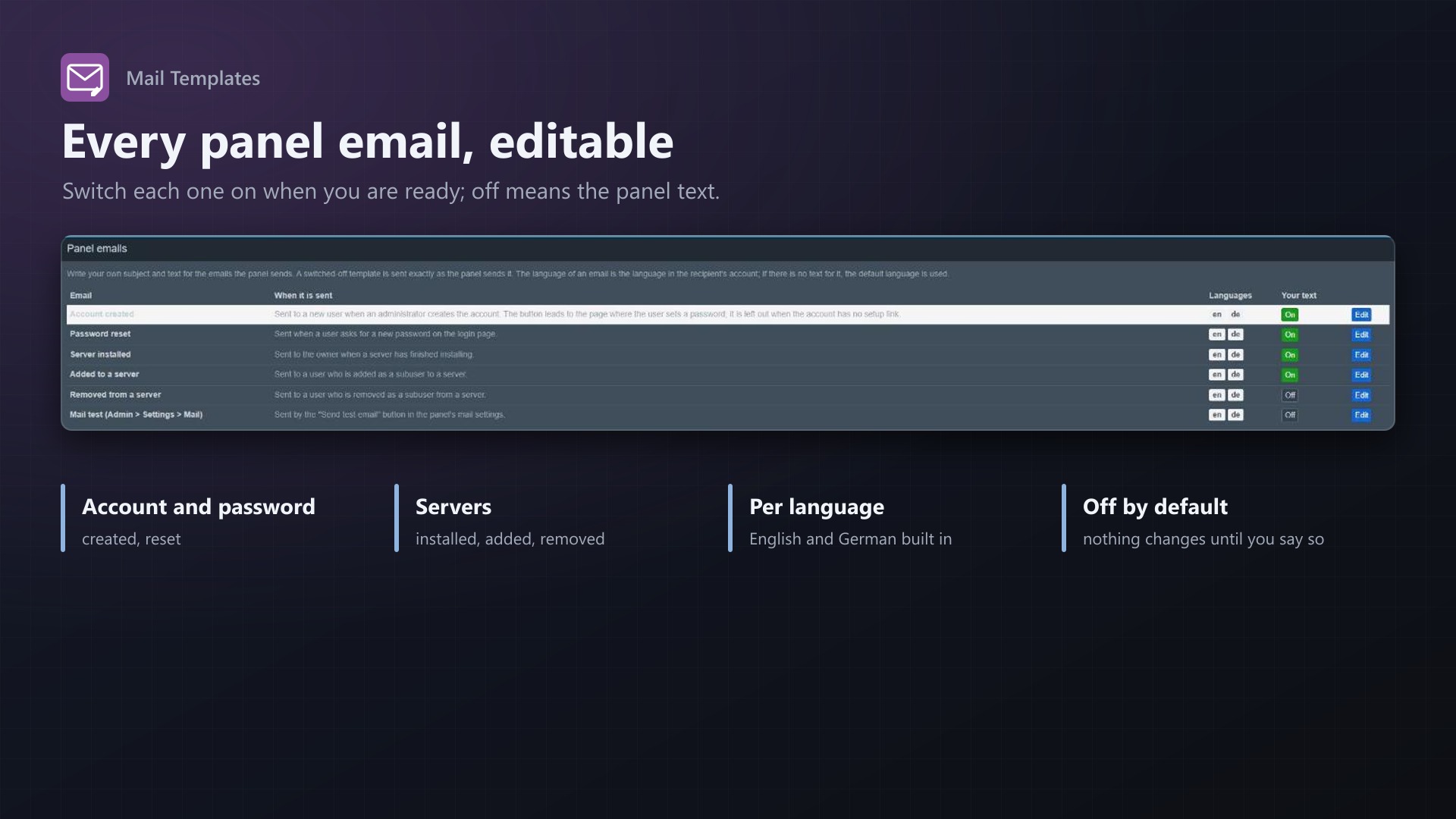
The emails Pterodactyl sends are fixed English texts: "Account Created", "Reset Password", "Server Installed". For a hosting company that is the first thing customers read from you. Mail Templates lets you write them yourself, in your customers' language.
Your wording, per language
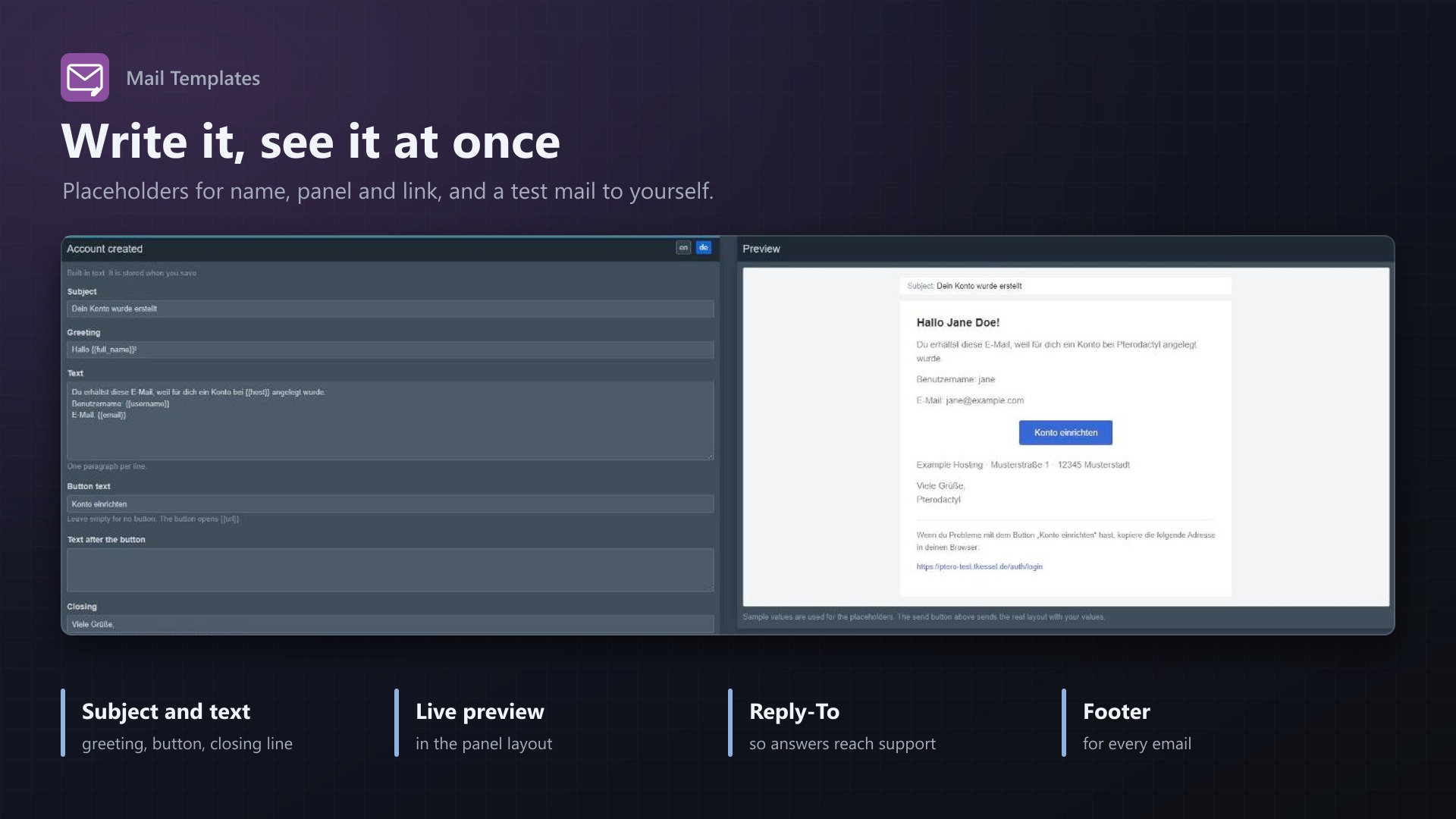
- Edit subject, greeting, text, button and closing line of every email the panel sends: account created, password reset, server installed, added to and removed from a server, mail test
- German and English included; add any other language by its code (fr, es, pt-br)
- The language is taken from the recipient's panel account; without a text for it, your default language is used
- Placeholders for the user, the server, the panel name and the link of the button, inserted with a click
- Live preview next to the form, and a test mail to your own address with the real mail settings
Safe by design
- Each email has an on/off switch: off means the panel sends its own text
- Reply-To address so replies to the no-reply sender reach your support, a sender name override and a footer for every email
- If anything goes wrong, the original email is sent unchanged; mail delivery is never blocked
- Works in the panel's queue worker too; no core files modified
Licence
One purchase = one licence = one panel. The licence is bound to one panel domain and the server it runs on. Subdomains count as separate panels: test1.example.com and test2.example.com can't share a licence. You can move the licence to another panel at any time on texus-addons.de.
After buying, sign in on texus-addons.de with your sourceXchange email address. Your licence key is created automatically; download the extension there with the key built in, or enter the key on the extension's admin page.
Requirements
- Pterodactyl Panel 1.15.x
- Blueprint (beta-2026-08 or newer)
- The panel's mail settings and queue worker, as Pterodactyl needs them anyway
- A licence key from texus-addons.de, free with your purchase, for one panel
- Outgoing HTTPS from the panel to texus-addons.de
Installation
- Upload
texusmail.blueprintto/var/www/pterodactyl - Run
blueprint -install texusmail - Enter the licence key under Admin > Extensions > Mail Templates
Support
The README in the download explains every option. Questions and bug reports through the support link.
Website: texus-addons.de – licence keys, downloads and your account
Support: Discord support server or support@texus-addons.de