MaterialTheme
Product information
Release v1.0.0 (Updated )
Reviews
0 von 5 Sternen
0 purchases
Material 3 is the most customizable theme in the Pterodactyl Blueprint ecosystem.
€30,00
Release history



Description
MaterialTheme
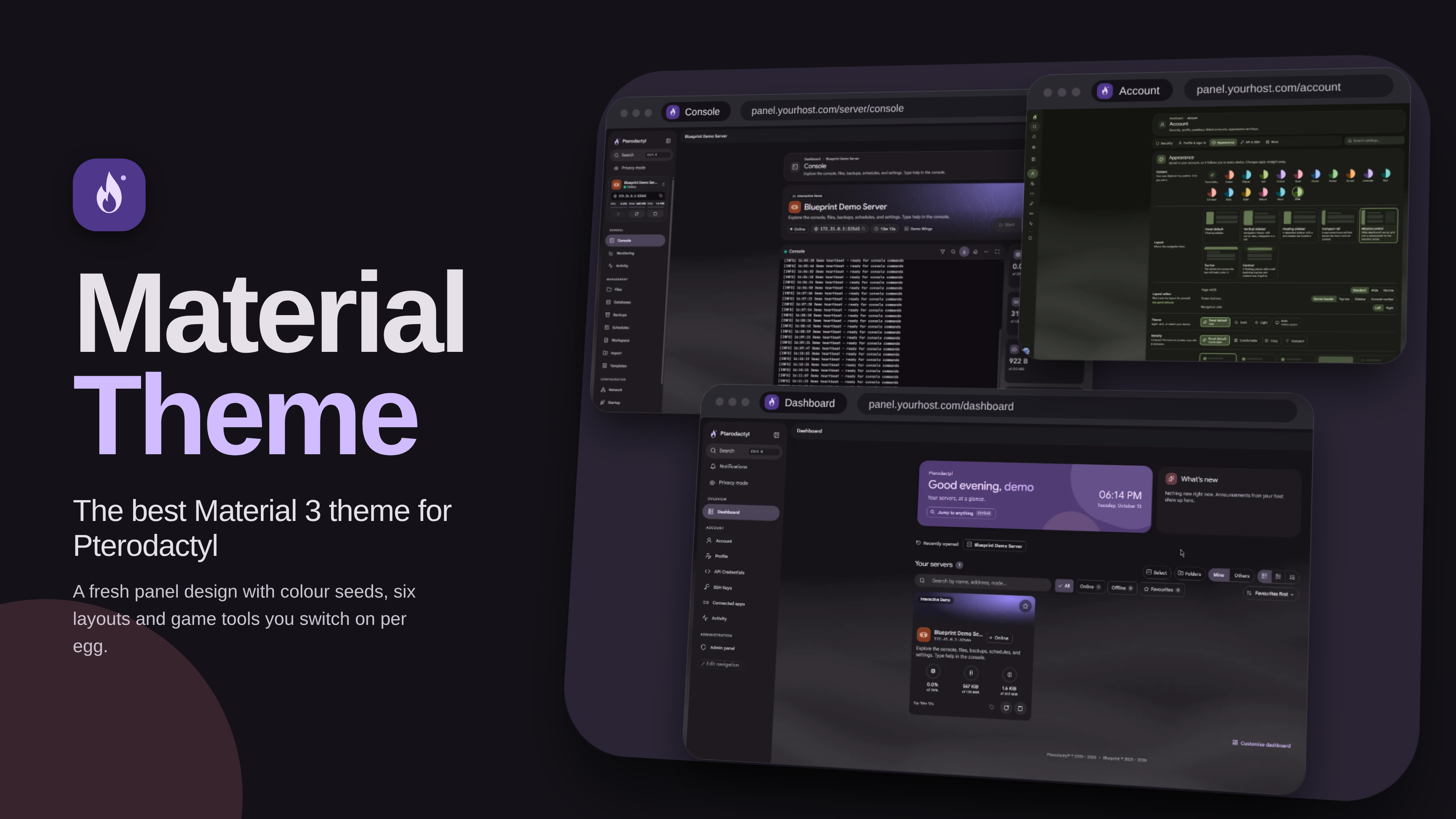
Material 3 for Pterodactyl
A Blueprint extension from Veyrium Labs.
Fresh panel design, practical hosting tools, and game features you switch on per egg.
What this is
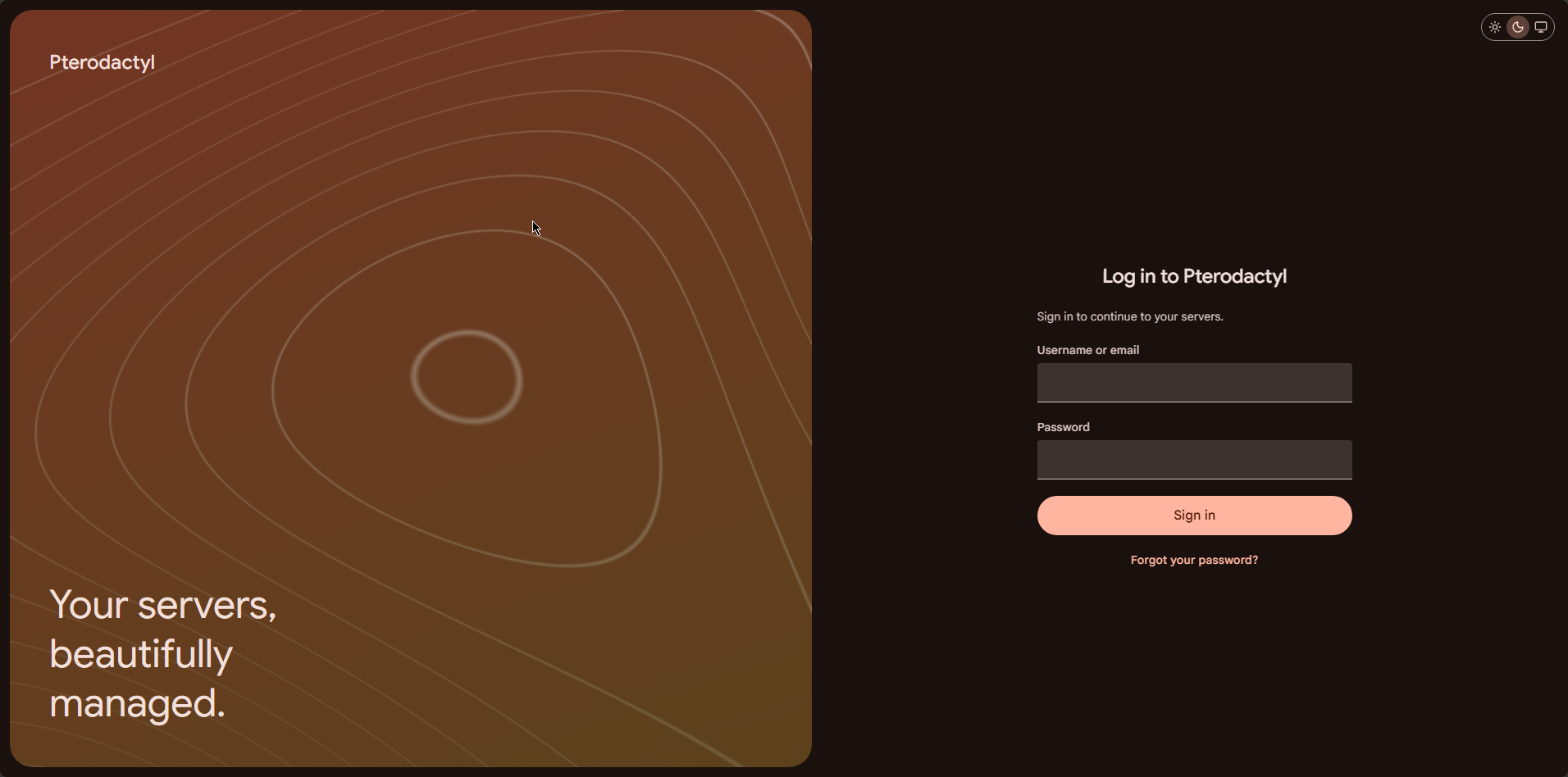
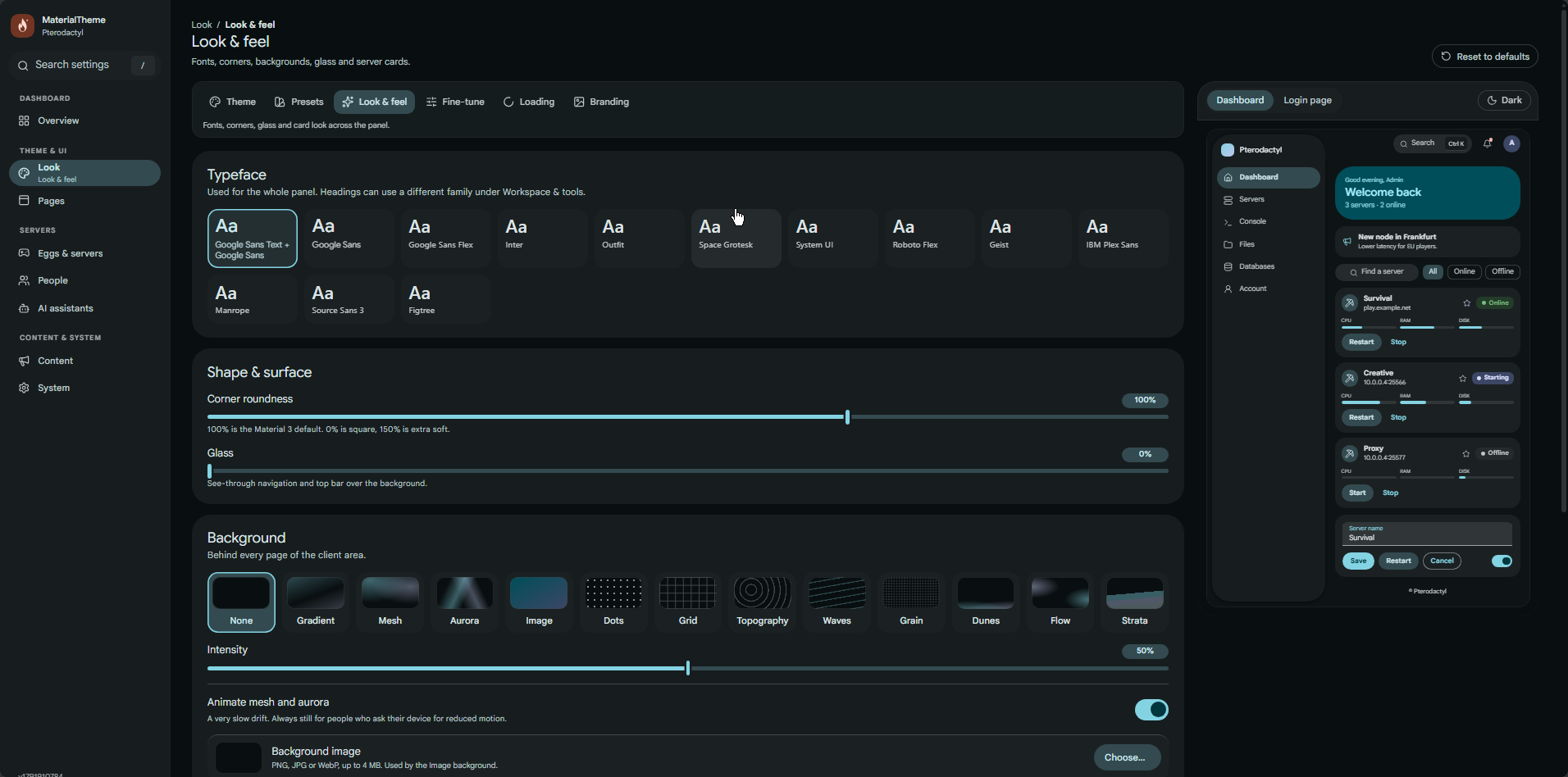
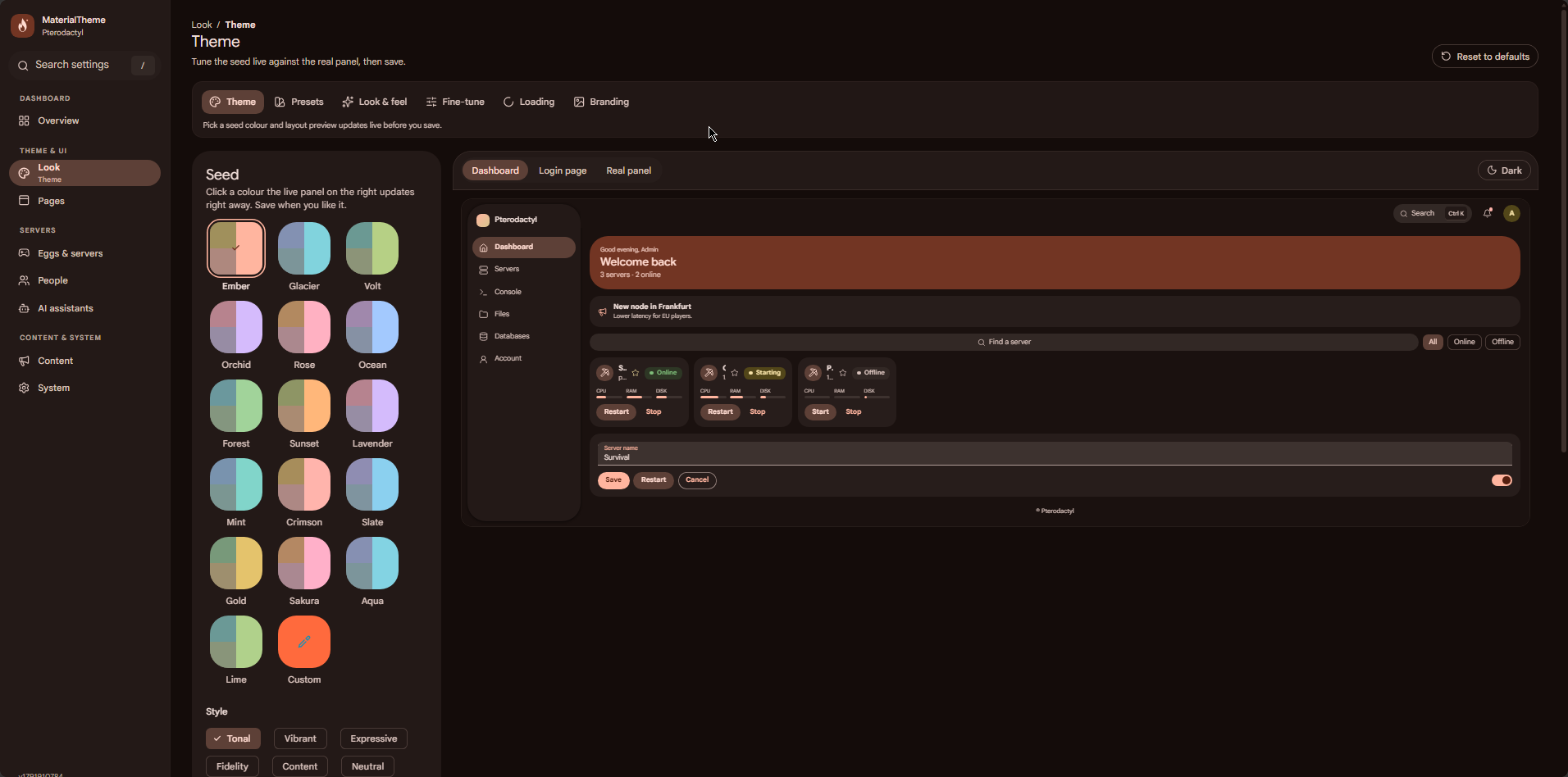
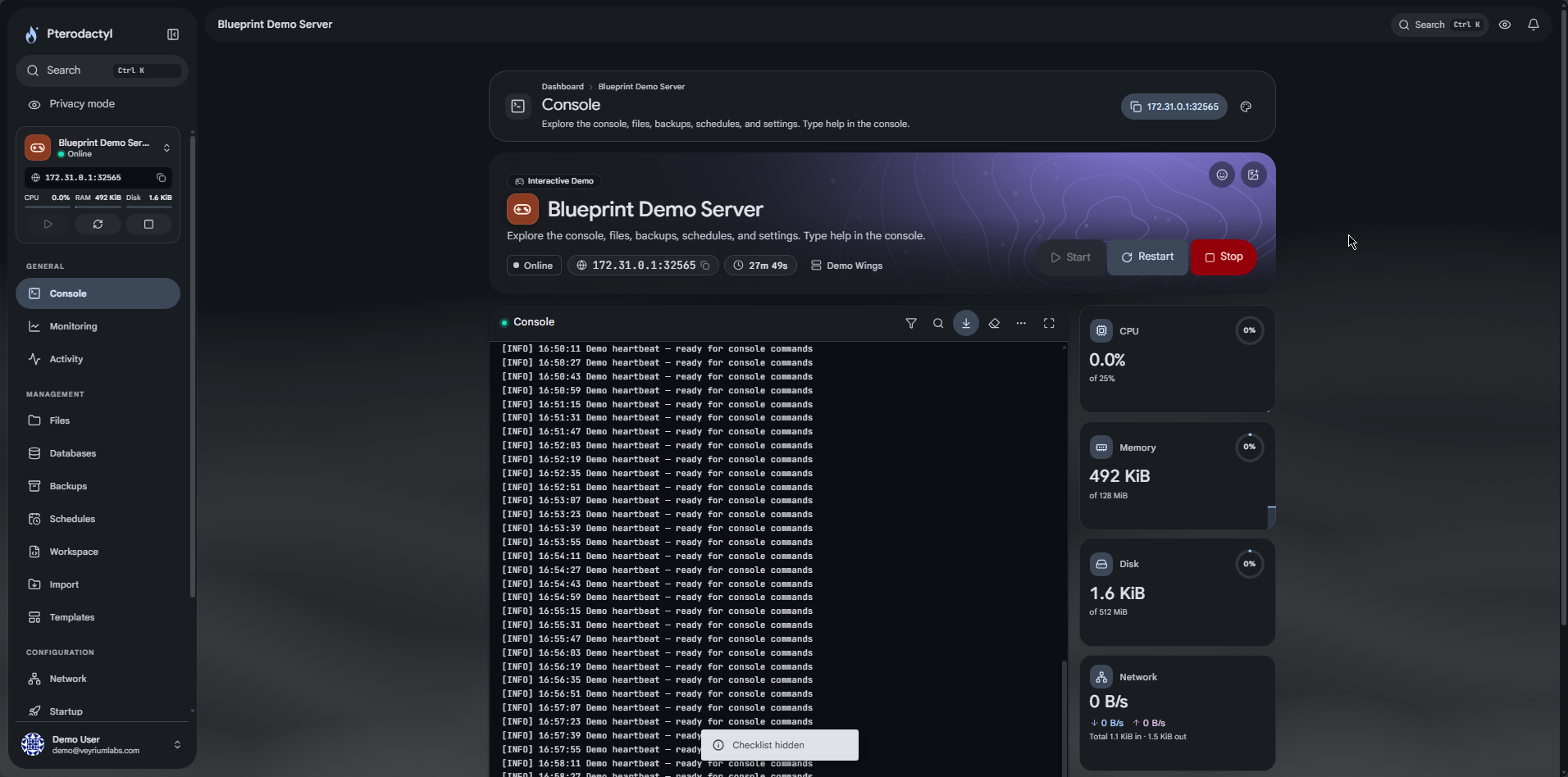
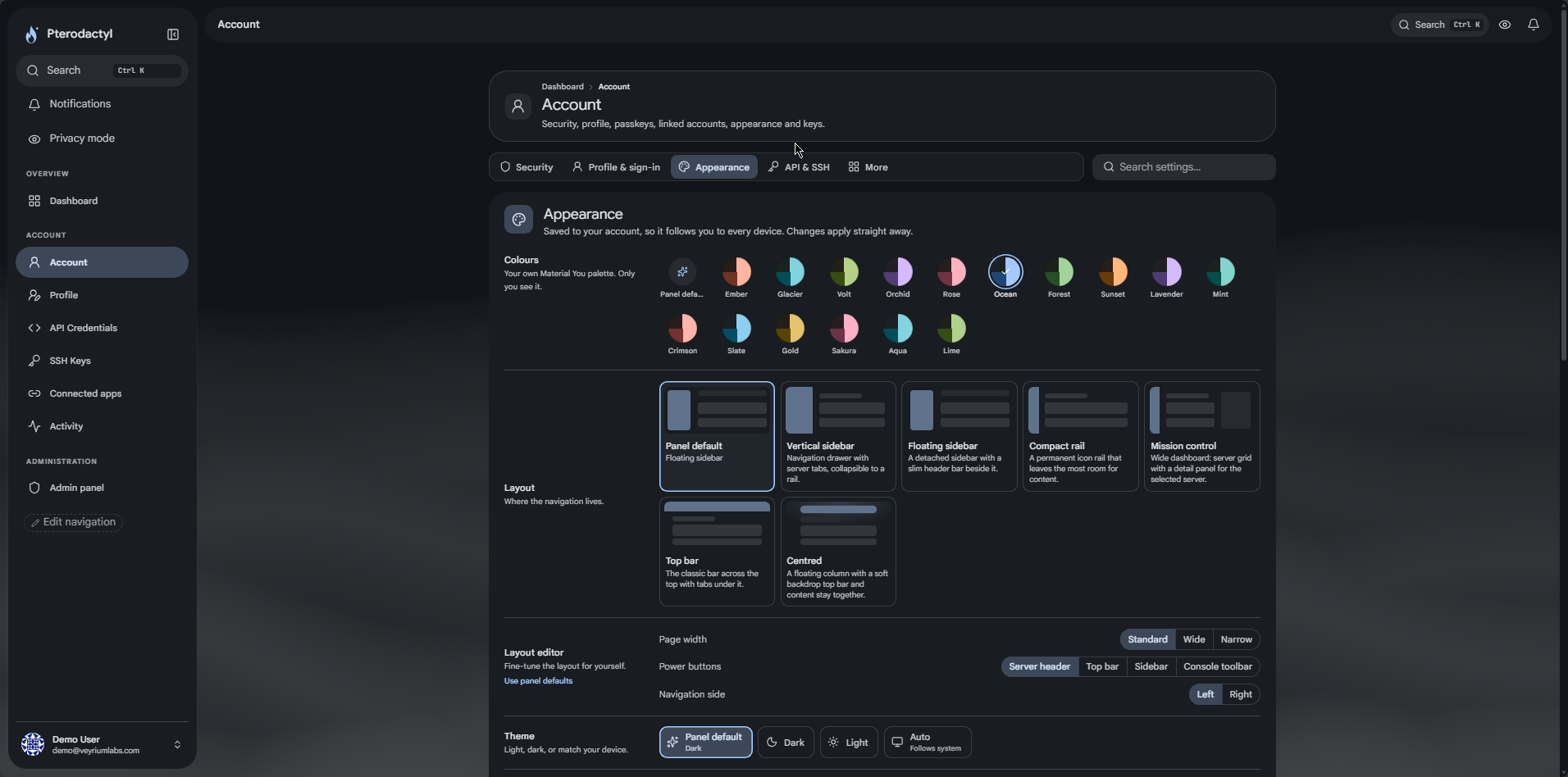
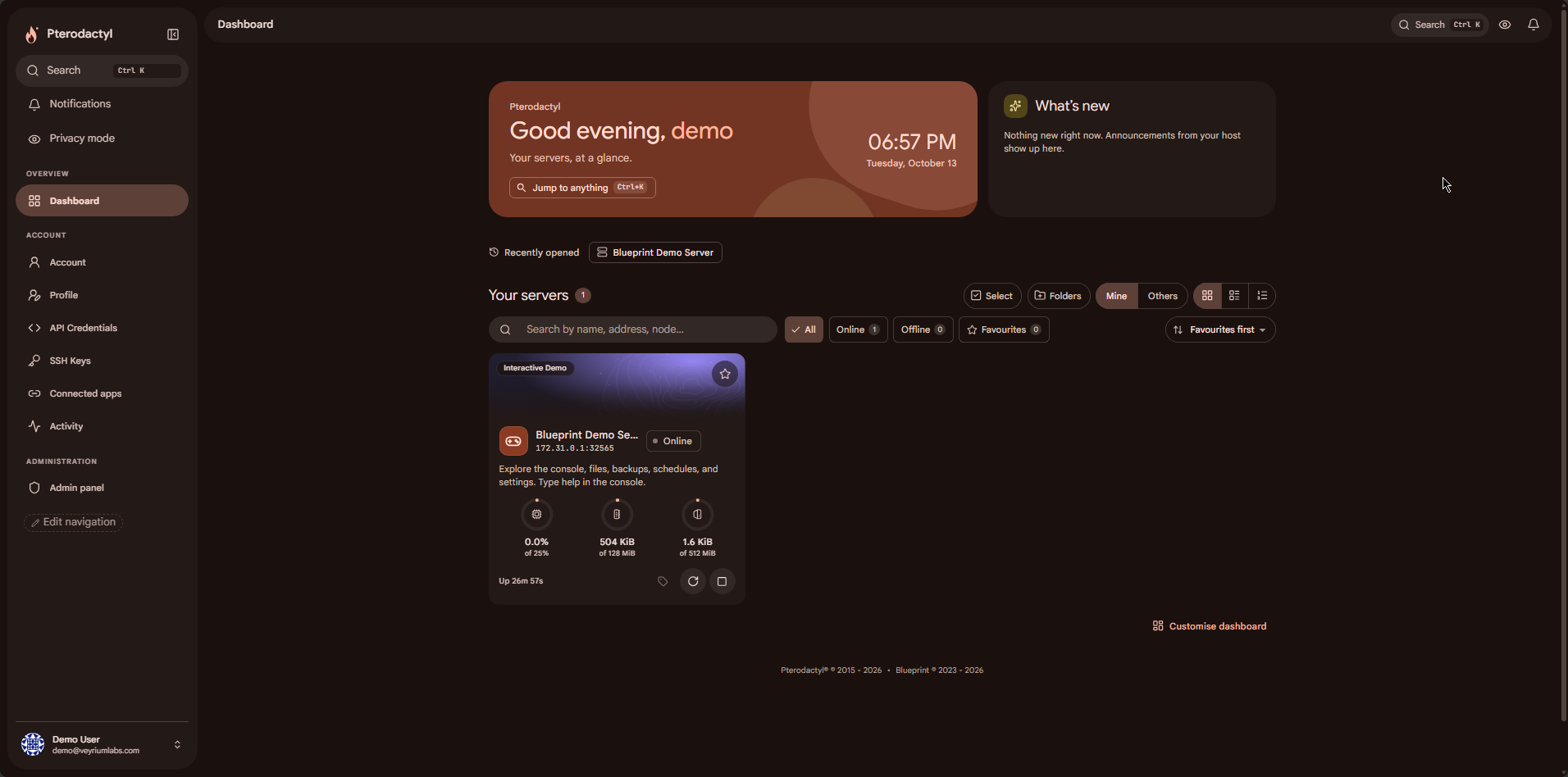
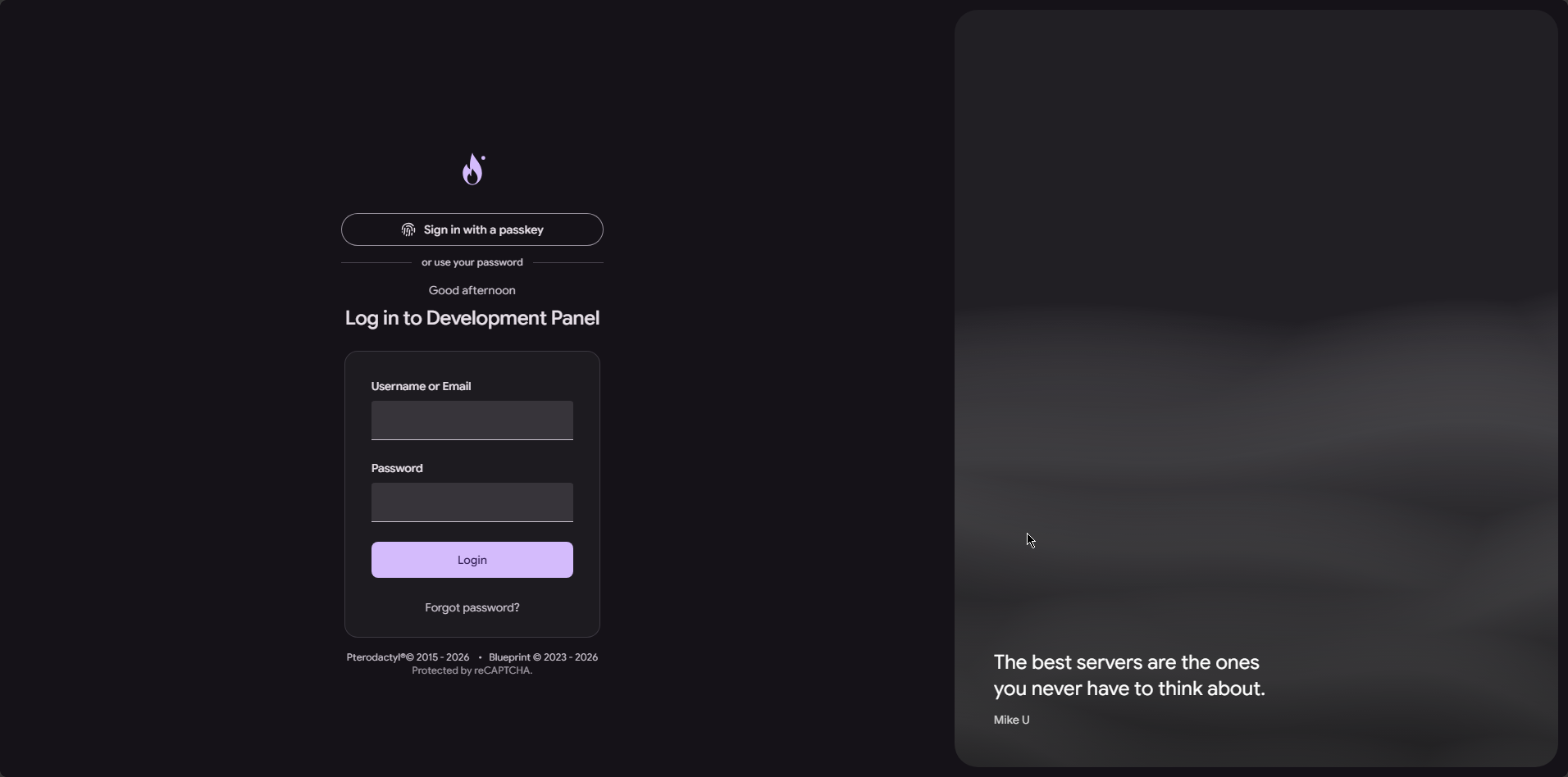
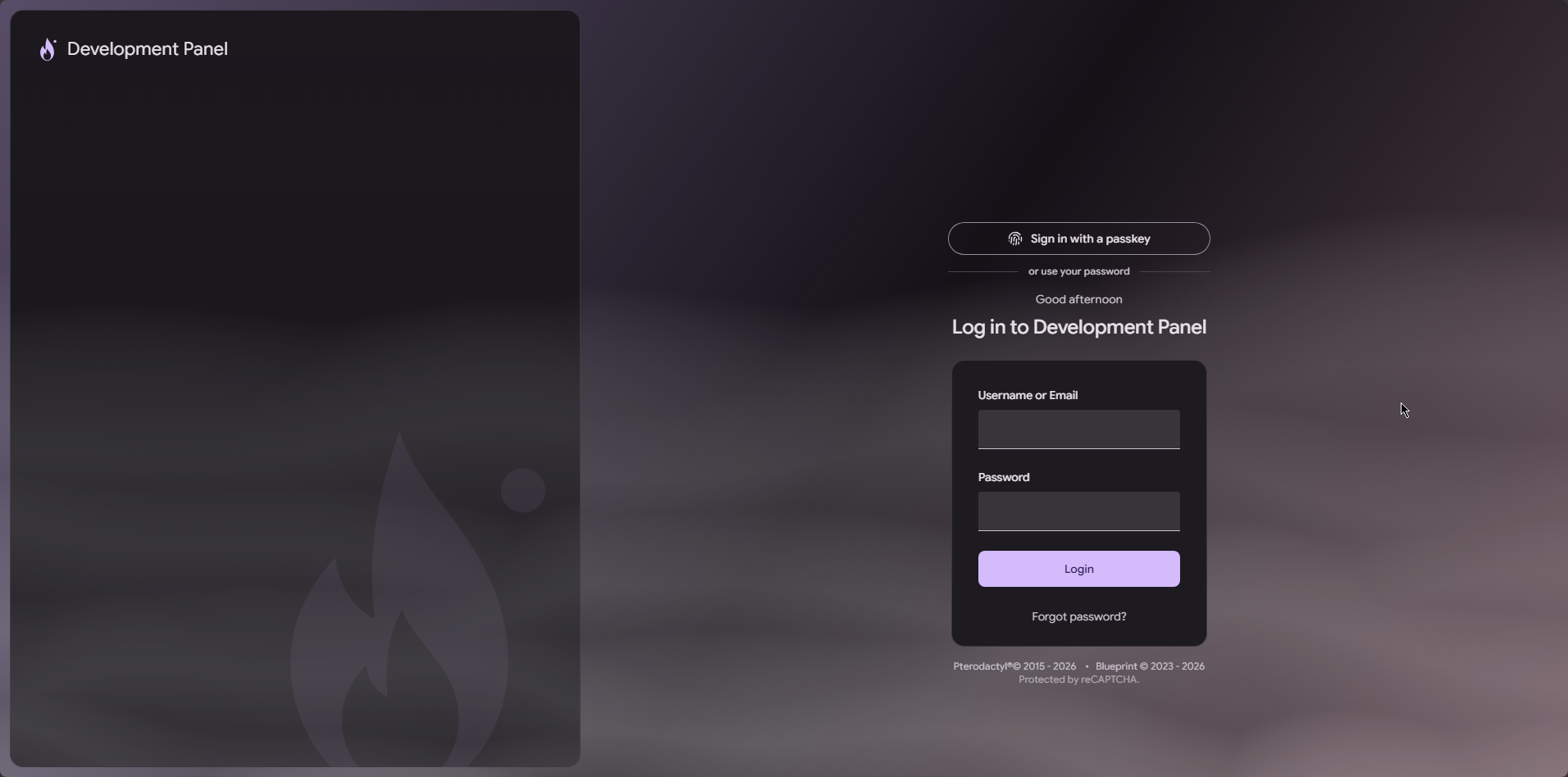
MaterialTheme rebuilds the Pterodactyl client and admin experience around Material 3. Colour comes from a seed you choose. Layouts, login screens, console, cards and mobile navigation are part of the theme. On top of that you get optional tools for Minecraft, Rust, Steam games, Node/Python apps, backups, OAuth, passkeys, and an MCP server so ChatGPT, Claude or Grok can work with a signed-in user's servers.
You install one Blueprint extension. Everything is configured in the MaterialTheme admin page. Game tools stay hidden until you enable them on an egg or nest.
Look and layout
|
|
Accounts
- Profiles with avatars
- Sign in with Discord, Google or GitHub
- Passkeys
- Welcome screen on first login
- Getting-started checklist on servers
- Connected apps page for grants and tokens
Hosting and support tools
|
|
Game tools
These stay off by default. Enable them under Eggs & servers → Egg features (per egg, or as a nest default). Minecraft, Rust, SteamCMD/Source and Node/Python eggs get a suggested set from the egg name, startup command, image and variables. The API follows the same list, so a disabled tool cannot be opened by URL.
Minecraft
- Mods and modpacks from Modrinth (CurseForge when you add an API key): filters, infinite scroll, project sheets, dependency checks, Update all
- Plugins from Modrinth, Hangar and SpigotMC in one search for Paper, Purpur, Spigot, Folia and proxies
- Versions for Paper, Purpur, Fabric, Vanilla, Forge and NeoForge, with confirmation on downgrades and loader changes
- Java image matching for the version you pick
- Worlds: list, switch, upload, download, reset seed, delete (optional backup first)
- Crash analyzer for
latest.logand crash reports - Players, whitelist, ops and bans
- Typed
server.propertieseditor, MOTD colour preview, 64×64 icon crop, raw mode
Subdomains
Offer names on your domains, or let users bring their own. Cloudflare points DNS at the server. Minecraft eggs get an SRV record so players do not need the port. Panel domains use your Cloudflare token. Bring-your-own can use the user's encrypted token or manual records with TXT ownership checks. Limits are per user and per server. Records are removed when the subdomain, domain or server goes away.
Rust
- uMod plugins for Oxide or Carbon
- Map, blueprint and full wipes with seed and optional map size, backup first, and schedules through the panel
Steam and Source
- Workshop items and collections for Garry's Mod, Counter-Strike 2, Team Fortress 2, ARK, Project Zomboid, Don't Starve Together and Unturned
- SteamCMD updates with optional backup and the egg auto-update switch
- Source RCON and Rust WebRCON with quick commands
Also included
- Typed config editor for INI, YAML, JSON, TOML,
.propertiesand Source.cfg - Live player counts on cards and the dashboard
- Mod and plugin profiles
- Server templates and an admin-curated gallery (reinstall templates ask for confirmation and offer a backup)
- Node.js and Python helpers: package files,
.env, start file, git pull, crash traces
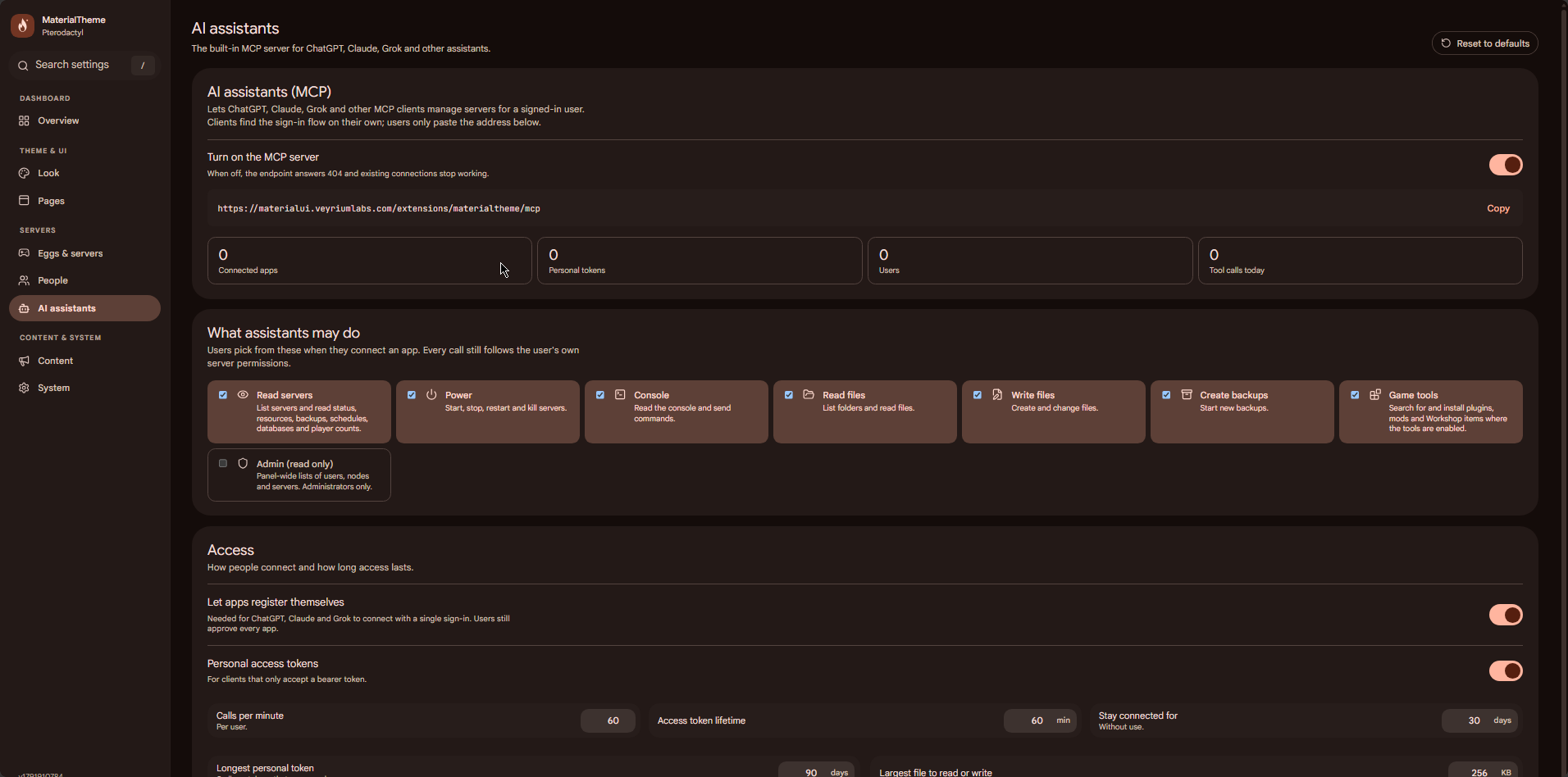
AI assistants (MCP)
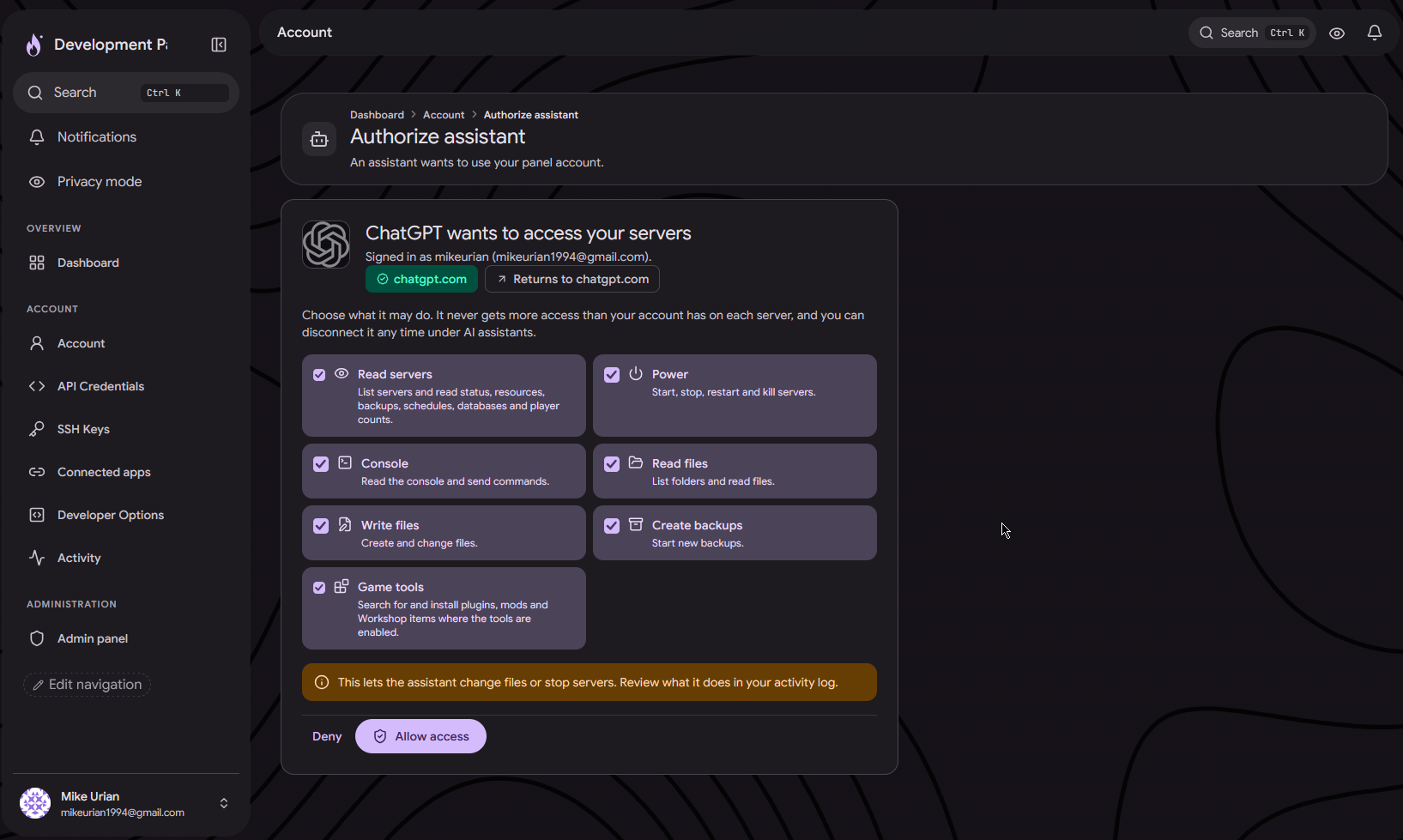
After install, the MCP address is https://your-panel/extensions/materialtheme/mcp. Users set this up under Account → AI assistants and manage grants under Connected apps.
- ChatGPT, Claude and Grok connect over OAuth (or a personal
mtp_token when OAuth is not available) - Assistants can power servers, use the console, work with files and backups, and install mods/plugins/Workshop items when those tools are enabled
- Every call respects the permissions the user approved and their normal server access
- Admins control which permissions are allowed, rate limits, token lifetime, max file size, and can sign every assistant out at once
Developer Options
Optional panel OAuth2 for client (ptlc_) and application (ptla_) API keys, including authorization code and device code flows. WHMCS-style tools can use a metadata document as client_id with PKCE, without a pre-registered app, when you allow apps from a link. Docs live under Developer Options in the panel.
Setup and requirements
What you set up
|
Requirements
|
Limits worth knowing
- Needs Blueprint; this is not a CSS-only drop-in for a stock panel
- Game tools do not appear until you enable them
- CurseForge needs your API key; Steam Workshop full search needs a Steam Web API key (pasting links works without one)
- Subdomains need Cloudflare, or manual DNS for bring-your-own
- Off-site backup copies need your S3 and/or Google Drive credentials