MaterialTheme v2
Product information
Release v1.0.0 (Updated )
Reviews
0 von 5 Sternen
0 purchases
Material 3 is the most customizable theme in the Pterodactyl V2 ecosystem!
€35,00
Release history



Description
MaterialTheme
Material 3 for Pterodactyl v2
Live demo · Discord support · Claim license · Veyrium Labs
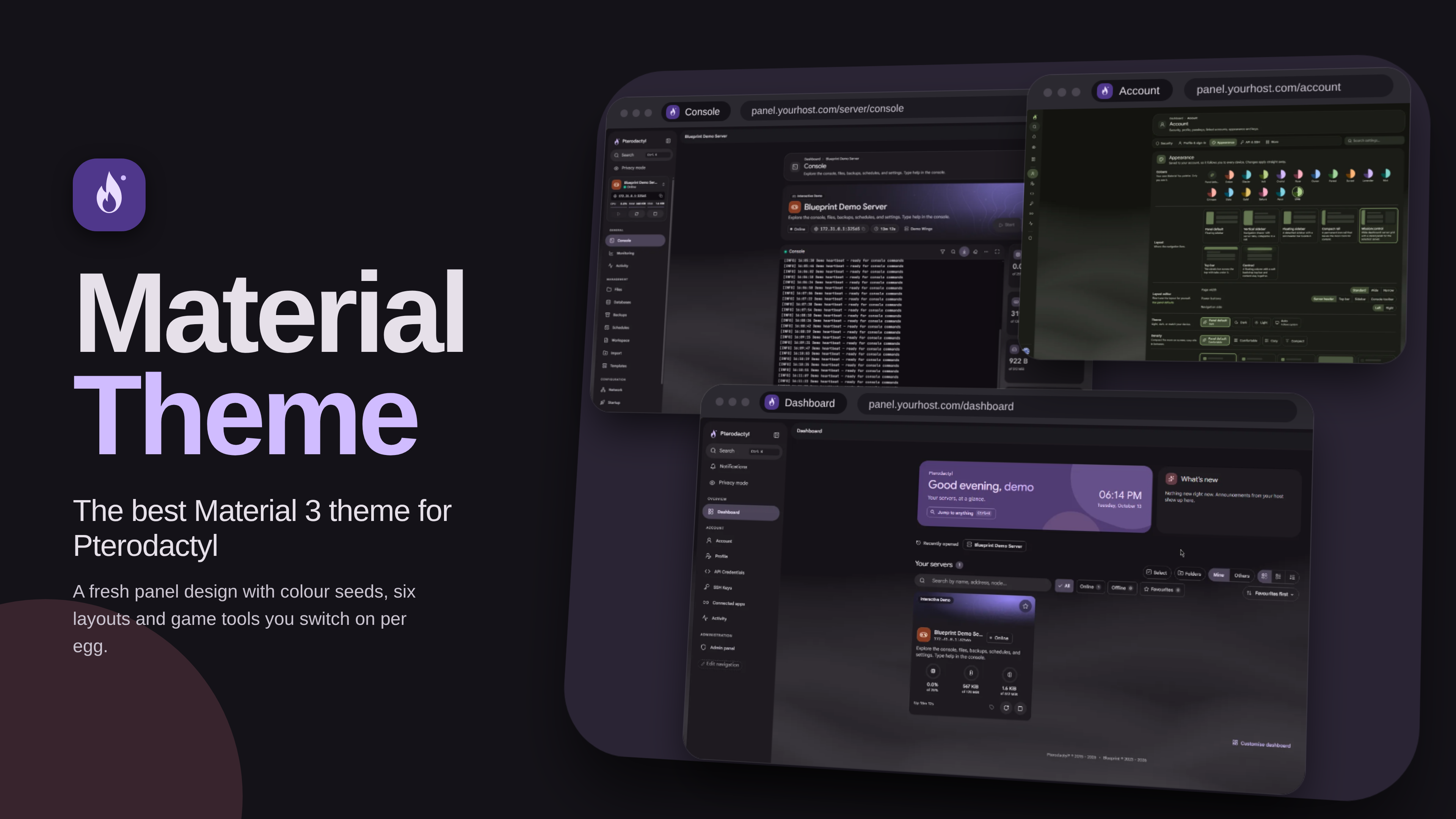
MaterialTheme is a theme extension for Pterodactyl panel v2. It restyles the client and admin UI, adds a live theme editor, and ships optional tools for servers, files, accounts, monitoring, and games. You turn features on per egg, so nothing appears until you enable it.
Requires
- Pterodactyl panel v2 with extensions enabled
- A Veyrium license key claimed with your SourceXChange payment ID at licenses.veyriumlabs.com
License note: this SourceXChange download does not include a license key in the zip. After purchase, open licenses.veyriumlabs.com, choose Add access → SourceXChange, enter your payment ID, then paste the key in Admin → Extensions → MaterialTheme. Some orders accept the payment ID directly; claiming a key on the licenses site is the reliable path.
Theme and branding
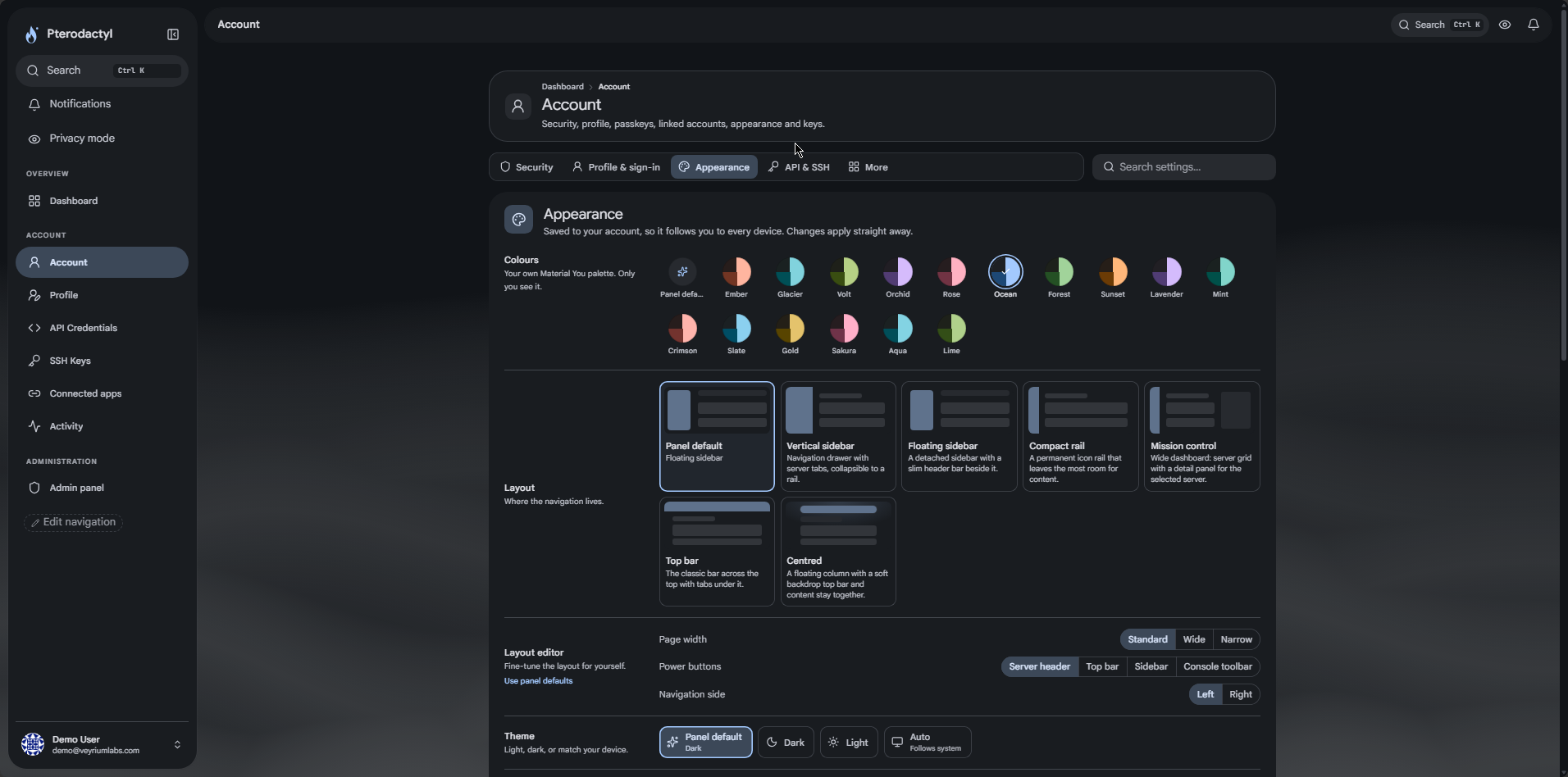
- Six layouts: vertical sidebar, floating sidebar, compact rail, mission control, top bar, centred column
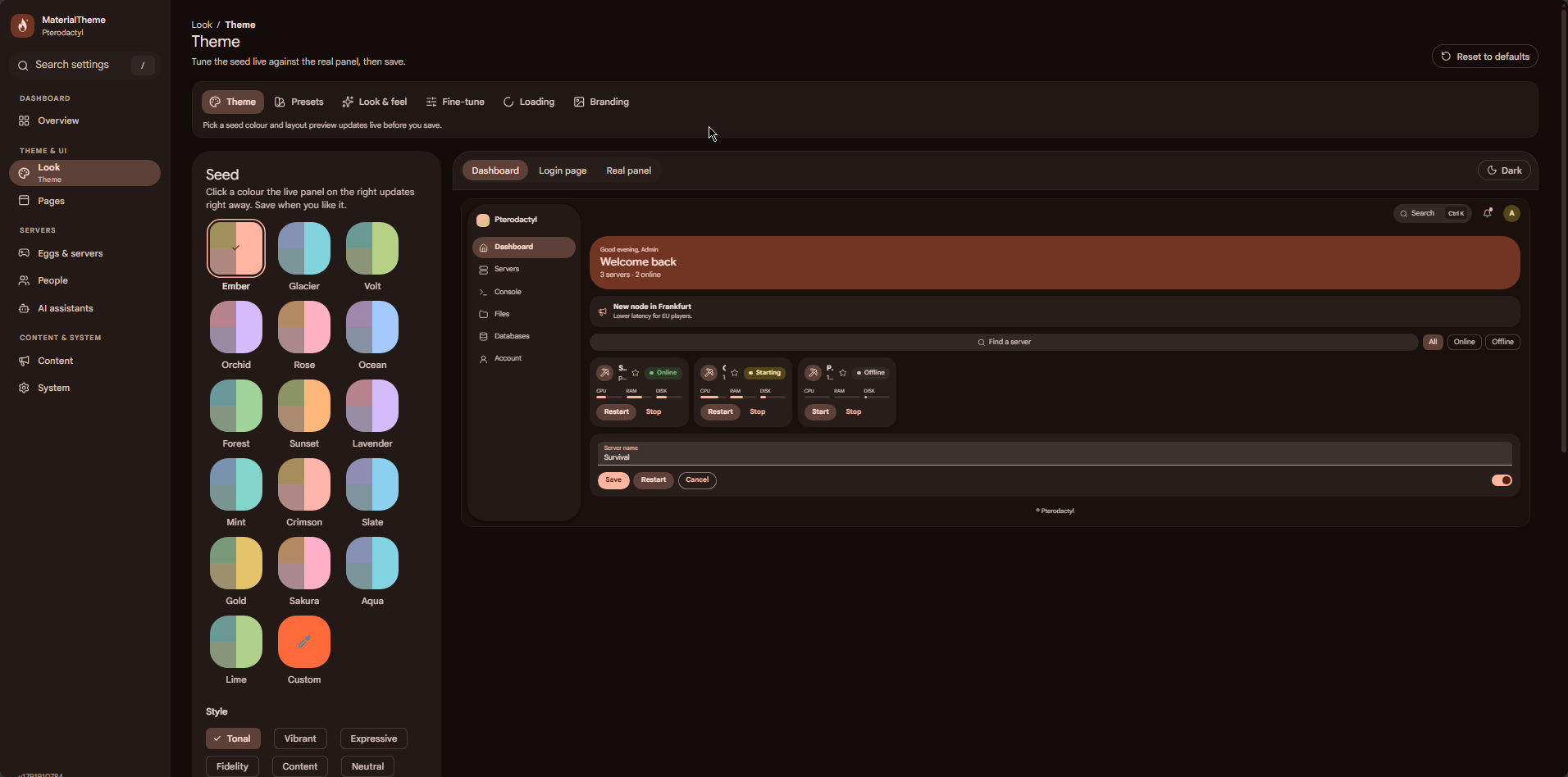
- Sixteen colour presets (Ember, Glacier, Volt, Orchid, Rose, Ocean, Forest, Sunset, and more), plus a custom seed colour
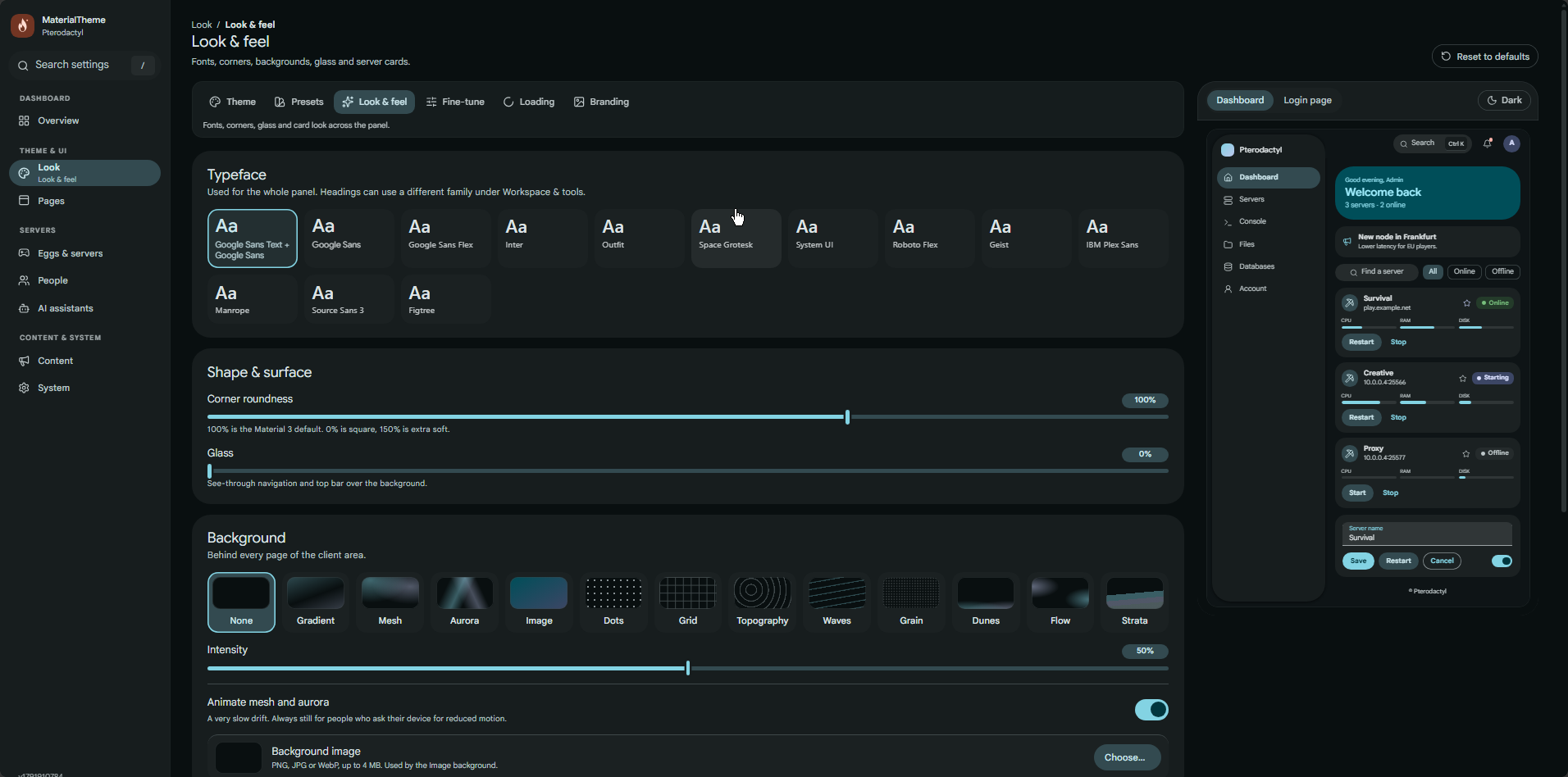
- Ten UI fonts and three console/code fonts, with optional brand font upload
- Corners, density, page width, backgrounds (dots, grid, noise, topo, waves, artwork)
- Four server card styles, game banners and egg icons
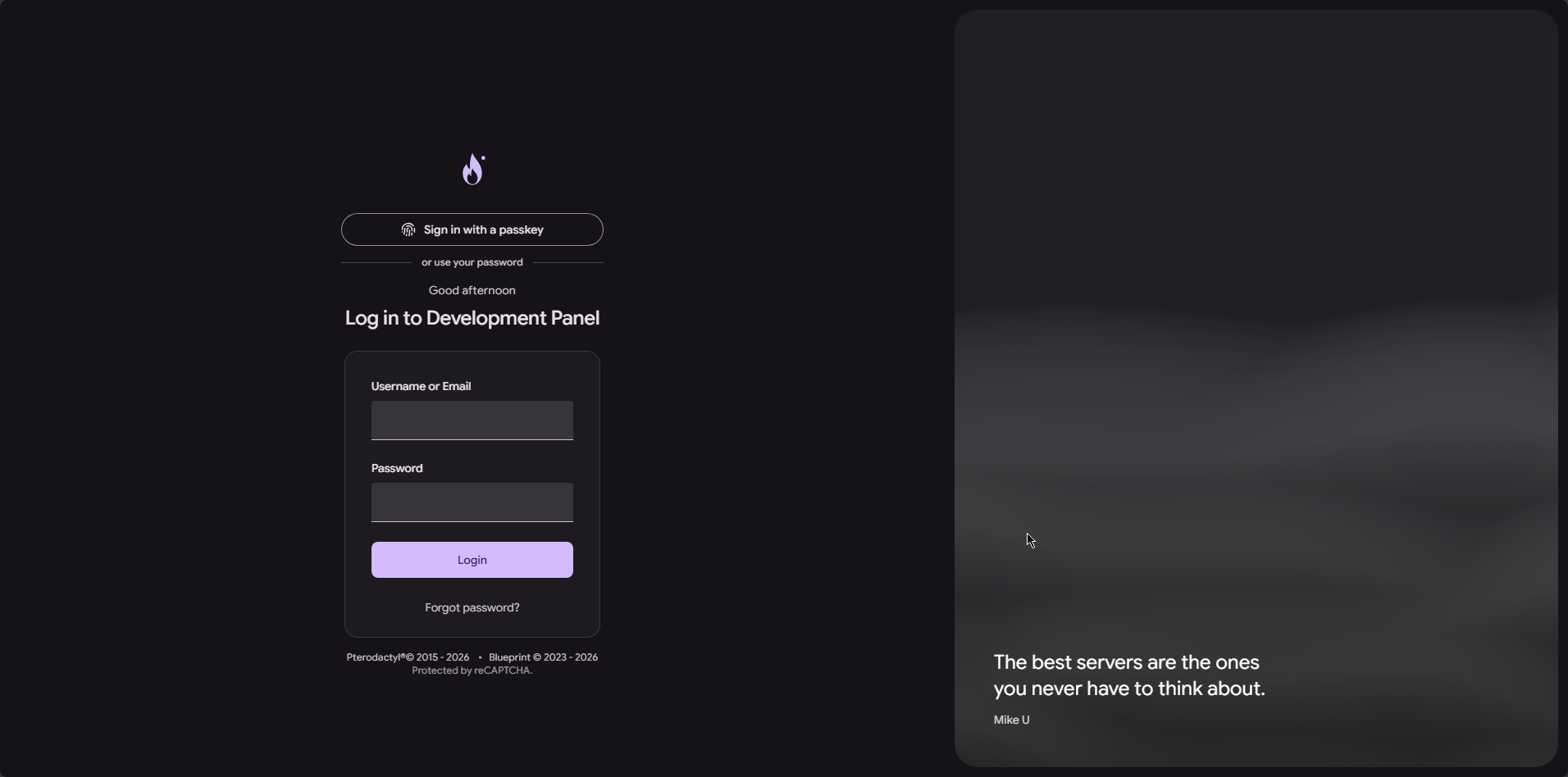
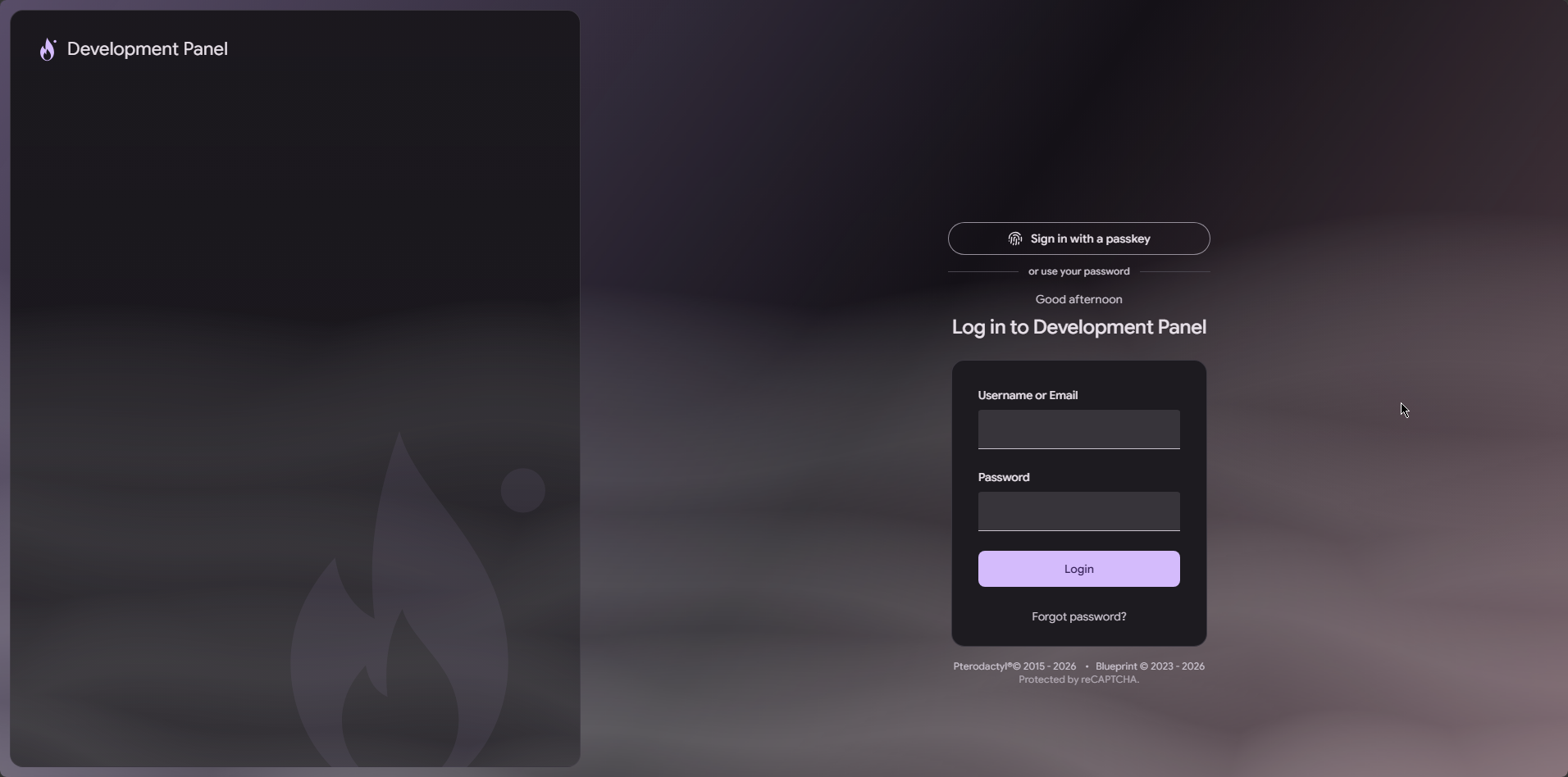
- Login layouts: split with artwork, centred card, or full artwork
- Logo, favicon, panel name, sign-in tagline, custom login art
- Dark and light schemes, motion levels, and accessibility options (high contrast, larger text, reduced motion)
- Optional per-user layout and colour choices on the account page
- Live admin editor with preview before you save
Panel and workspace
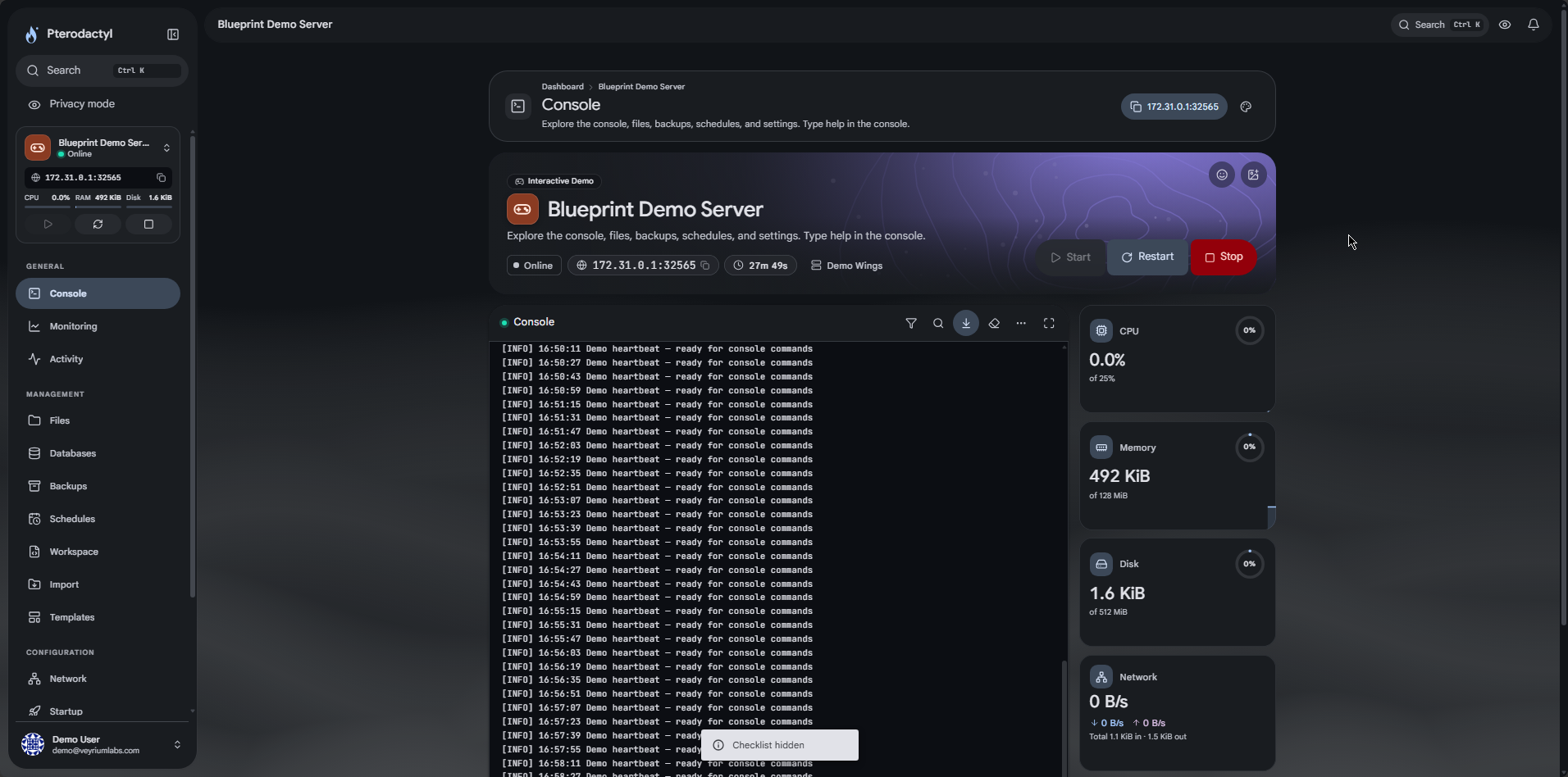
- Redesigned console: banner header, power controls, live stat cards, search, timestamps, history, autocomplete
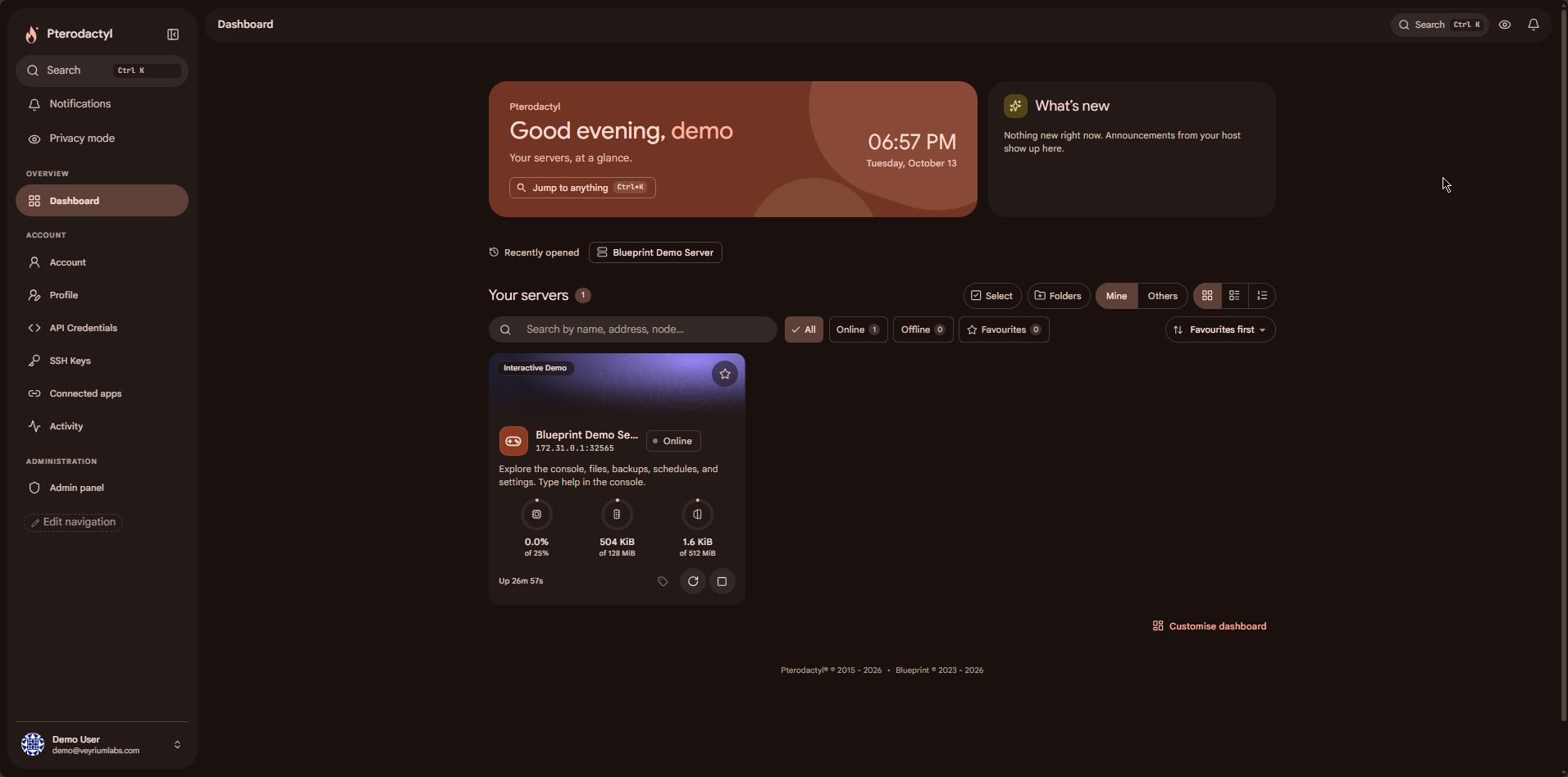
- Server cards with live CPU, memory and disk, quick power actions, favourites, grid/list toggle, bulk start/stop
- Dashboard widgets, server folders, tags, notes, and a first-login welcome screen
- Server getting-started checklist and bottom navigation on phones
- Material versions of Activity, Databases, Backups, Schedules (JSON import/export), Network, Users and Settings
- Code editor with syntax highlighting, search/replace, folding and error markers
- File manager tools: search, grid/list, drag-and-drop upload, image preview, type icons
- File versions with diffs before save, archive viewer, bulk rename, log search
- Trash bin, pull file from URL, Git clone, server importer (SFTP/FTP/archive URL)
- Database import and export
- Console split view, terminal colour themes, macros, snippets, mclo.gs share with optional IP redaction
- Announcements, notification centre, custom footer, maintenance banner
- Install as a PWA (home screen / desktop)
Accounts, storage and ops
- Sign in with Discord, Google or GitHub; passkeys; optional SSO-only login
- Profile pictures (upload, Gravatar, Discord avatar)
- Panel OAuth2 provider for apps (authorization code and device code)
- Resource history graphs, upgrade prompts, alerts by e-mail or Discord webhook
- Off-site backup copies to S3 and Google Drive (panel bucket or per-user credentials)
- Admin impersonation, one-time login links, node maintenance banner
- Server event webhooks and an admin audit log (searchable, CSV export)
- SEO titles, Open Graph / social preview cards, custom CSS, settings import/export JSON
Game and app tools
Enable per egg or nest. Detected eggs can apply suggested feature sets.
Minecraft
- Mods and modpacks (Modrinth, CurseForge)
- Plugins (Modrinth, Hangar, SpigotMC)
- Version switcher (Paper, Purpur, Fabric, Forge, NeoForge, Vanilla, and more)
- Players, whitelist, ops and bans
- server.properties editor, worlds, crash analyzer, Java image switch
Rust
- Oxide and Carbon plugins via umod.org
- Wipe manager (map, blueprint, full) with backup and optional schedules
Steam and other games
- FiveM / RedM: server.cfg editor, resources, Cfx.re key, txAdmin
- Source tools: maps, Metamod/SourceMod for CS2, CS:GO, TF2 and similar
- Steam Workshop and SteamCMD updates
- ARK / Palworld / Valheim mods, world backups, player panel, crash detection, config templates
- Saves and mods for sandbox titles (including tModLoader and Factorio)
- RCON console where the egg exposes it
General
- Typed config editor for common formats
- Mod/plugin profiles (save and swap setups)
- Subdomains via Cloudflare or a domain the user brings
- App tools: npm/yarn/pnpm/pip, .env editor, start file, Git deploy, crash reader
- Server templates gallery
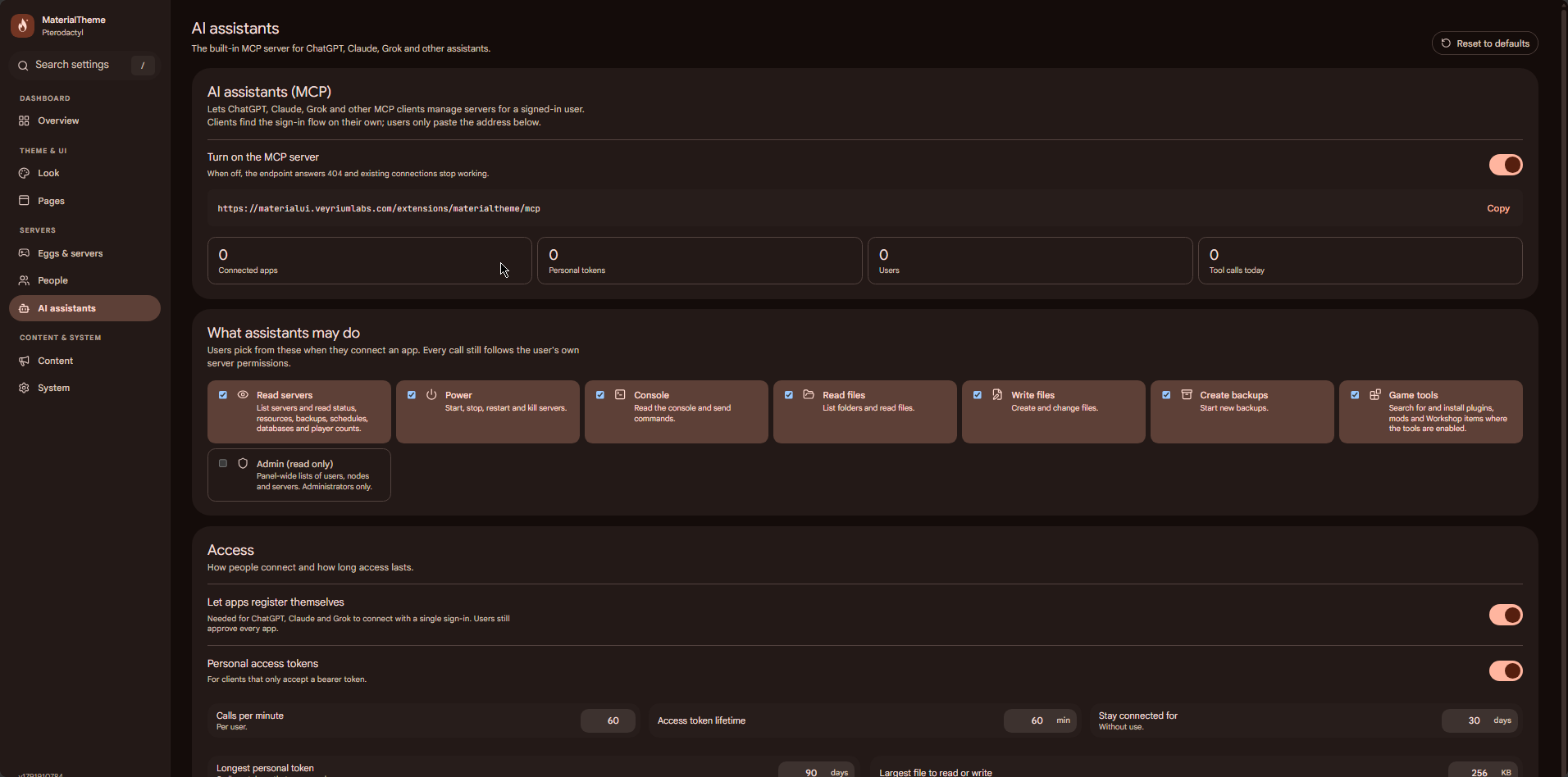
AI assistants (MCP)
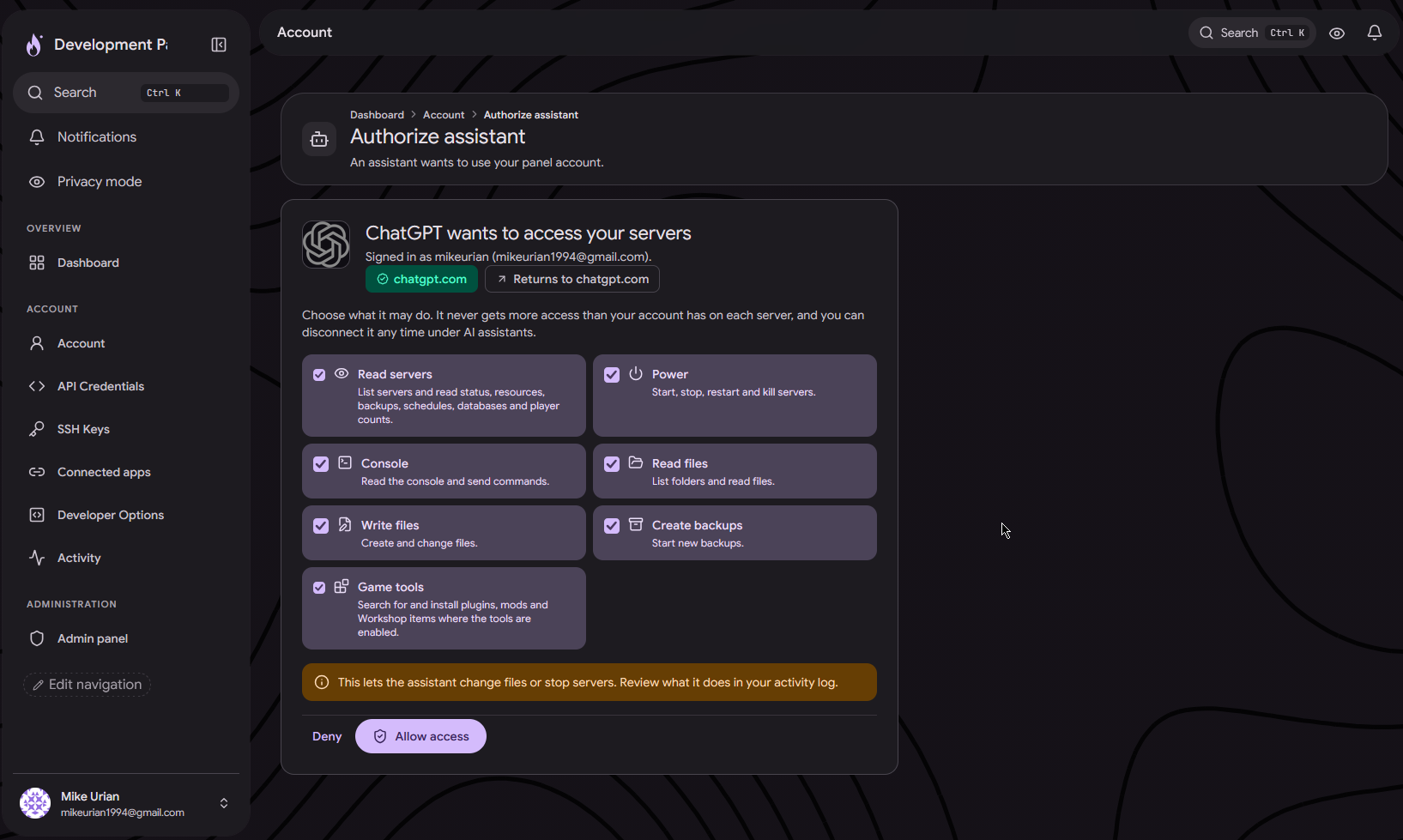
Optional Model Context Protocol server so ChatGPT, Claude, Grok and other MCP clients can manage servers for a signed-in user. Every call still follows that user's server permissions. You choose scopes, rate limits and token lifetimes in the admin UI.
Install
php artisan p:extension:install /path/to/materialtheme.pteroext --enable- Copy
materialtheme.pteroextonto the panel host - Run the command above from the panel root
- Open Admin → Extensions → MaterialTheme
- Paste the license key from licenses.veyriumlabs.com
Full steps also ship in the download README.md. Theme editor after install: /extensions/materialtheme/admin-ui
MaterialTheme is made by Veyrium Labs. Buying this product does not transfer copyright of the source.