Panel Designer
Product information
Release v0.1.1 (Updated )
Reviews
0 von 5 Sternen
0 purchases
Design your own Pterodactyl theme on one settings page: layout, colours, fonts, links, banner, footer. With a live preview.
€14,99
Release historyDescription
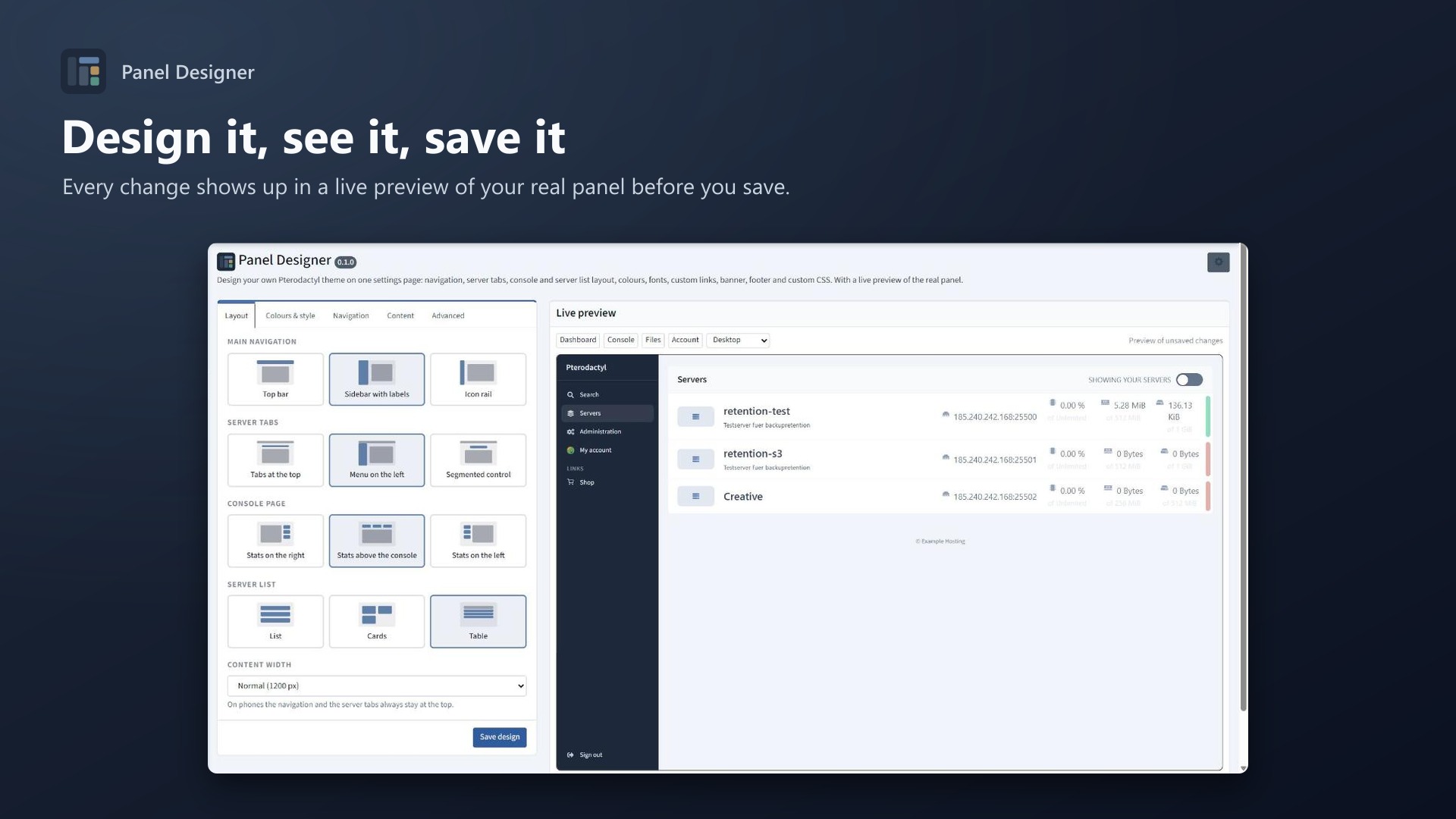
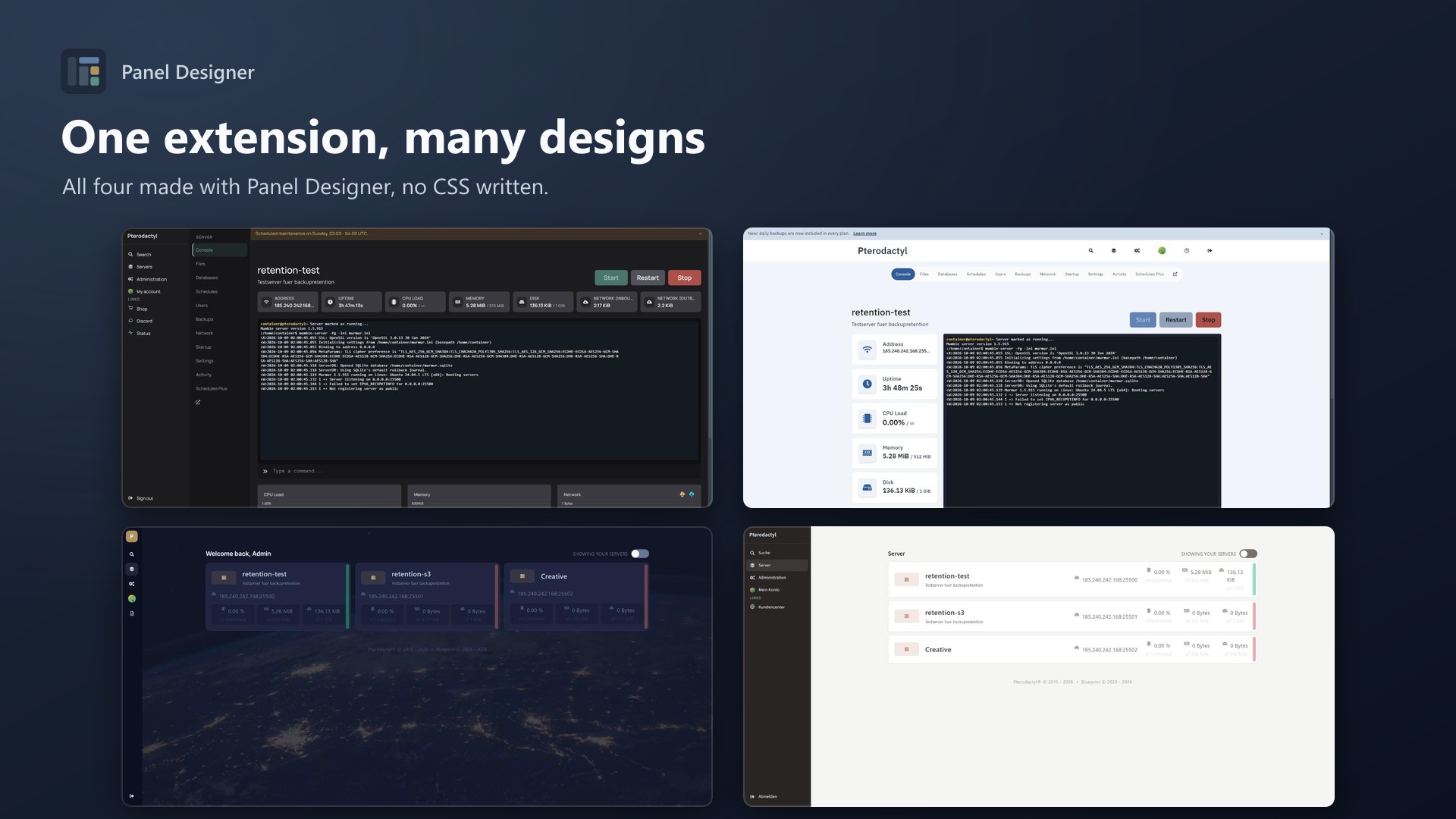
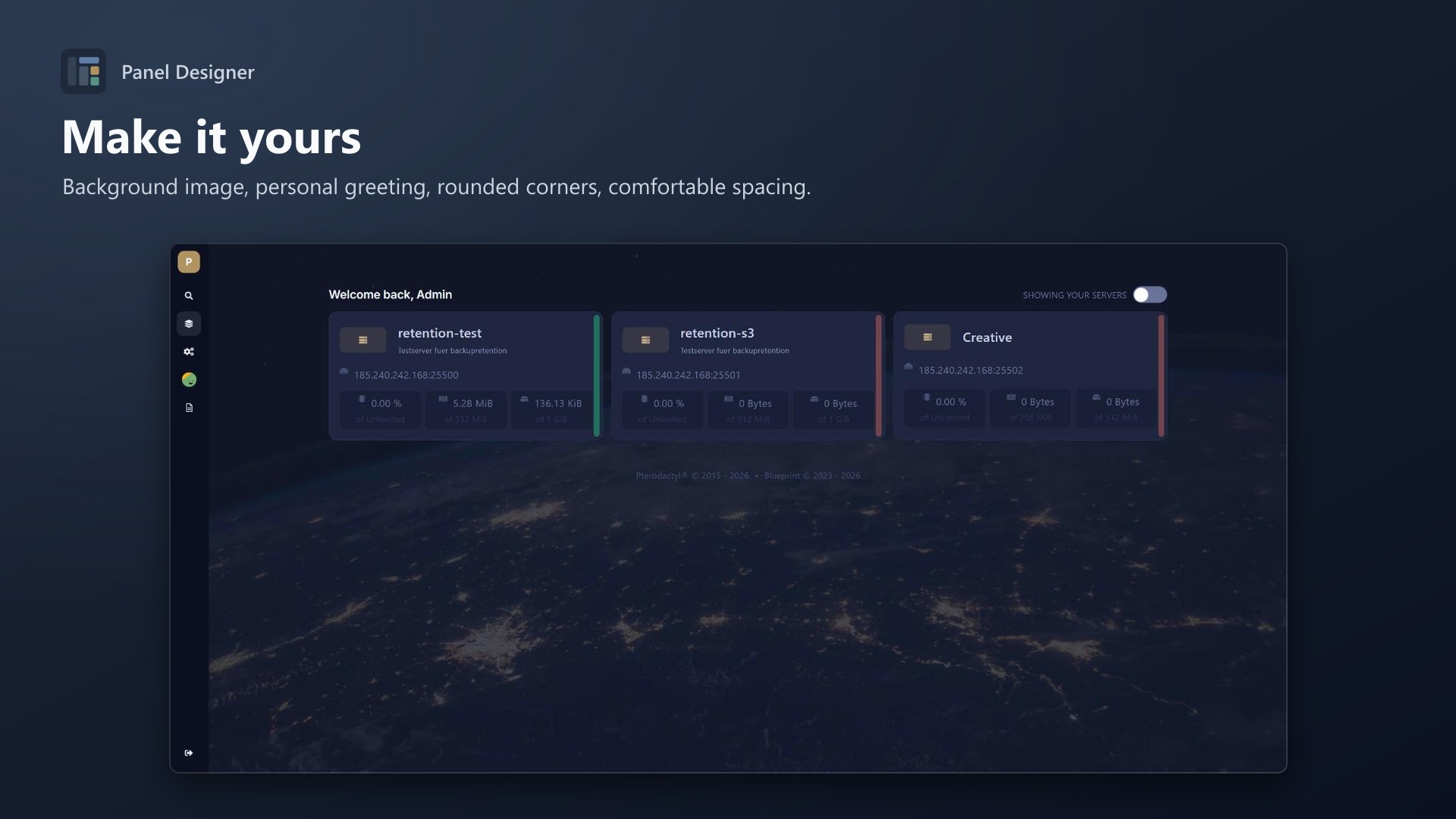
Build your own theme instead of buying one that almost fits. Panel Designer gives you a settings page with a live preview of your real panel. Every change shows up before you save. No CSS knowledge needed, no panel rebuild, no core changes.
Layout
- Main navigation: top bar, sidebar with labels or icon rail
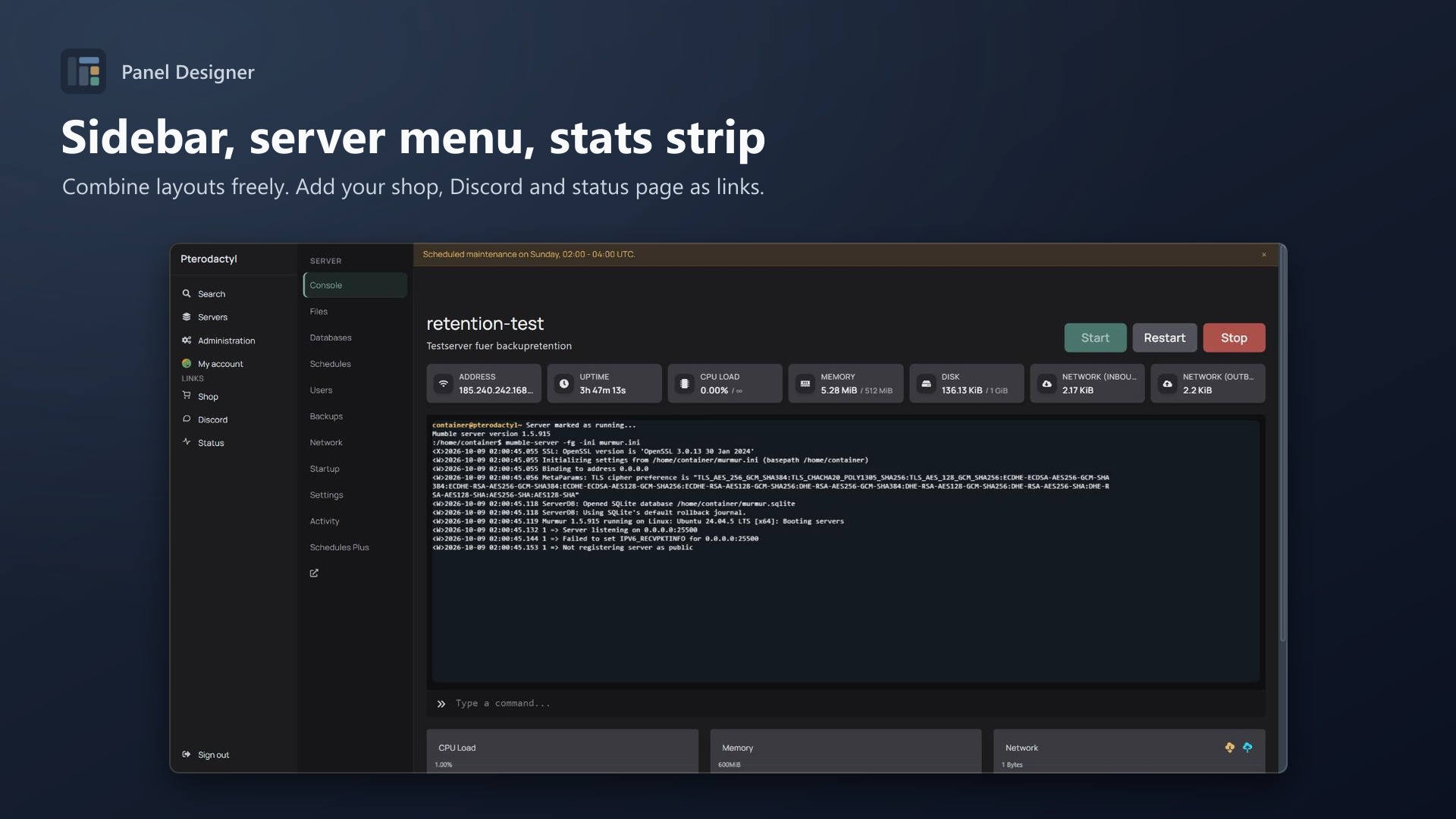
- Server tabs: at the top, as a menu on the left or as a segmented control
- Console page: stats on the right, above the console or on the left
- Server list: list, cards or table
- Content width: 1100 px up to full width
All combinations work together, and phones keep the familiar top navigation.
Colours & style
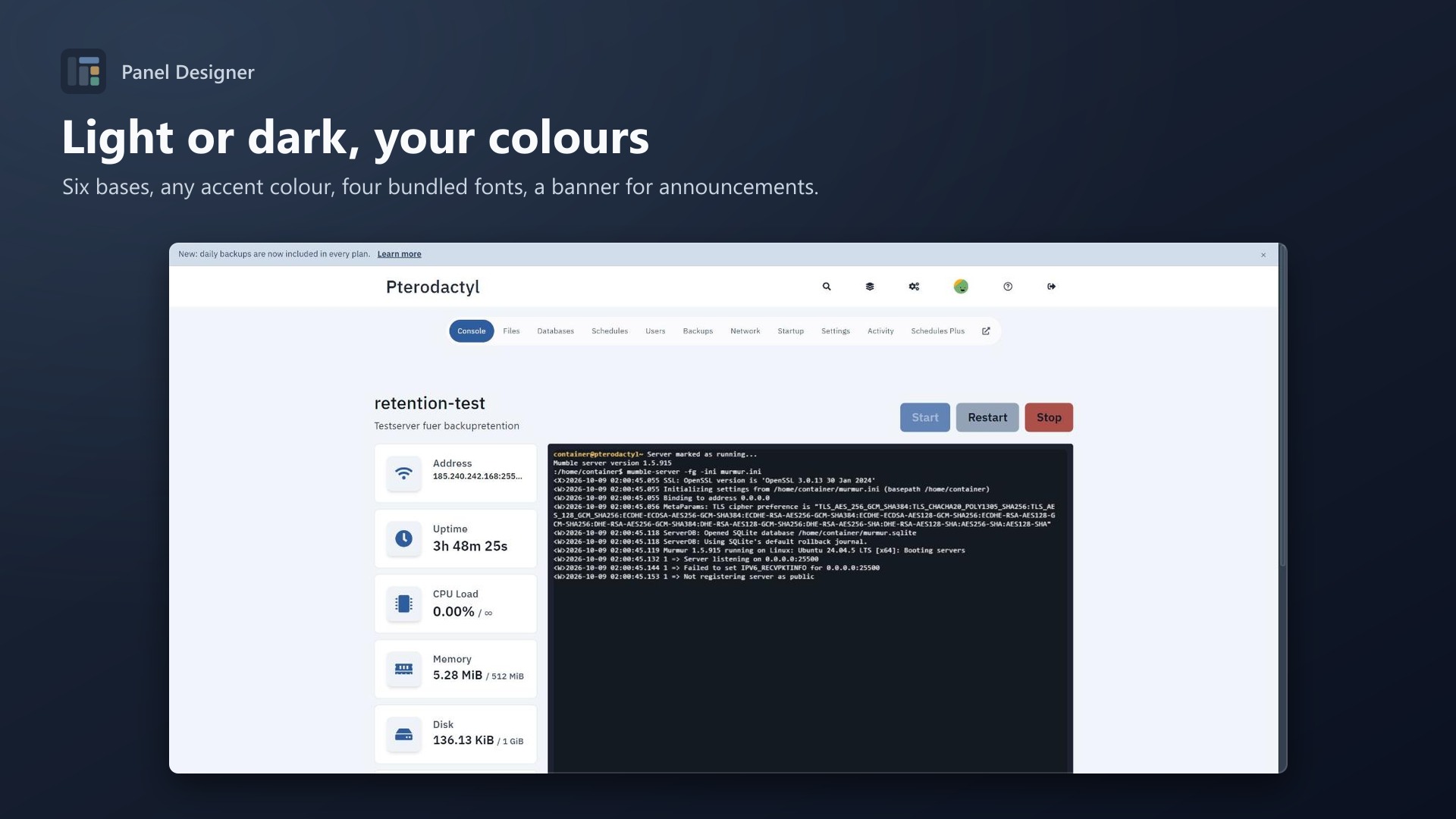
- Pterodactyl original, graphite, slate, midnight, light grey or warm light as base
- Any accent and navigation colour, lighter and darker steps are calculated
- Muted status colours (no bright red and green)
- Background image with dimming
- Corners, text size, spacing
- 4 bundled fonts (Inter, Source Sans 3, Manrope, IBM Plex Sans), nothing is loaded from Google
Navigation & content
- Your logo, labels in English or German
- Up to 8 own links with icons: shop, Discord, status page, knowledge base …
- Hide the search, the admin link or server tabs you don't offer
- Banner for announcements and maintenance, users can close it
- Personal greeting ("Welcome back, %firstname%"), footer text, favicon
Advanced
- Custom CSS on top
- The admin area follows your colours (optional)
- Export / import designs as JSON, reset to defaults
Requirements
- Pterodactyl Panel 1.15.x
- Blueprint (beta-2026-08 or newer)
Installation
- Upload
paneldesigner.blueprintto/var/www/pterodactyl - Run
blueprint -install paneldesigner - Open Admin > Extensions > Panel Designer and start designing
Support
Send me a screenshot and your exported design (Advanced > Export) and I'll look into it.