parachute for airlink
Product information
Release v1.0.0-release (Updated )
Reviews
3 von 5 Sternen
3 out of 5 stars · 1 reviews · 239 downloads
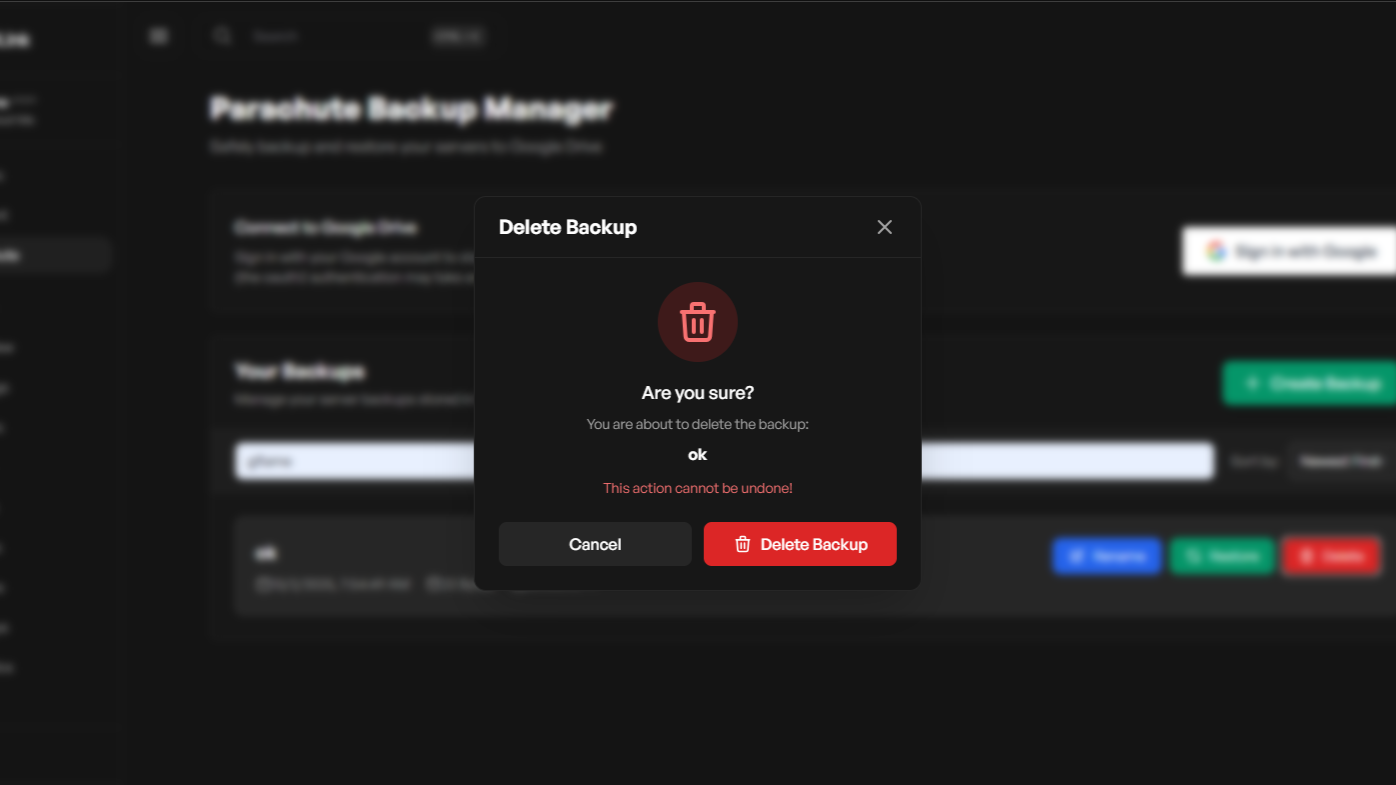
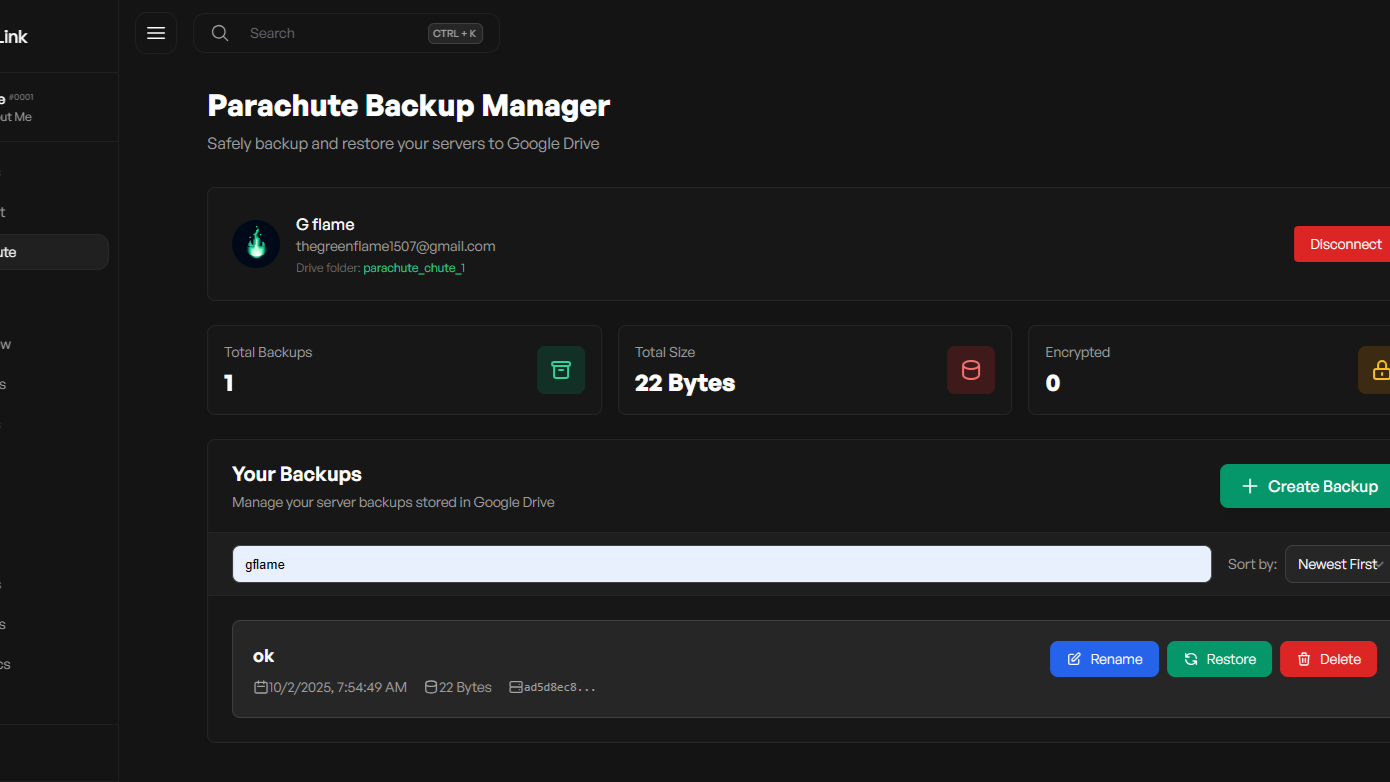
a google drive backup solution for the airlink panel using native airlink backups methods
Release historyTeam
g-flame-oss

Description
Parachute Addon for AirLink Panel
Features
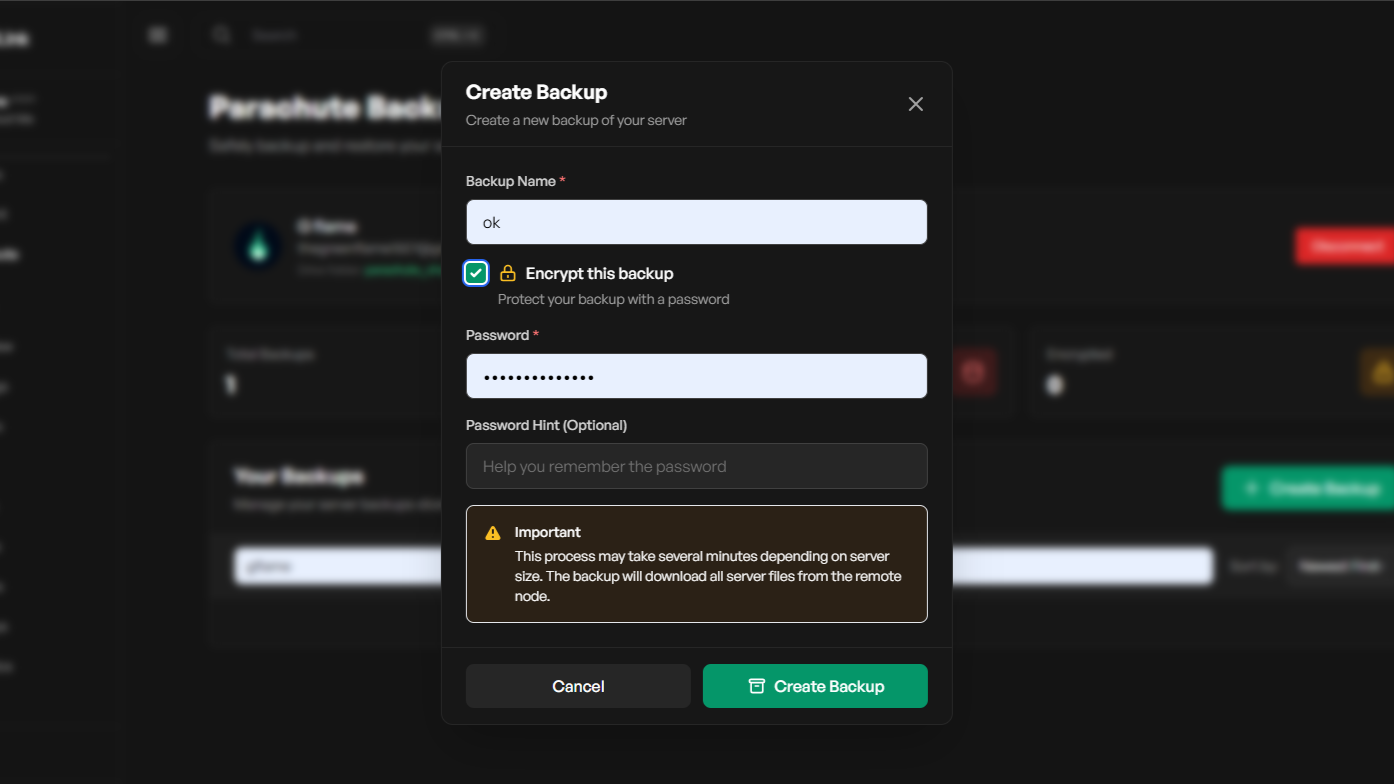
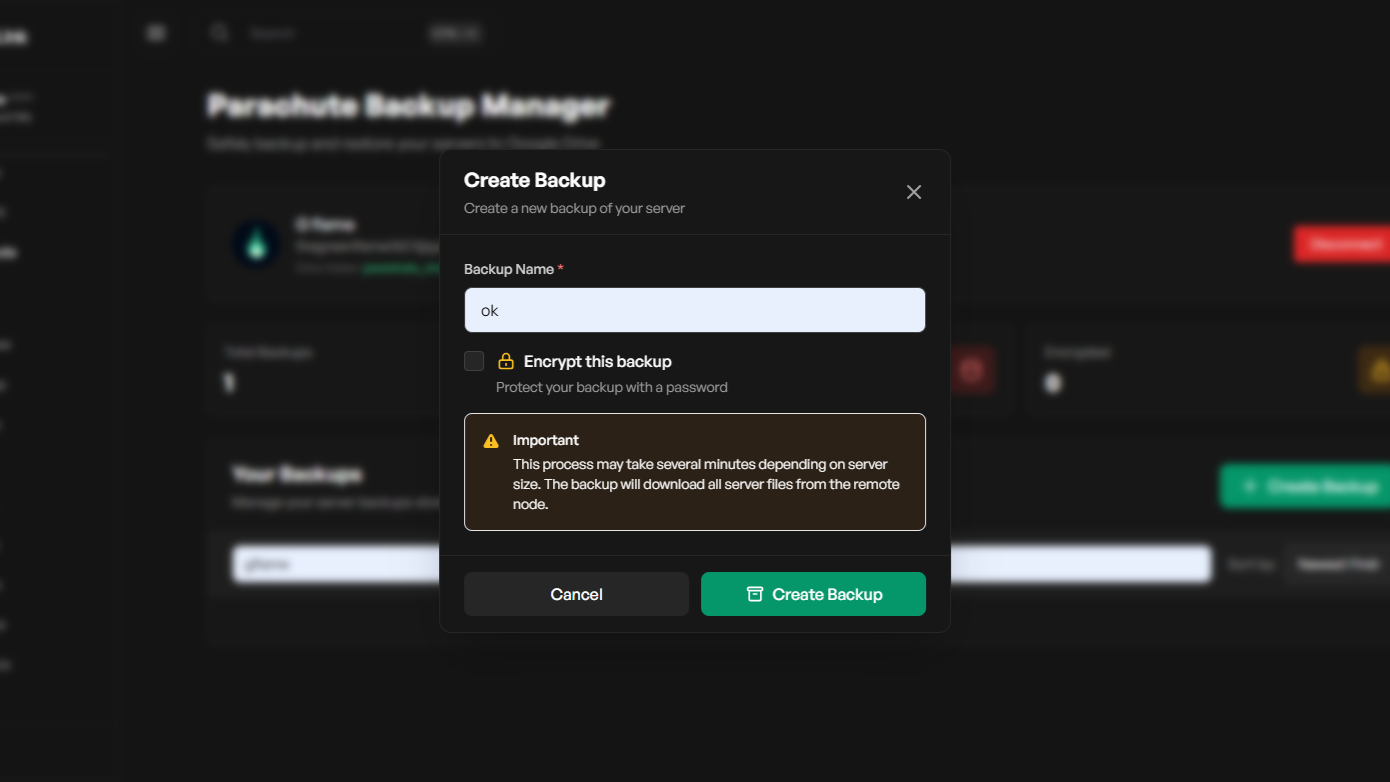
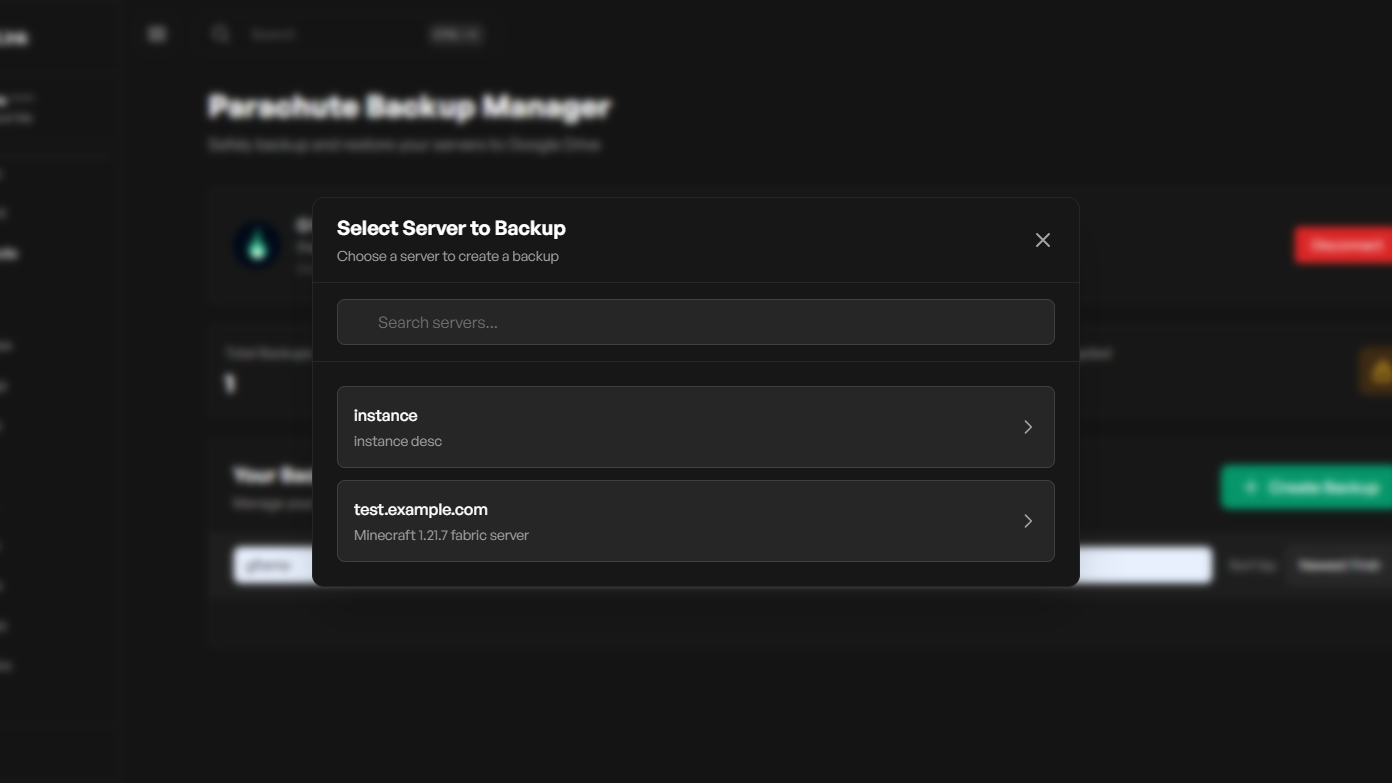
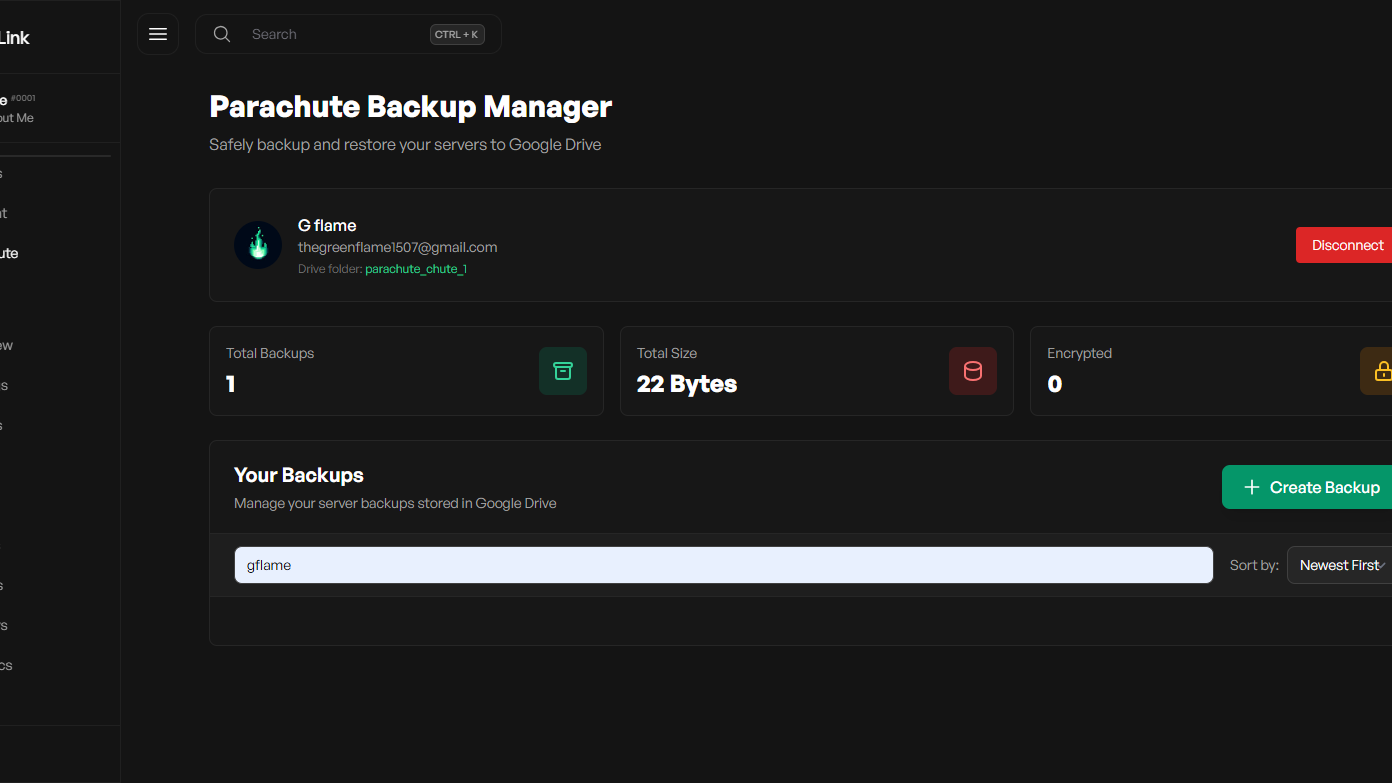
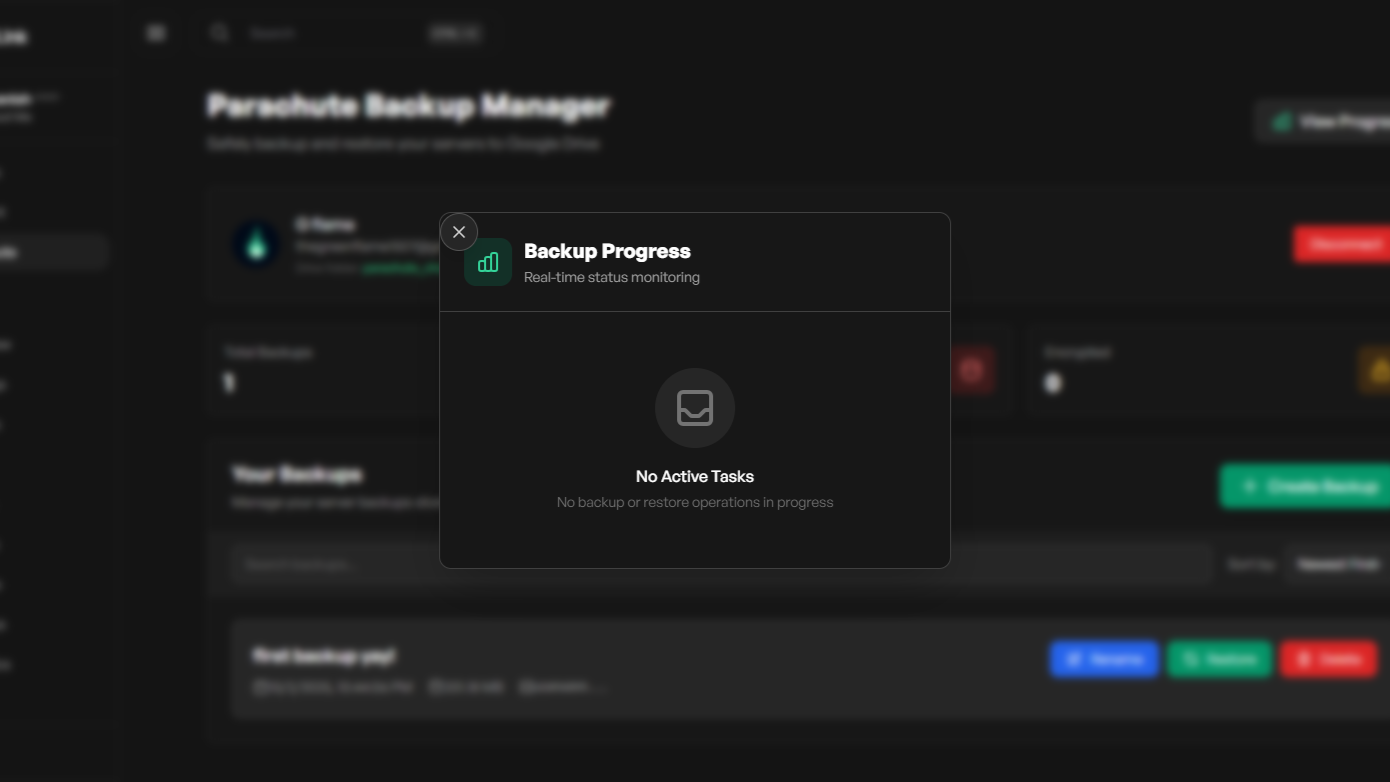
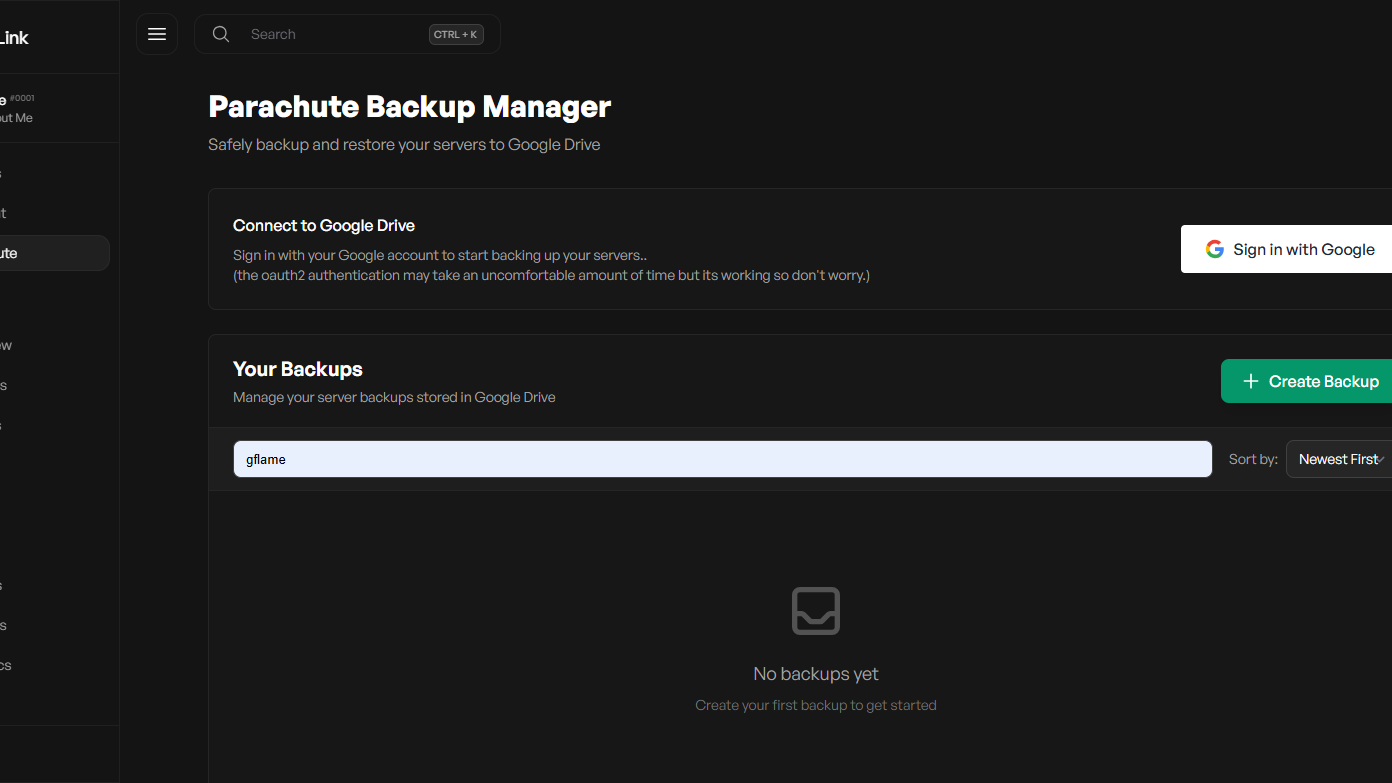
- Connect your server to Google Drive via OAuth and upload download and restore server backup files.
Installation
Option 1: Download Release
- Download the latest release.
- Move the release to your Airlink addons folder:
/var/www/panel/storage/addons/
- Run the following commands:
cd /var/www/panel/storage/addons/
mkdir parachute
mv parachute.zip parachute/
cd parachute
unzip parachute.zip
cd /var/www/panel/storage/addons/parachute
sudo npm install
sudo npm run build
- Start your Airlink panel. The parachute addon will now be availabe in your sidebar.
Option 2: Git Clone
git clone --branch parachute https://github.com/g-flame-oss/airlink-addons.git parachute
cd parachute
npm install
npm run build
Move the built addon folder to your AirLink panel’s addons directory:
/var/www/panel/storage/addons/
Then, enable the addon from the AirLink admin panel under /admin/addons.
Configuration
Set the following environment variables in your panel environment:
APP_URL=https://yourpanel.com
GOOGLE_CLIENT_ID=your_google_app_key
GOOGLE_CLIENT_SECRET=your_google_app_secret
APP_URL→ Base URL of your AirLink panel.GOOGLE_CLIENT_ID→ OAuth client ID from the Google Developer Console.GOOGLE_CLIENT_SECRET→ OAuth client secret from the Google Developer Console.
License
This project is licensed under the MIT License.
Credits
- Addon developed by g-flame
- Panel by AirlinkLabs