Port Manager
Product information
Release v0.1.1 (Updated )
Reviews
0 von 5 Sternen
0 purchases
Let customers take extra ports for their server themselves, within limits you set per egg, and write them into variables like QUERY_PORT.
€6,99
Release historyDescription
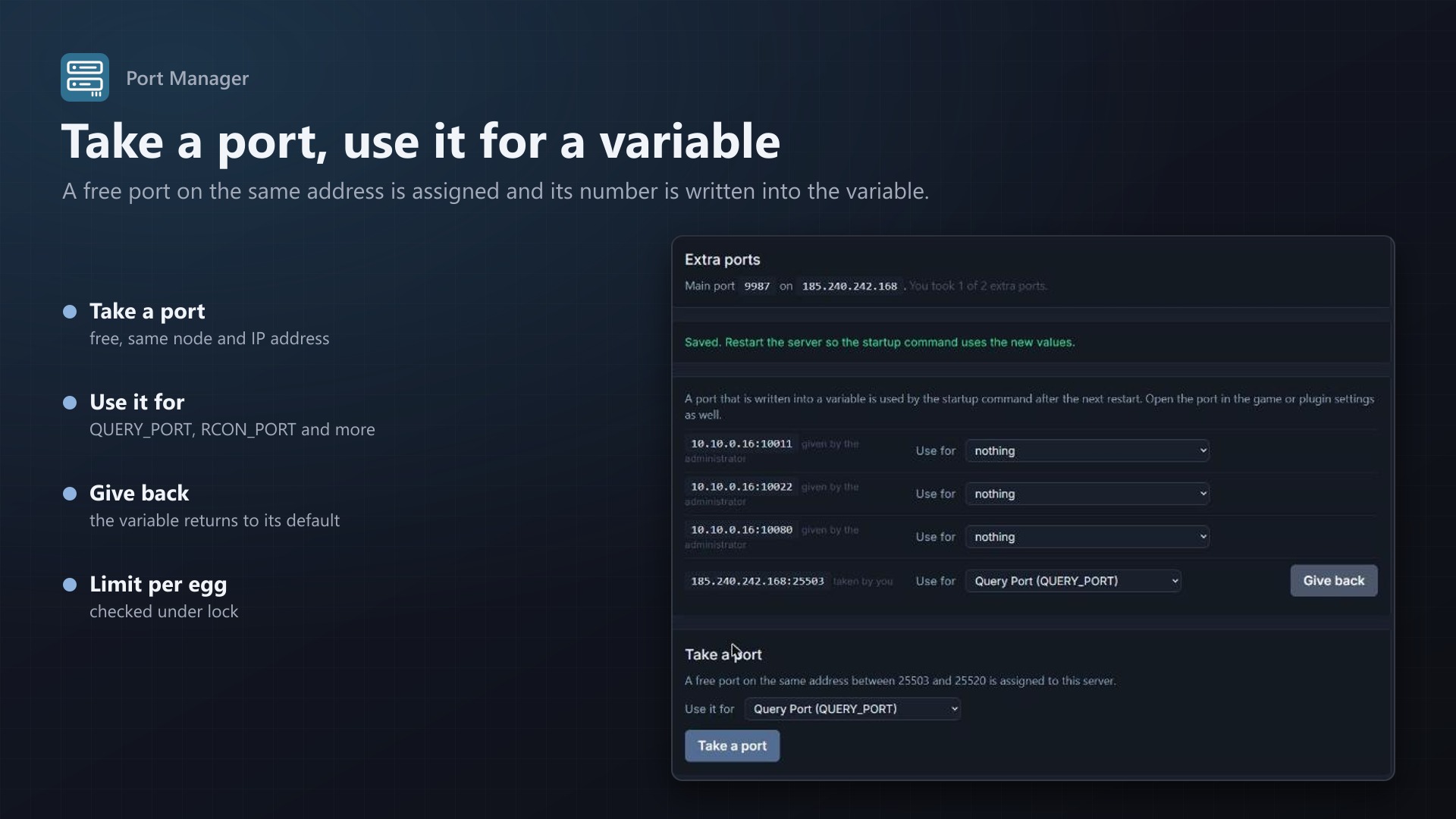
Game servers often need more than one port: a query port, an RCON port, a file transfer port, a second game port. Without help from you a customer has to open a ticket, and you have to find a free allocation, assign it and edit the startup variable. Port Manager adds a Ports tab to the server page that does it in two clicks, inside limits you set.
What customers can do
- See the main port and every extra port of their server
- Take a port: a free allocation on the same node and IP address as the main port is assigned to the server, up to the number you allow for that egg
- Use it for a variable such as
QUERY_PORTorRCON_PORT: the port number is written into the variable and used by the startup command after the next restart - Give back a port they took: it returns to the pool and the variable returns to the egg's default
- Ports you assigned yourself can hold a variable too, but are not given back by the customer
What you control
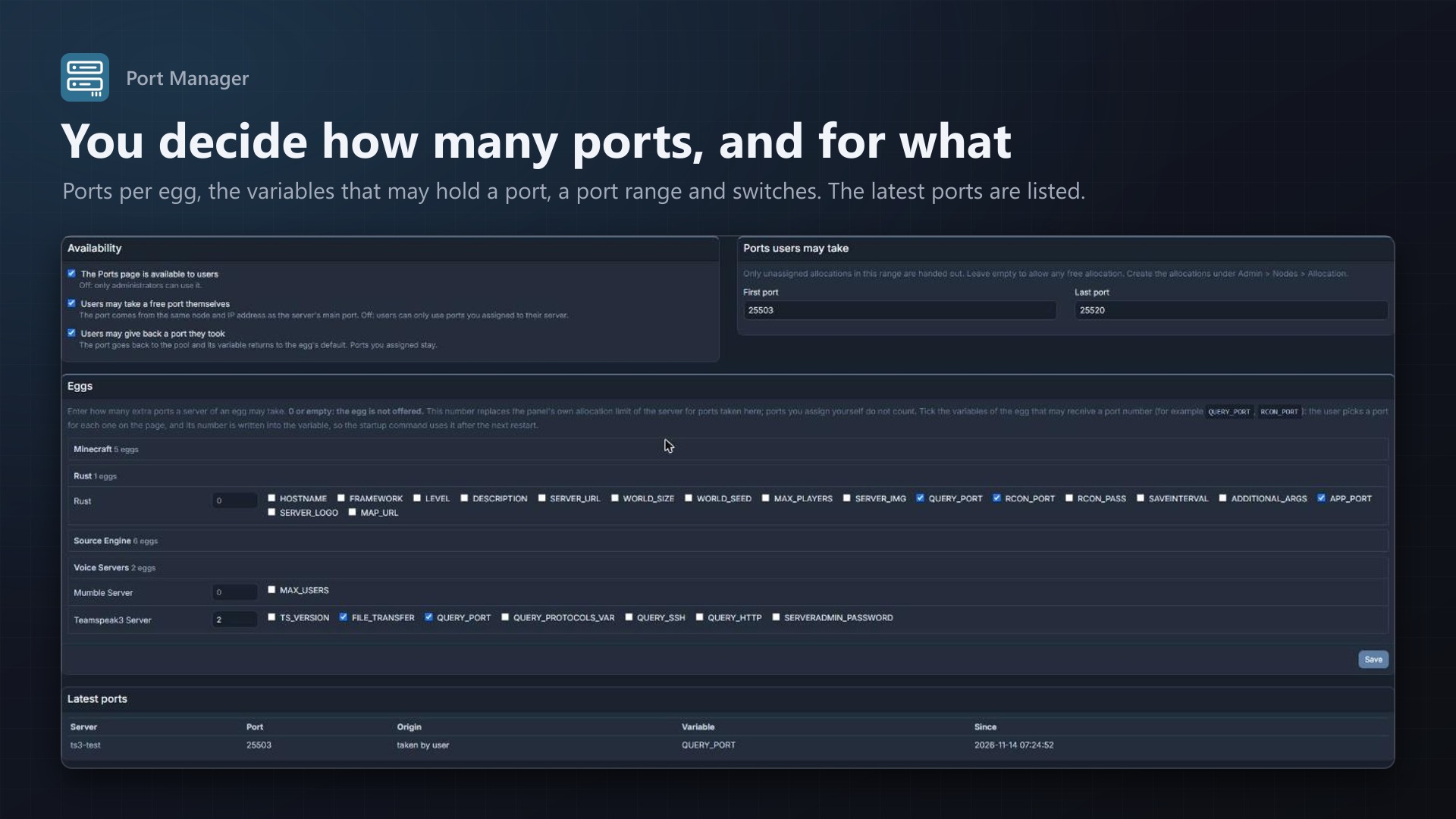
- Per egg: how many extra ports a server may take (0 = not offered) and which variables may receive a port number; port-like variables are ticked for you
- Port range: only unassigned allocations inside the range are handed out
- Switches to turn the page off, forbid taking ports or forbid giving them back
- An overview of the latest ports and where they are used
Safe by design
- Every action checks the user's permissions on the server: allocation read, create and delete, startup update
- Two quick clicks cannot go over the limit; changes to a server's ports are serialised
- A port is only written into a variable you allowed for that egg, and only when the variable's own rules (for example
between:1025,65535) accept the number - A variable holds one port; assigning it to another port moves it
- Suspended servers and servers that are installing or being transferred can not be changed
- Everything is written to the server's activity log; no core files are modified
Licence
One purchase = one licence = one panel. The licence is bound to one panel domain and the server it runs on. Subdomains count as separate panels: test1.example.com and test2.example.com can't share a licence. You can move the licence to another panel at any time on texus-addons.de.
After buying, sign in on texus-addons.de with your account email address. Your licence key is created automatically; download the extension there with the key built in, or enter the key on the extension's admin page.
Requirements
- Pterodactyl Panel 1.x with Blueprint (beta-2026-08 or newer)
- Free allocations on the node and IP address of the servers (Admin > Nodes > Allocation)
- A licence key from texus-addons.de, free with your purchase, for one panel