Calagopus
Calagopus Theme
Qunix theme for Calagopus
Product information
Release v1.5.0 (Updated )
Reviews
5 von 5 Sternen
5 out of 5 stars · 3 reviews · 792 downloads
Free theme for calagopus
Release historyDescription
Qunix Theme for Calagopus
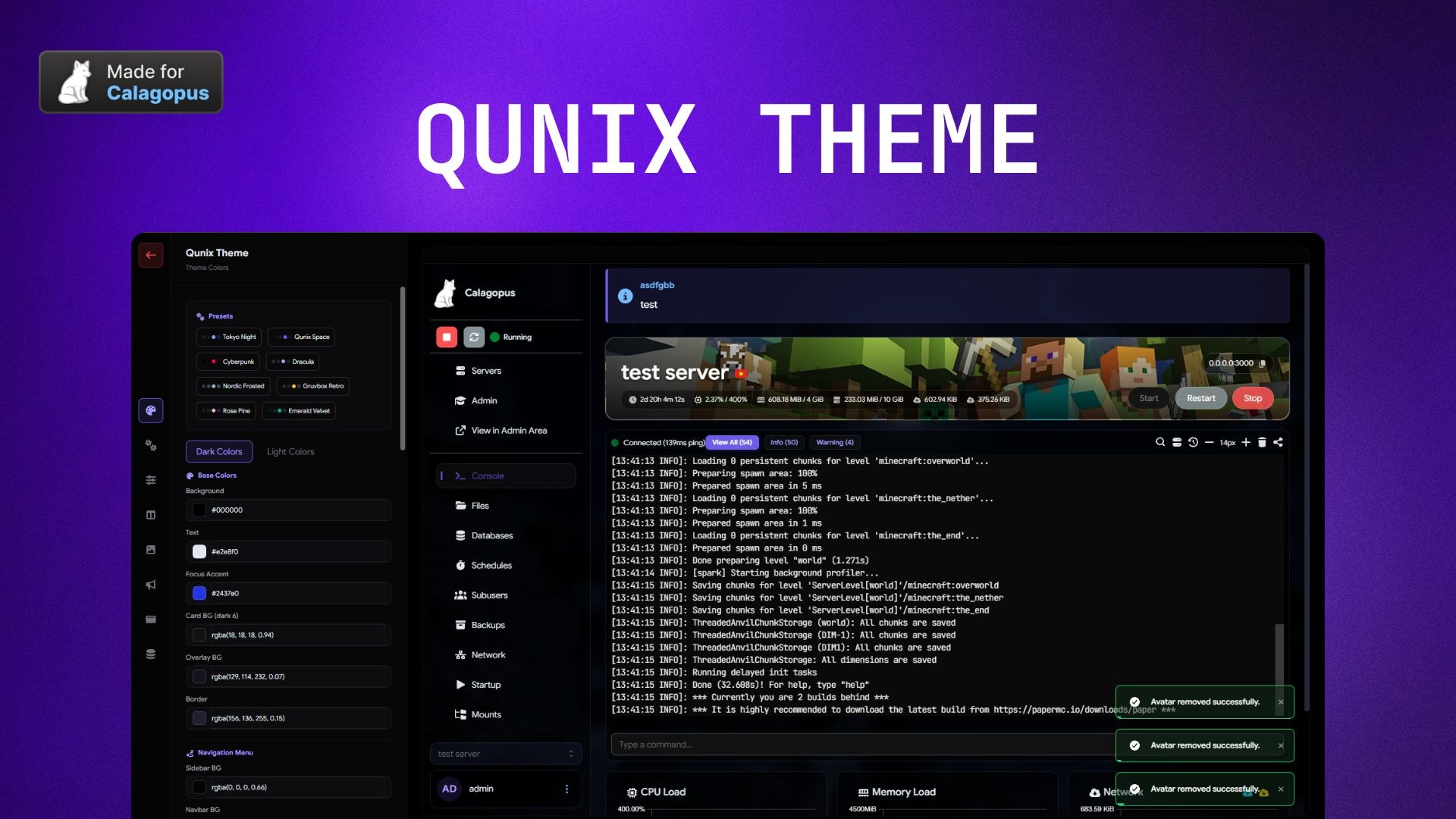
A premium, highly customizable theme extension for the Calagopus Panel. Control every visual aspect of your hosting environment through an intuitive admin interface.
✨ Key Features
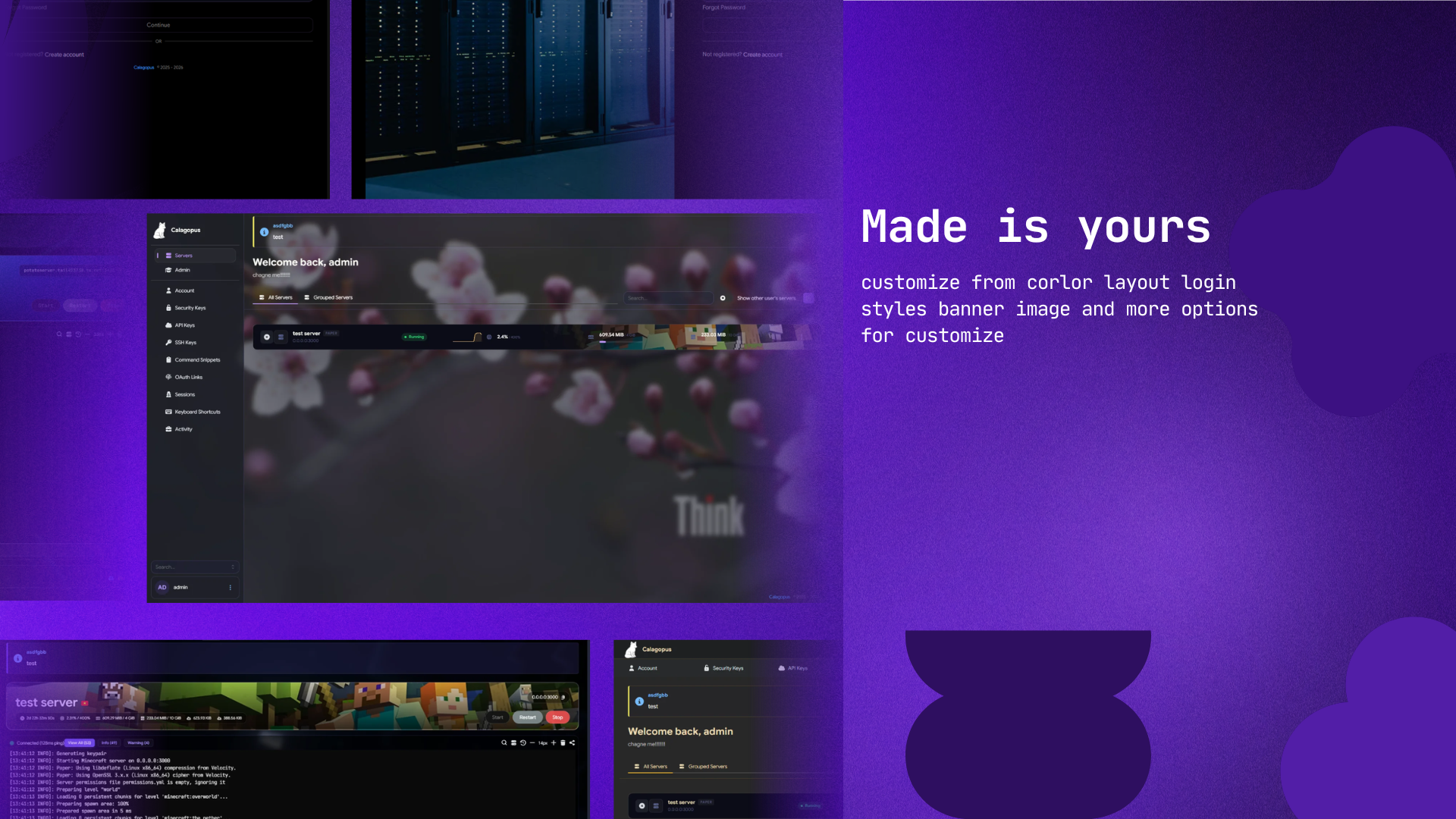
- Dynamic Backgrounds: Support for custom wallpaper URLs with adjustable Blur and Brightness filters.
- Glassmorphism UI: Integrated Glass Transparency and Shadow Opacity controls for a modern, frosted-glass aesthetic.
- Global Color Management: Easily customize Background, Text, Focus, and Border colors across the entire panel.
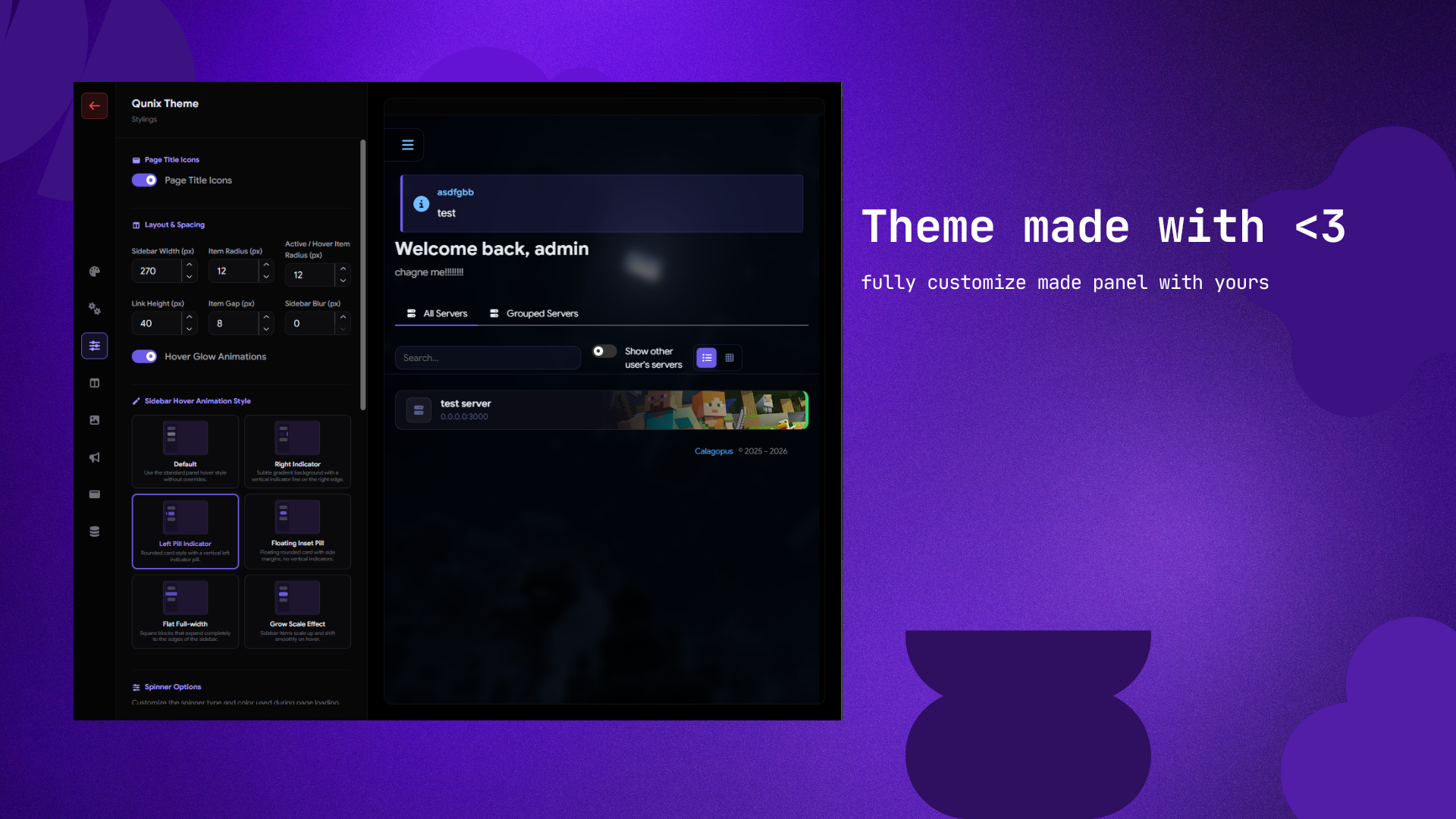
- Precision Layout: Fine-tune Navbar Height, Sidebar Gap, and Corner Radius (Cards, Inputs, Buttons) in pixels.
- Modular Overrides: Dedicated settings for Terminal, Code Editor, and List/Table views.
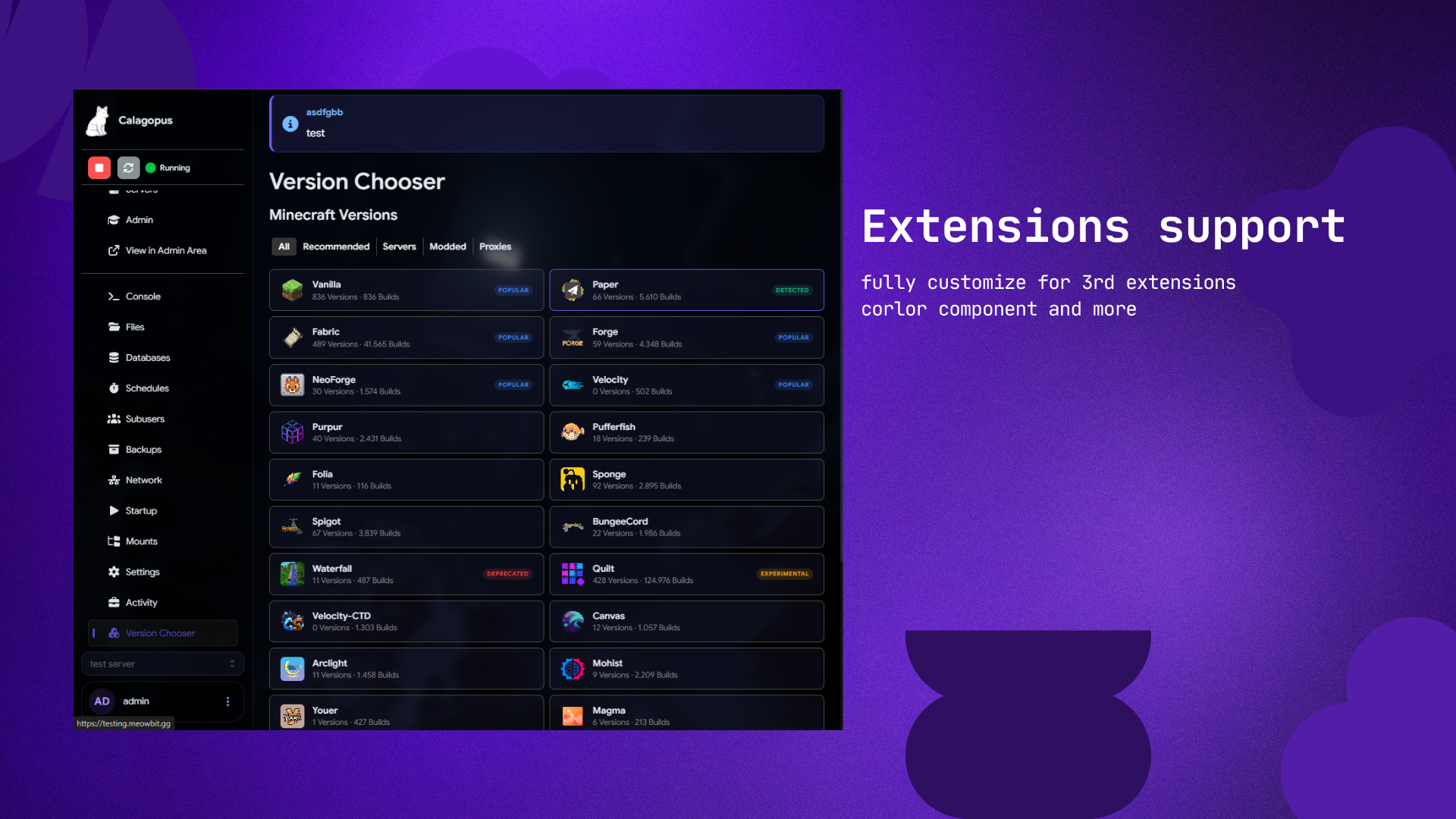
- Clean Integration: Pure extension (.c7s) with no core file modifications.
🎨 Theming Scope
- Global: Wallpapers, glass transparency, and primary brand accents.
- Navigation: Navbar height, sidebar spacing, and mobile-specific coloring.
- Elements: Cards, inputs, buttons, and custom border radii.
- Tools: Adaptive styling for the Terminal and File Manager Code Editor.
🚀 Installation
- Download the
qunix_theme.c7s.zipfile. - Navigate to Admin Panel > Extensions.
- Upload the
.c7s.zipfile. - Click Rebuild Extensions and wait for completion.
- Access customization via Admin > Qunix Theme Settings.
📋 Requirements
- Calagopus Panel: v1.1.0 or higher.
🔗 For support
- GitHub: mrbeeenopro/qunix_theme Get Support: Join our Discord