Server Icon | Pterodactyl v2
Product information
Release v1.1.1 (Updated )
Reviews
0 von 5 Sternen
0 purchases
Give every Minecraft server its own icon in the multiplayer list
$4.99
Release history

Description
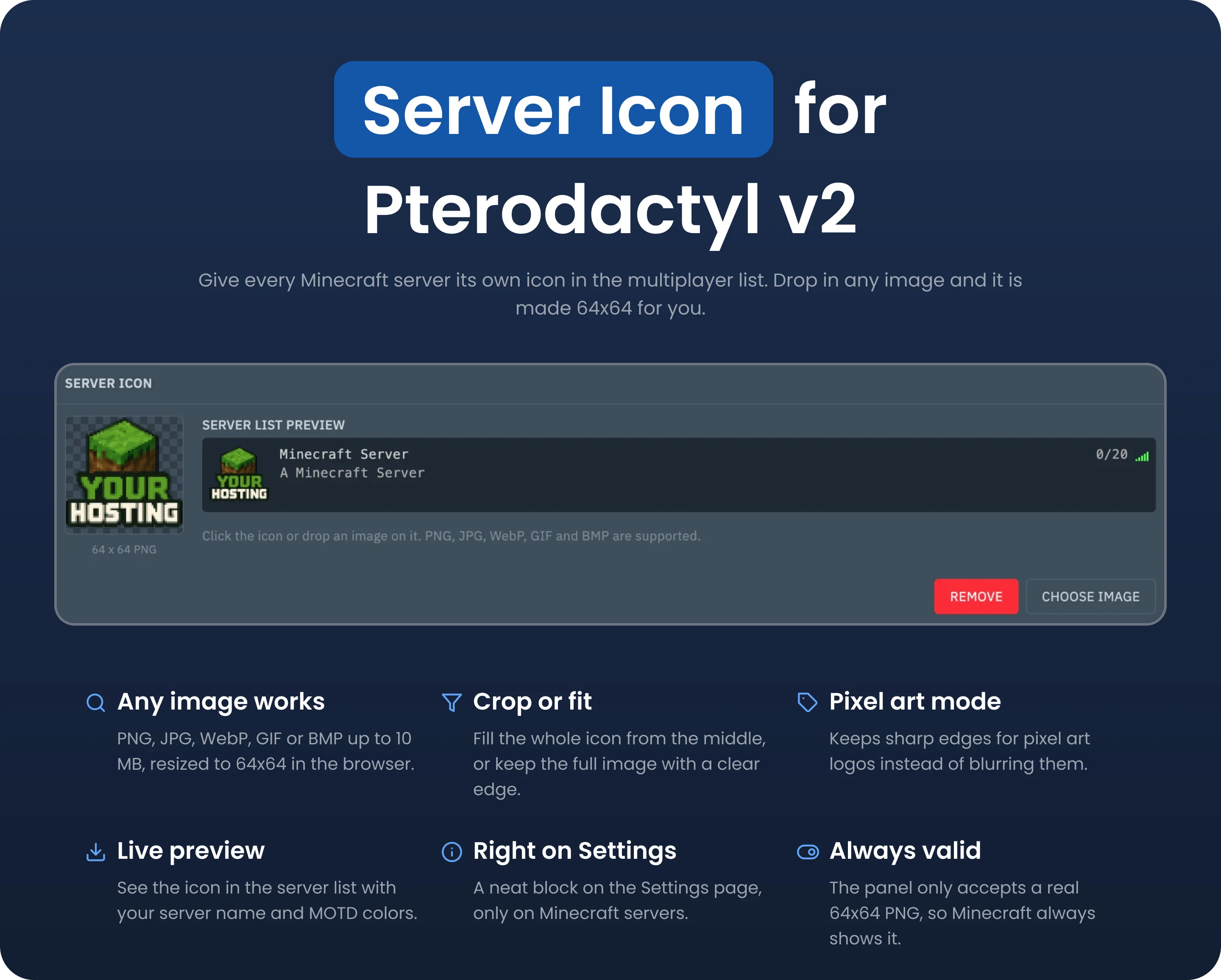
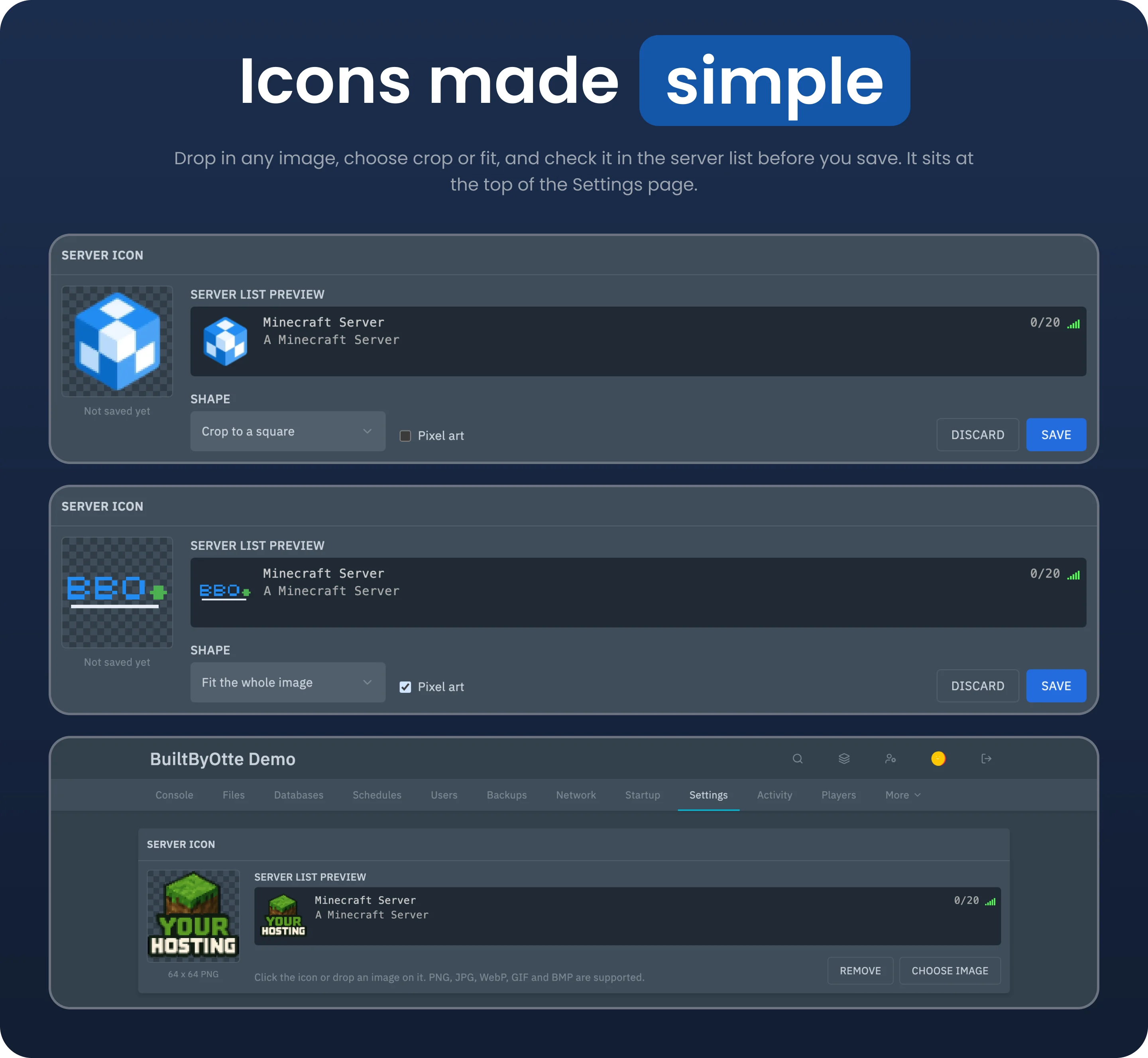
Give every Minecraft server its own icon in the multiplayer list. Server Icon adds an upload box to the server settings in Pterodactyl v2, so customers can set an icon without resizing images or uploading files by hand. Drop in a PNG, JPG, WebP, GIF or BMP file up to 10 MB. It is resized to 64 by 64 in the browser, the size Minecraft uses. Crop the image to a square or fit the whole image with a transparent background. Turn on pixel art mode to keep sharp edges for pixel logos. See how the server will look in the multiplayer list, with the server name, the coloured MOTD and the player slots, before you save. The panel only accepts a valid 64 by 64 PNG and warns about icons in the wrong size, which Minecraft would ignore. Uploading and removing an icon follow the panel's file permissions, so subusers only get access when you allow it. Server Icon requires Pterodactyl Panel v2.0 or newer and a Minecraft Java server.





Text Version
Server Icon for Pterodactyl v2: Set a Minecraft Server Icon from Your Panel
Upload any image
Crop or fit
Preview the server list
Always the right format
Permissions