Server Importer
Product information
Release v0.1.0 (Updated )
Reviews
0 von 5 Sternen
0 purchases
Users move their server files from another host into Pterodactyl over SFTP or FTP, without downloading and uploading them by hand.
€14,99
Release historyDescription
Moving a game server from an old hoster, another panel or a VPS usually means downloading every file to your PC and uploading it again through the file manager. That is slow, breaks on large worlds and ends up as a support ticket. With the Server Importer, your users enter the login of their old host and the panel copies the files straight into their server.
For your users
- New Import page on every server, for the owner and subusers with "Create files"
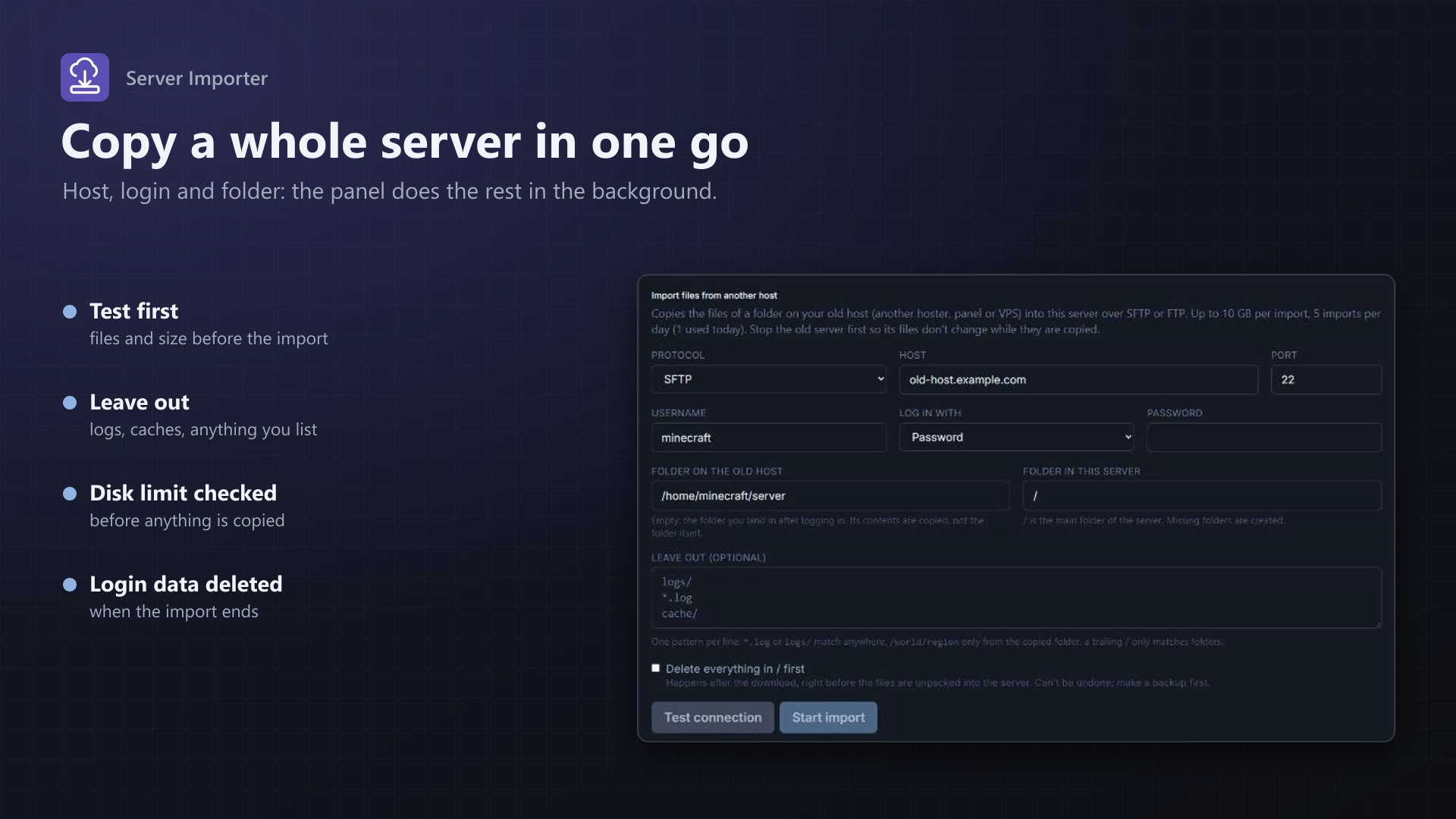
- SFTP (password or private key), FTP and FTPS (explicit TLS)
- Choose the folder on the old host and the folder in the server
- Test connection: logs in and shows the number of files, folders and the total size
- Leave out logs, caches or anything else with simple patterns
- Optionally empty the target folder first (with confirmation, only right before unpacking)
- Progress while it runs: downloading x of y files, packing, sending, unpacking; cancel any time
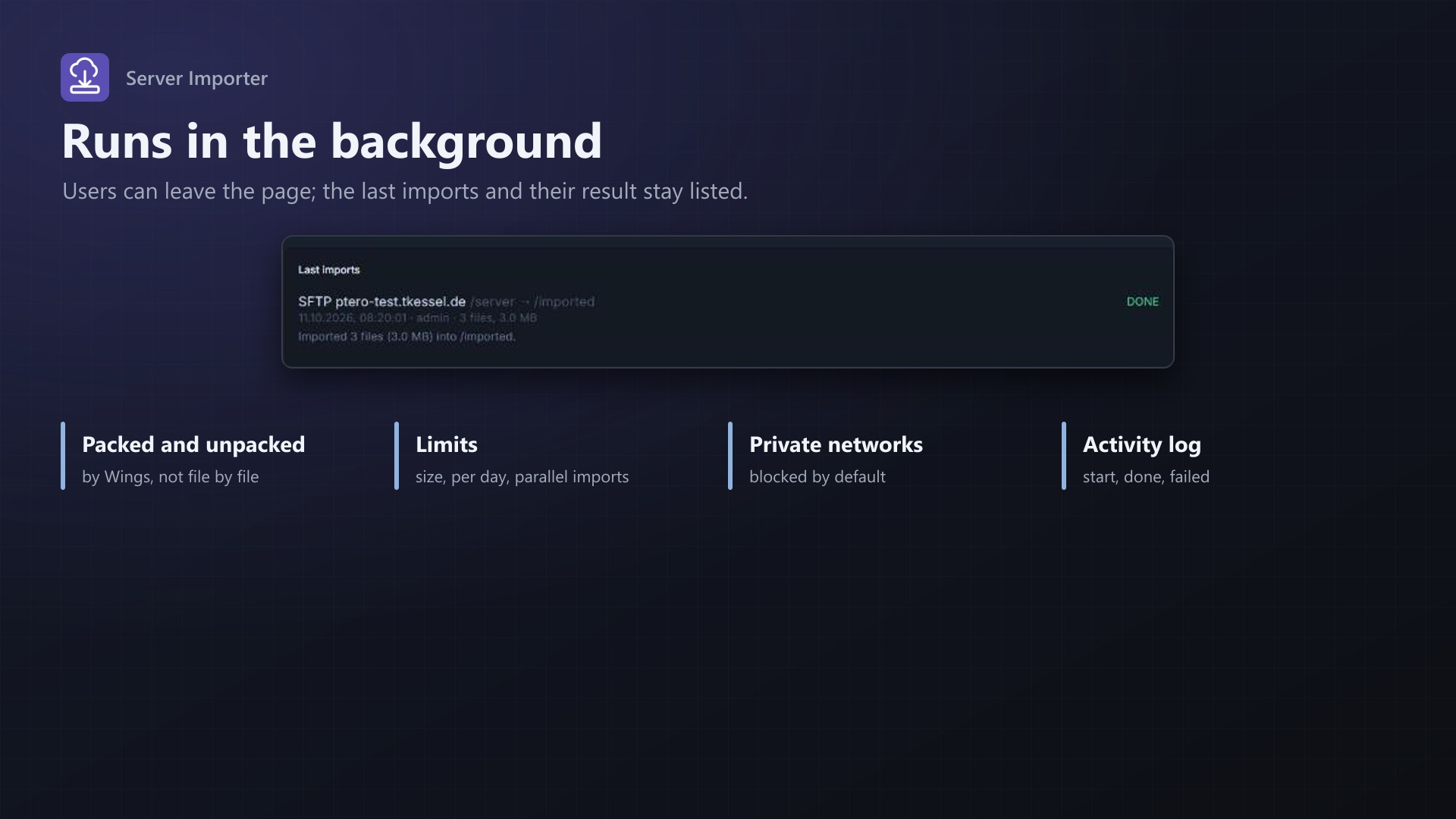
- The last 10 imports with their result; the import continues when the page is closed
How it works
- The panel downloads the files in the background in short steps, so the scheduler is never blocked
- Files are packed into .tar.gz parts and unpacked by Wings' own decompress: no per-file API calls
- Wings fetches the parts from a signed, temporary panel link, or the panel uploads them to Wings; automatic by default
- Checks the server's disk limit and your size limit before anything is copied
- Passwords and keys are stored encrypted and deleted when the import ends
- Start, success and failure in the server's activity log
- No core files modified
For you as admin
- Max. size per import, imports at the same time, imports per user per day
- Allowed protocols; hosts in private networks blocked by default
- All recent imports with progress and a cancel button, temp folder usage
Licence
One purchase = one licence = one panel. The licence is bound to one panel domain and the server it runs on. Subdomains count as separate panels: test1.example.com and test2.example.com can't share a licence. You can move the licence to another panel at any time on texus-addons.de.
After buying, sign in on texus-addons.de with your sourceXchange email address. Your licence key is created automatically; download the extension there with the key built in, or enter the key on the extension's admin page.
Requirements
- Pterodactyl Panel 1.15.x with Wings 1.11 or newer
- Blueprint (beta-2026-08 or newer)
- The panel's cron job (
schedule:runevery minute) - A Linux panel host with
tar(recommended) and PHP'sftpextension for FTP/FTPS - A licence key from texus-addons.de, free with your purchase, for one panel
- Outgoing HTTPS from the panel to texus-addons.de
Installation
- Upload
texusimport.blueprintto/var/www/pterodactyl - Run
blueprint -install texusimport - Enter the licence key under Admin > Extensions > Server Importer
Support
The README in the download explains every option. Questions and bug reports through the support link.
Website: texus-addons.de – licence keys, downloads and your account
Support: Discord support server or support@texus-addons.de