SFTP Address
Product information
Release v0.1.0 (Updated )
Reviews
0 von 5 Sternen
0 purchases
Show your users a public SFTP address per node, like sftp.de1.example.com, instead of the node's internal address.
€1,99
Release historyDescription
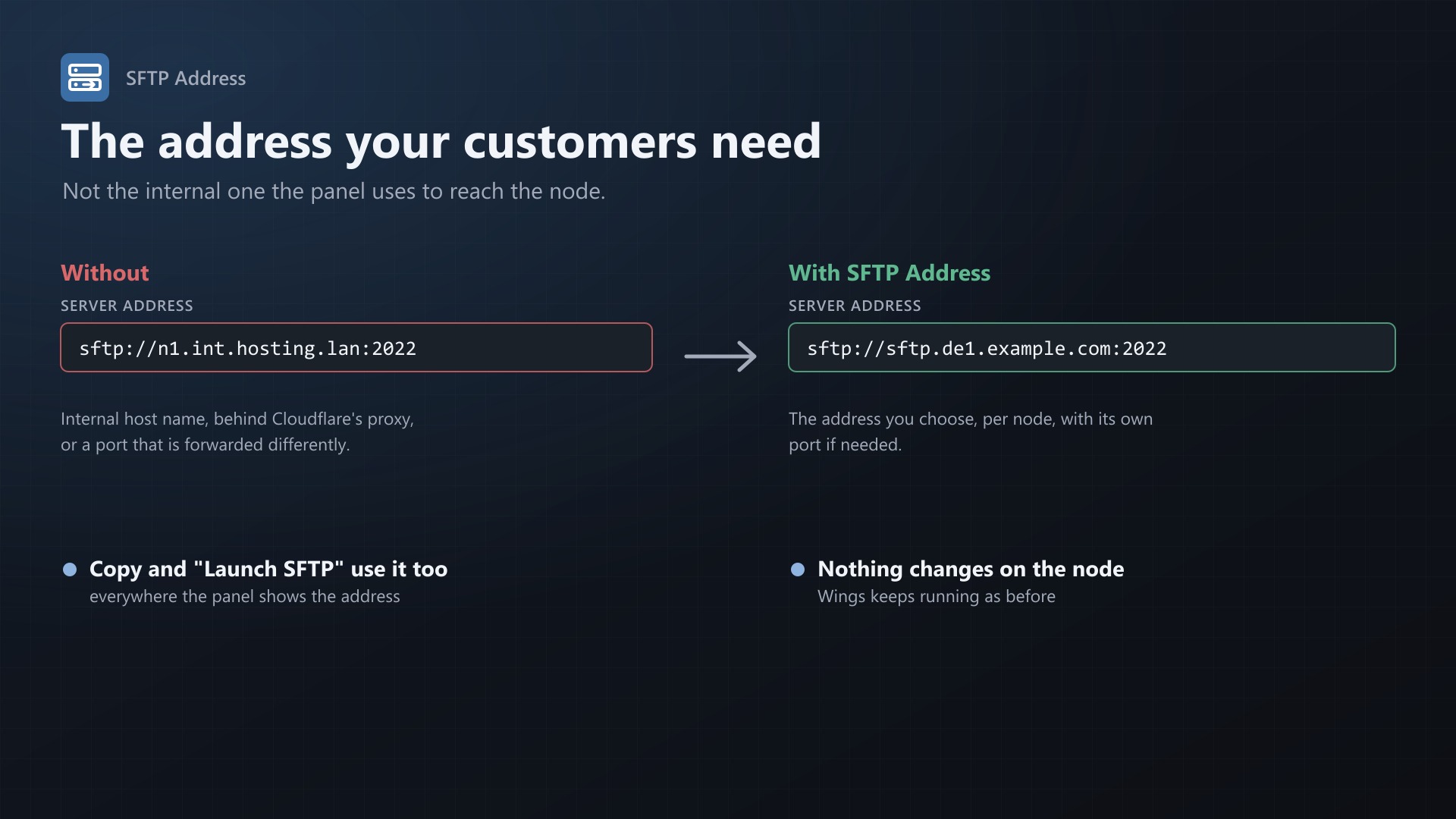
Pterodactyl always shows the node's FQDN and SFTP port as the SFTP address. That is the address the panel uses to reach Wings, and often not the one your customers should use. It can be an internal host name, a host behind Cloudflare's proxy (which doesn't pass SFTP), or a port that is forwarded differently. SFTP Address lets you set what users see, per node.
sftp://n1.int.hosting.lan:2022 -> sftp://sftp.de1.example.com:2022
Features
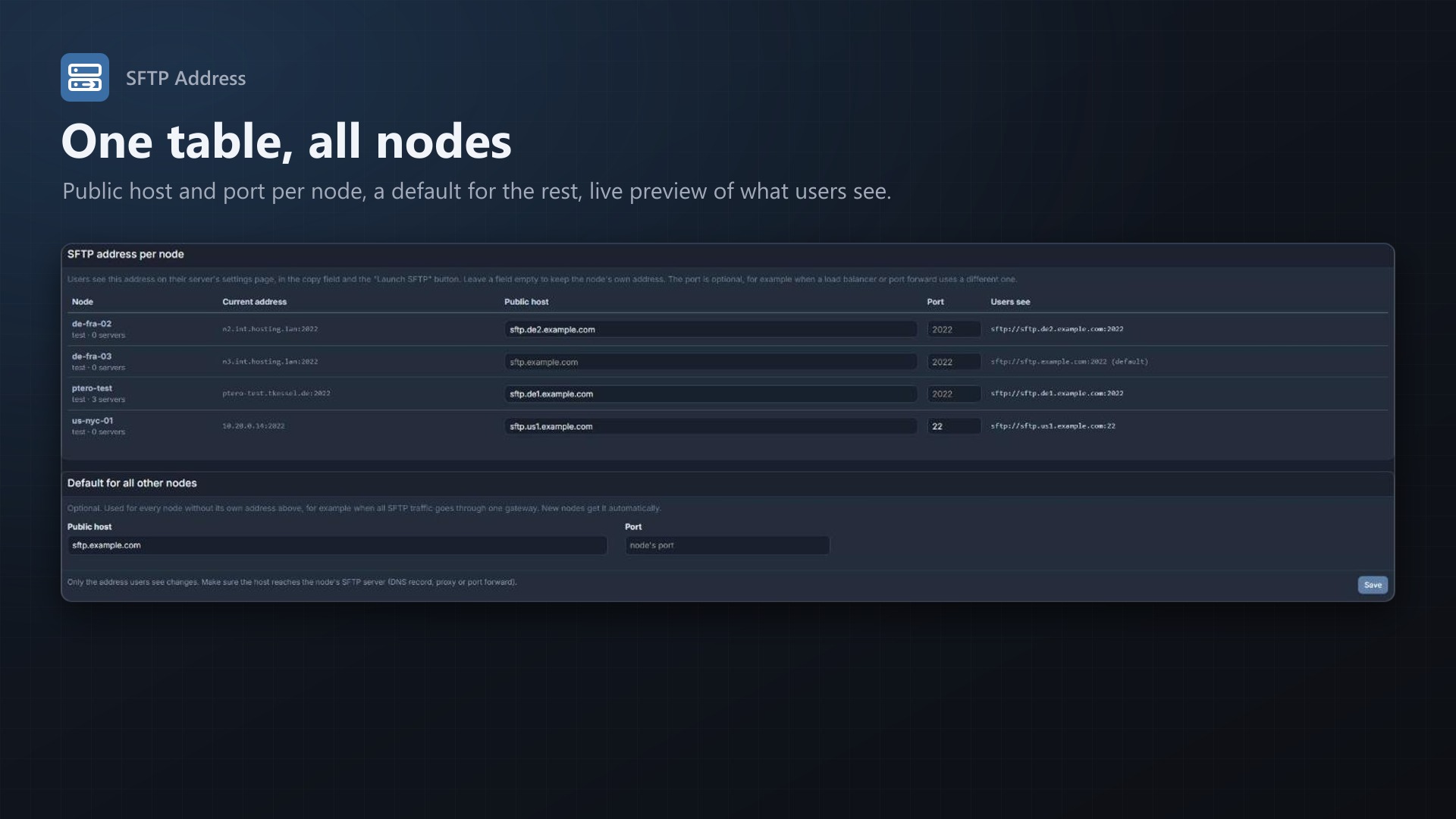
- Public host per node, optionally with its own port
- Default address for all nodes without their own, for example one SFTP gateway. New nodes get it automatically.
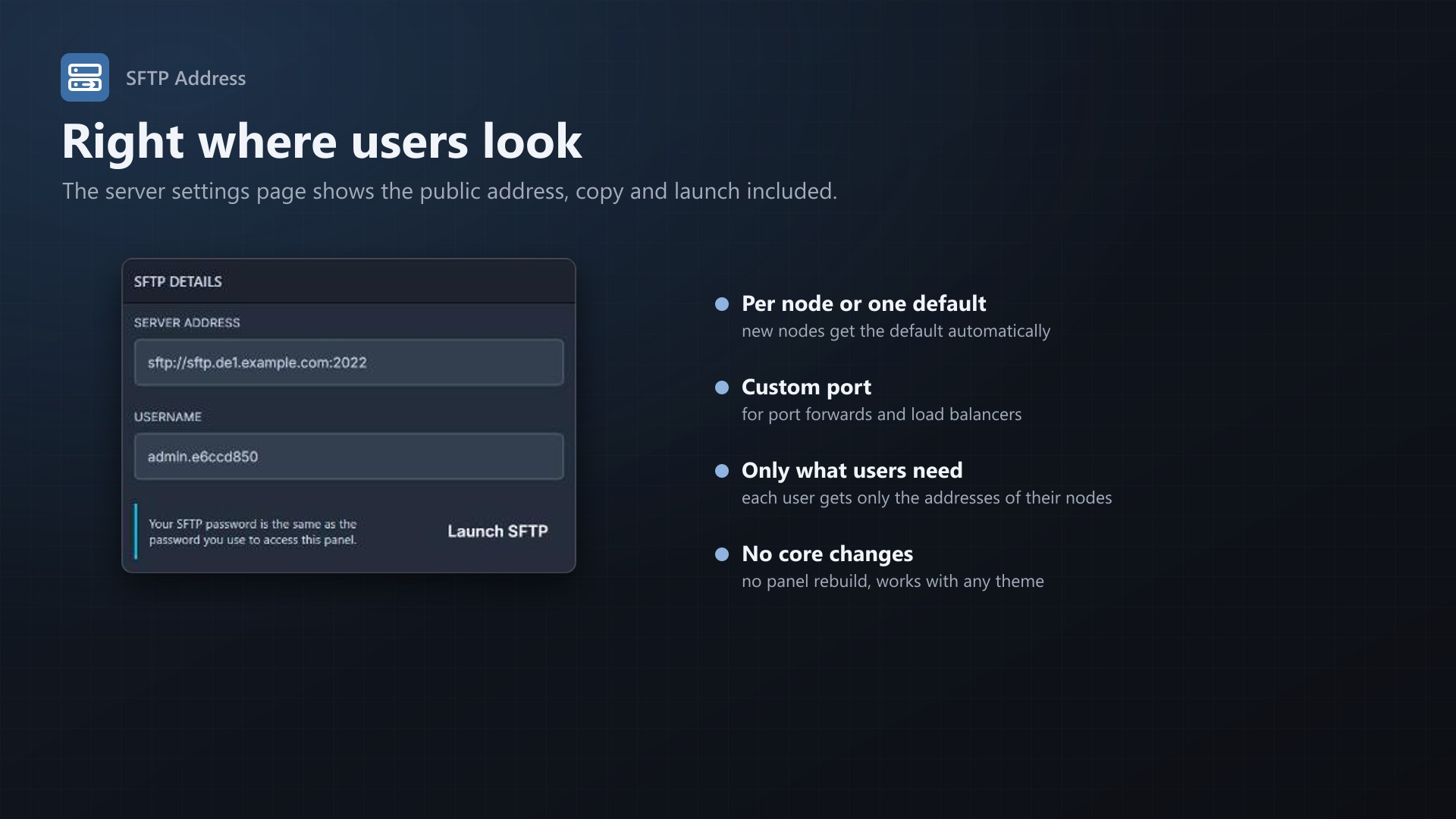
- Applies everywhere the panel shows the SFTP address:
- Server address field on the settings page
- Copy on click
- "Launch SFTP" button
- Live preview on the admin page of what users will see
- Users only receive the addresses of nodes they have servers on. Visitors who aren't logged in receive nothing.
- No core files are modified, no panel rebuild needed, works with any theme
Good to know
Only the displayed address changes, nothing on the node. The public host has to reach the node's SFTP server, for example through a DNS record without Cloudflare proxy, a port forward or a TCP load balancer.
Requirements
- Pterodactyl Panel 1.15.x
- Blueprint (beta-2026-08 or newer)
Installation
- Upload
sftpaddress.blueprintto/var/www/pterodactyl - Run
blueprint -install sftpaddress - Open Admin > Extensions > SFTP Address and enter the public host for your nodes
Support
The README in the download explains how it works and what to point the host at. Questions and bug reports through the support link.