Studio Theme
Product information
Release v0.1.0 (Updated )
Reviews
0 von 5 Sternen
0 purchases
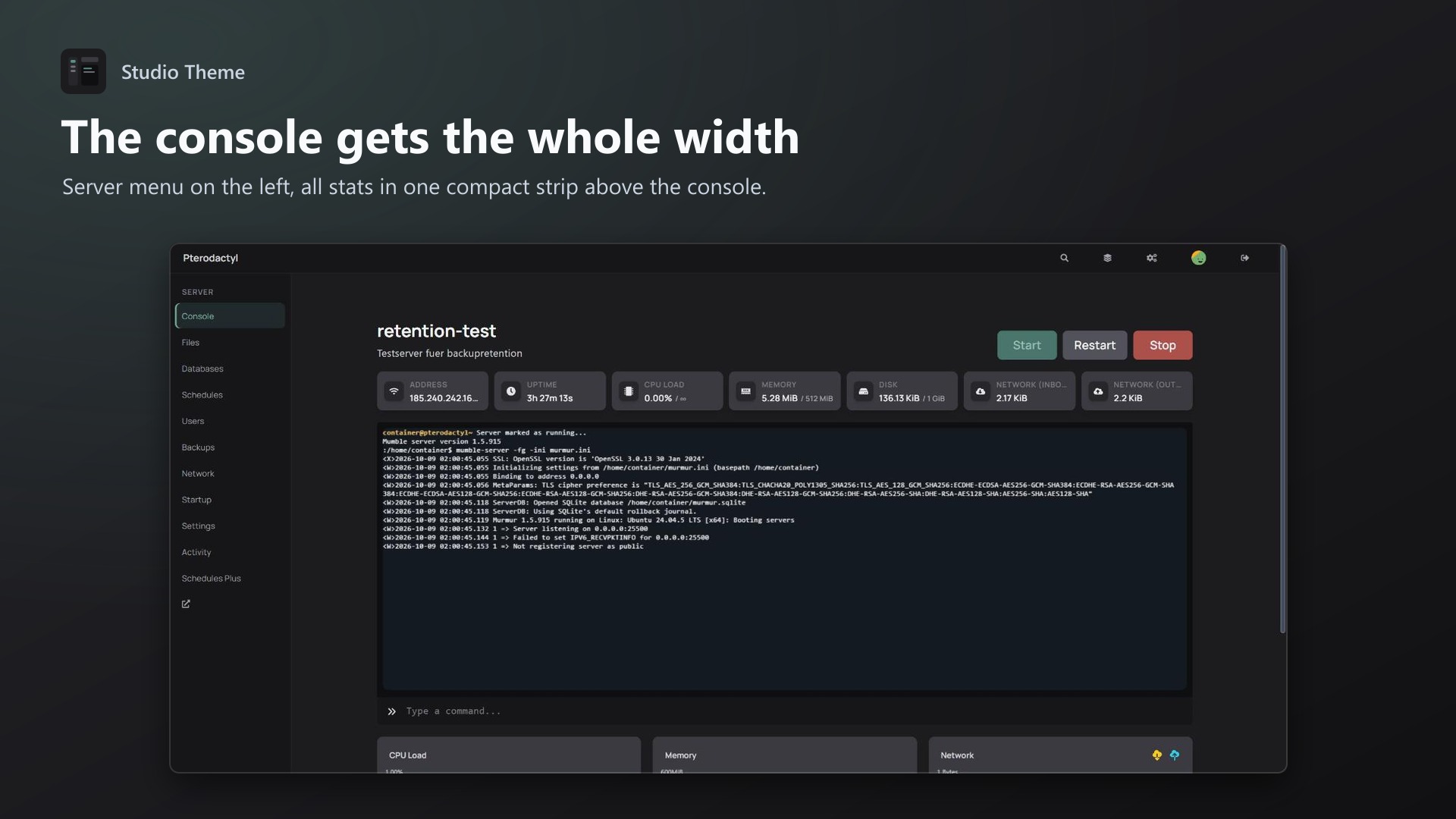
A calm dark theme with a new layout: server menu on the left, stats above a full-width console. No core changes.
€9,99
Release historyDescription
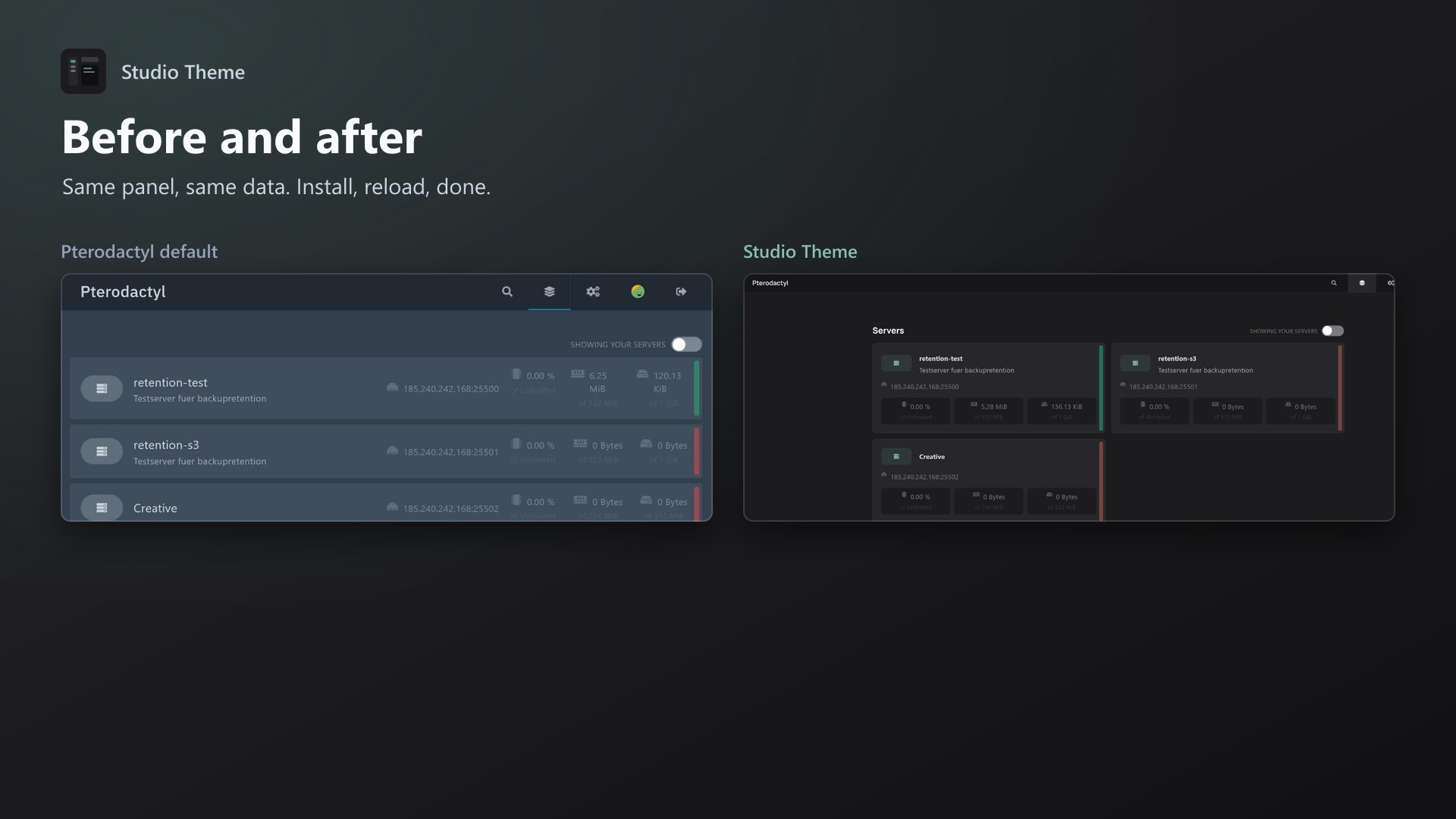
A calm dark theme that changes more than colours: server pages get a new layout.
What changes
- Server menu on the left: the tabs (Console, Files, Databases, Backups …) become a labelled sidebar. Long tab lists from other extensions no longer get cut off
- Stats strip above a full-width console: address, uptime, CPU, memory, disk and network in one compact row
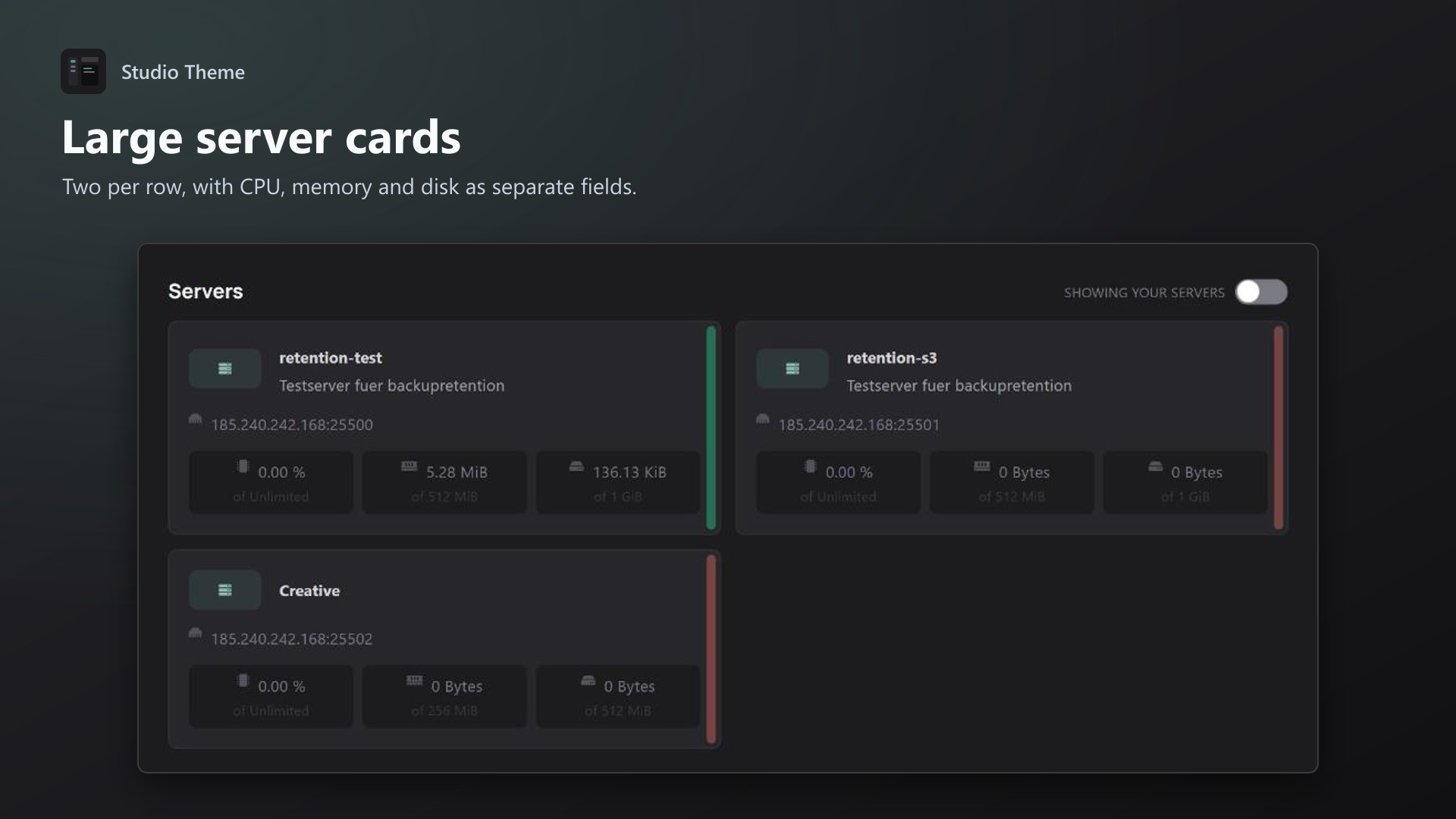
- Large server cards on the dashboard, two per row
- Muted colours, no neon: warm graphite, cool slate or midnight
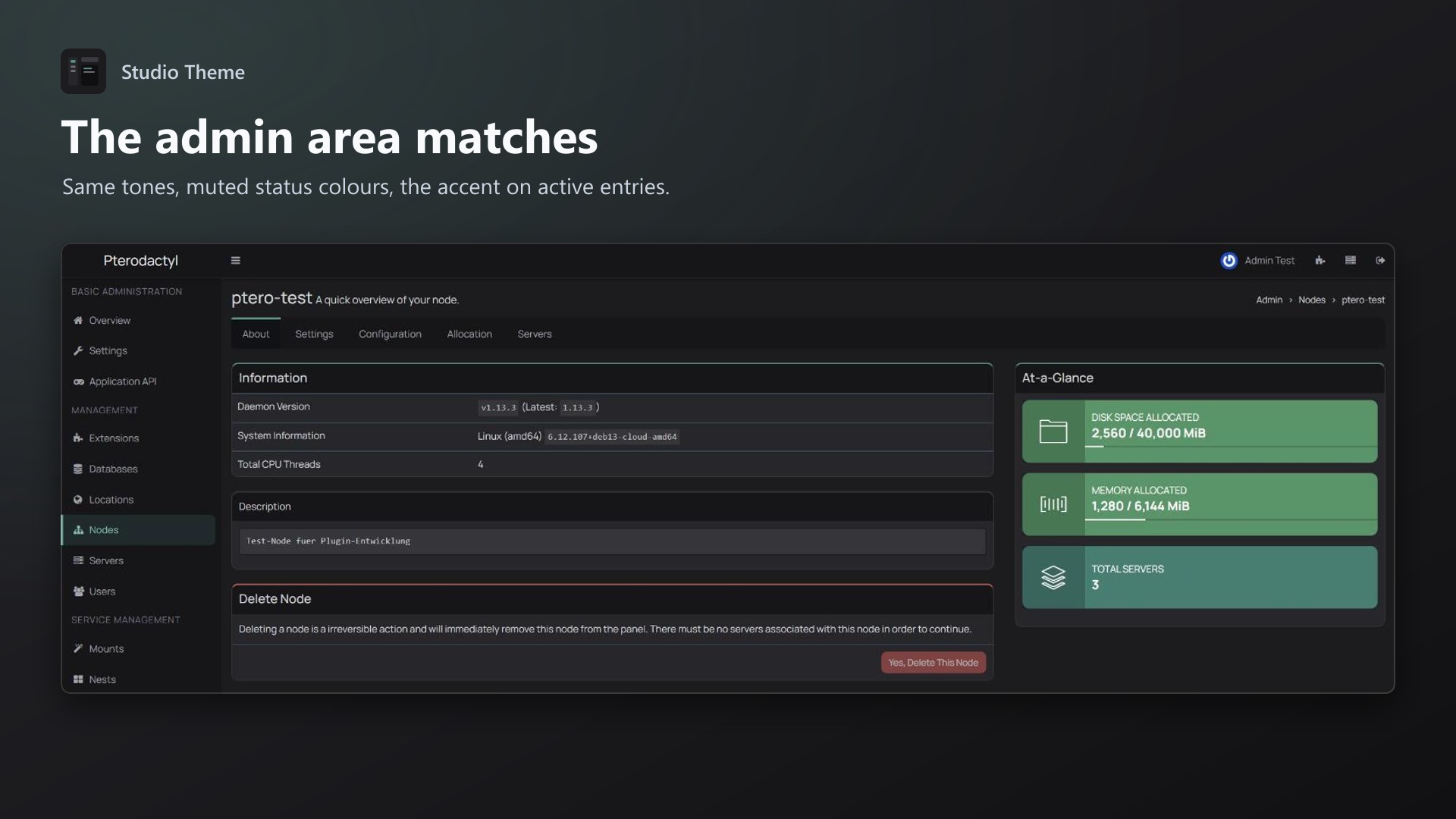
- Admin area in the same tones
- Works on phones
Settings
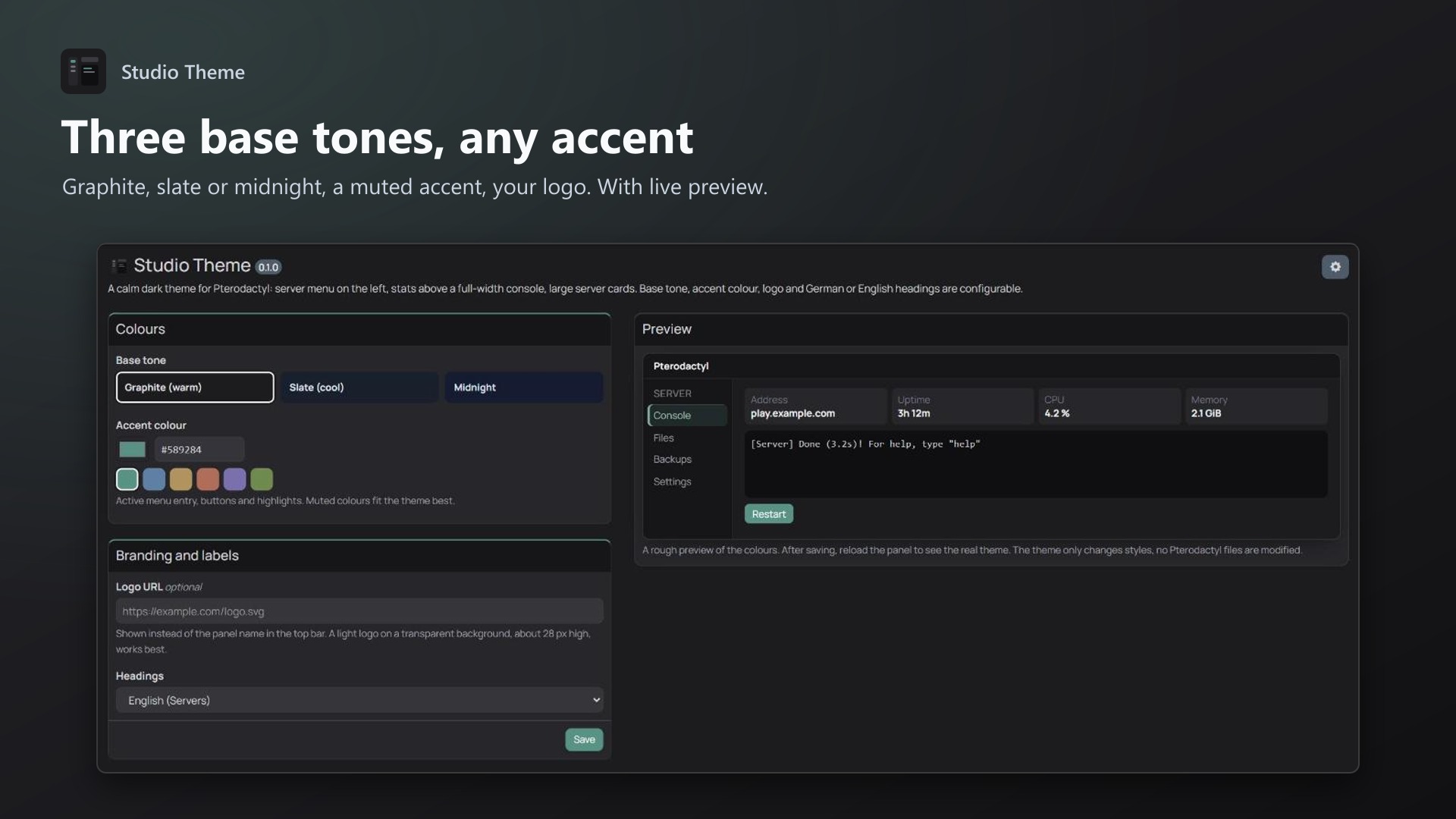
- Base tone: Graphite, Slate or Midnight
- Accent colour: 6 muted presets or any colour, lighter and darker steps are calculated
- Your logo instead of the panel name
- Headings in English or German
- Live preview on the settings page
Good to know
- No Pterodactyl files are modified, removing the extension restores the original look
- The font is bundled, no requests to Google Fonts (GDPR friendly)
- Only use one theme extension at a time
Requirements
- Pterodactyl Panel 1.15.x
- Blueprint (beta-2026-08 or newer)
Installation
- Upload
studiotheme.blueprintto/var/www/pterodactyl - Run
blueprint -install studiotheme - Reload the panel with Ctrl + F5, settings are under Admin > Extensions > Studio Theme
Support
If something looks off on a page, send me a screenshot of it and I'll fix it.