Trash Bin
Product information
Release v1.0.0 (Updated )
Reviews
0 von 5 Sternen
0 purchases
Safe file deletions with a 24-hour retention trash bin, 1-click restore, and automatic cron expiration for Pterodactyl.
$10.00
Release history

Description
Trash Bin for Pterodactyl
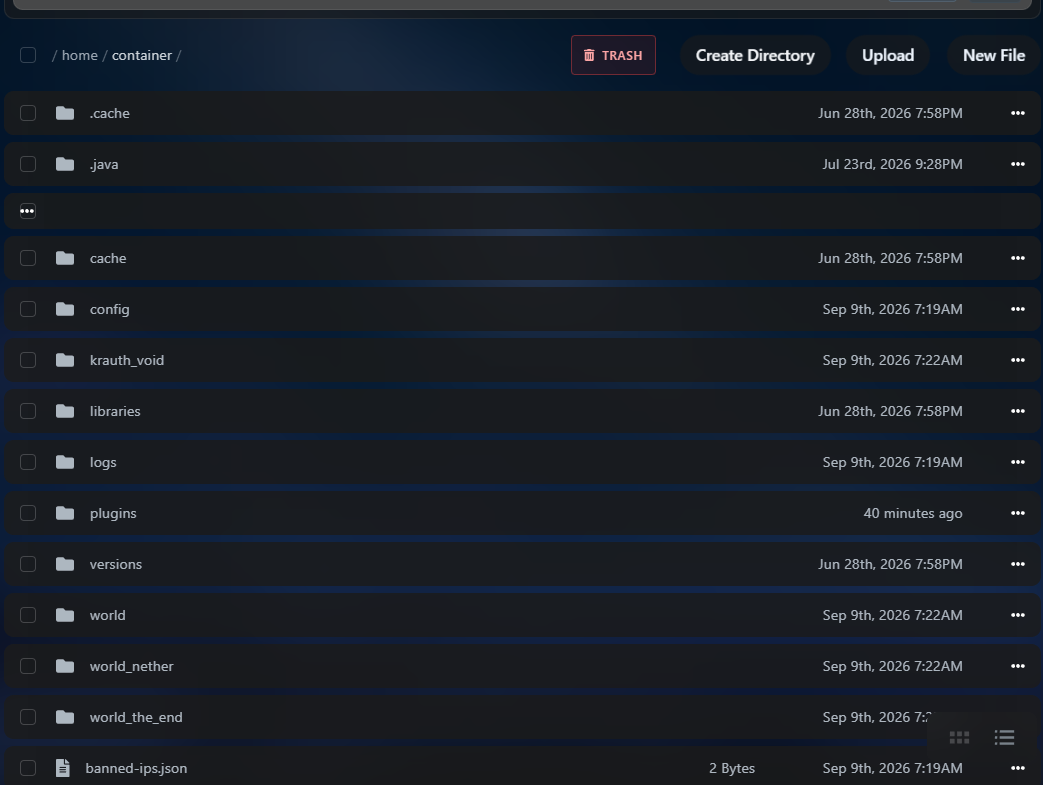
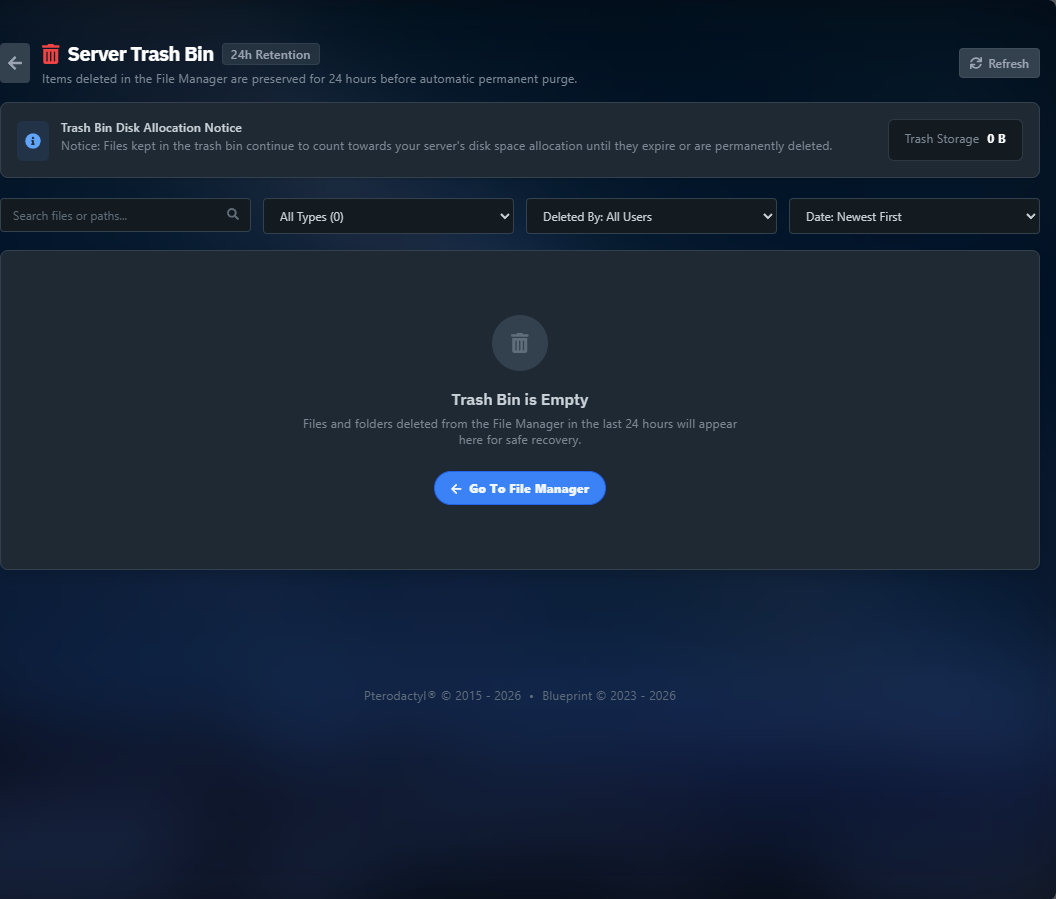
Trash Bin adds a recycling bin to the Pterodactyl file manager to prevent accidental file deletion. When files or directories are deleted, they are moved to a temporary trash storage instead of being permanently removed immediately. Server users can review deleted files and restore them with a single click back to their original path, or permanently remove them if needed.
Features:
- Deleting files moves them to the trash bin instead of immediate permanent deletion
- 1-click restore for individual files or directories back to original location
- Automatic cleanup of deleted files after 24 hours via scheduled cron
- Option to empty trash or permanently delete specific files
- Tenant isolation ensuring users can only see and restore their own files
- Clean interface integrated directly into the file manager
- Lightweight operations with zero daemon lag
- Built for Blueprint framework
Requirements:
- Pterodactyl Panel 1.11 or newer
- Blueprint framework
- Standard Wings
Installation:
-
Upload the .blueprint file to your panel directory: cd /var/www/pterodactyl blueprint -i trashbin.blueprint
-
Run database migrations: php artisan migrate --force
-
Make sure panel cron is active: " * * * * * php /var/www/pterodactyl/artisan schedule:run >> /dev/null 2>&1 "
Support: Discord: https://discord.gg/bChVYVDhtJ