
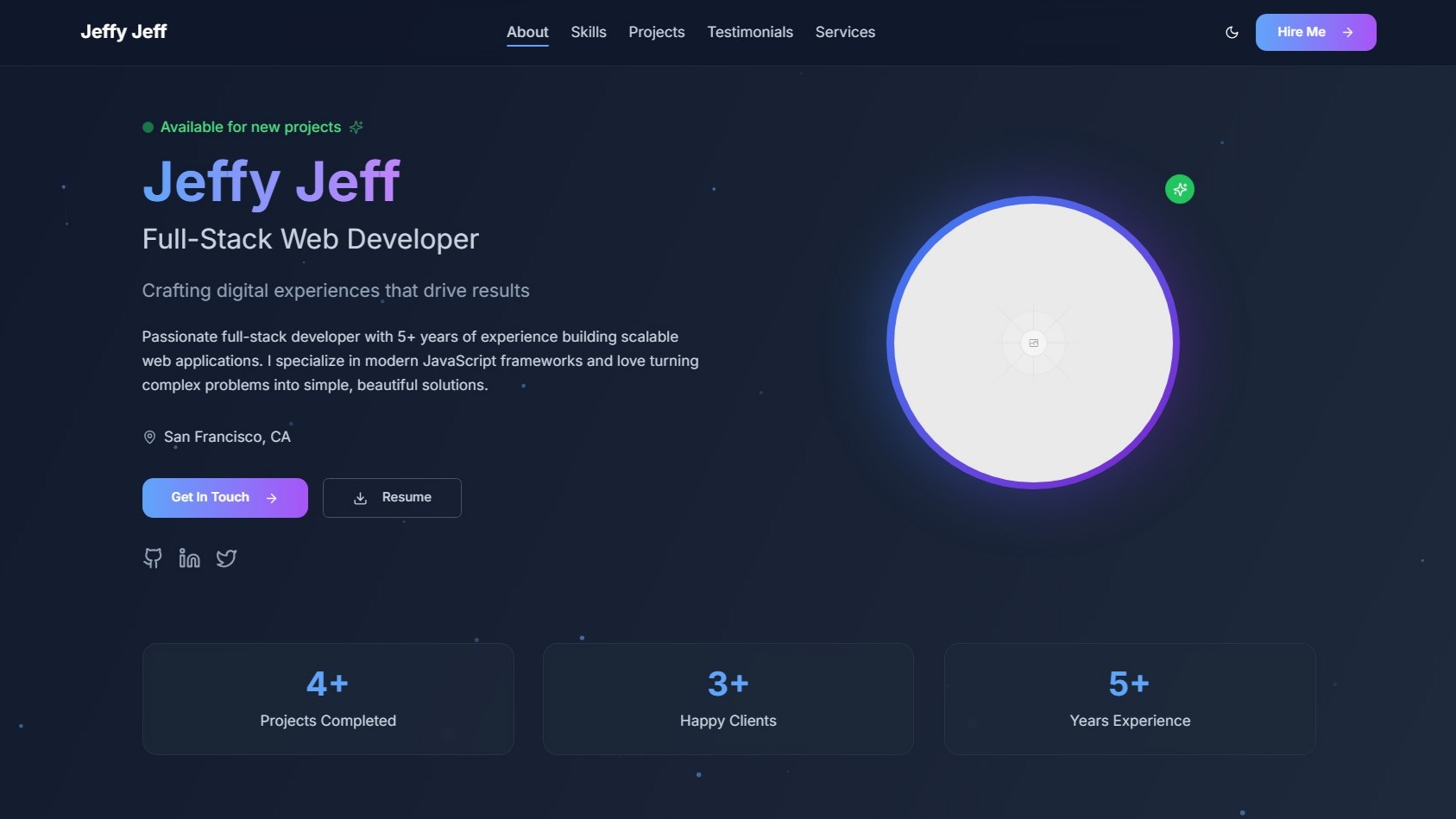
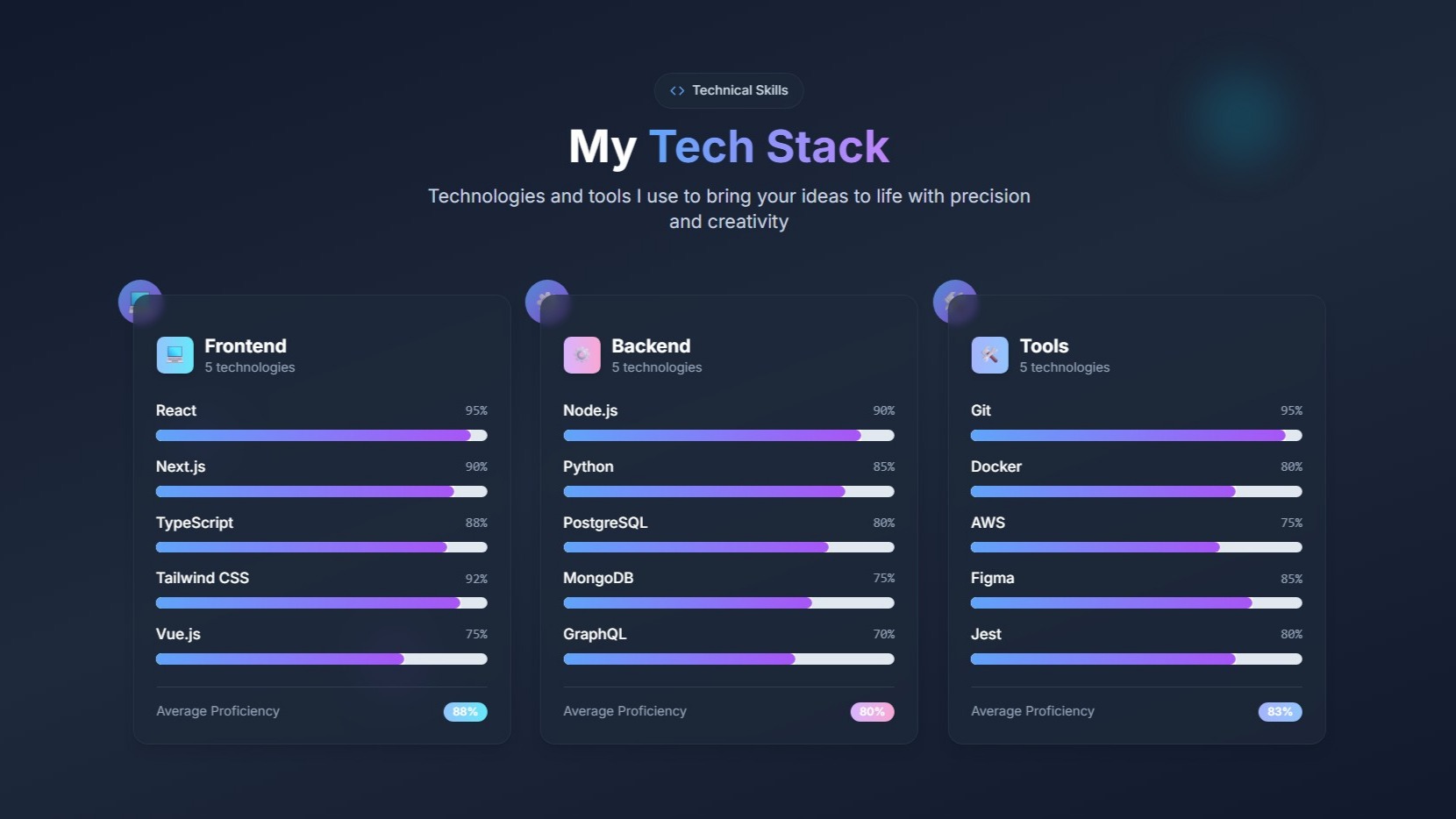
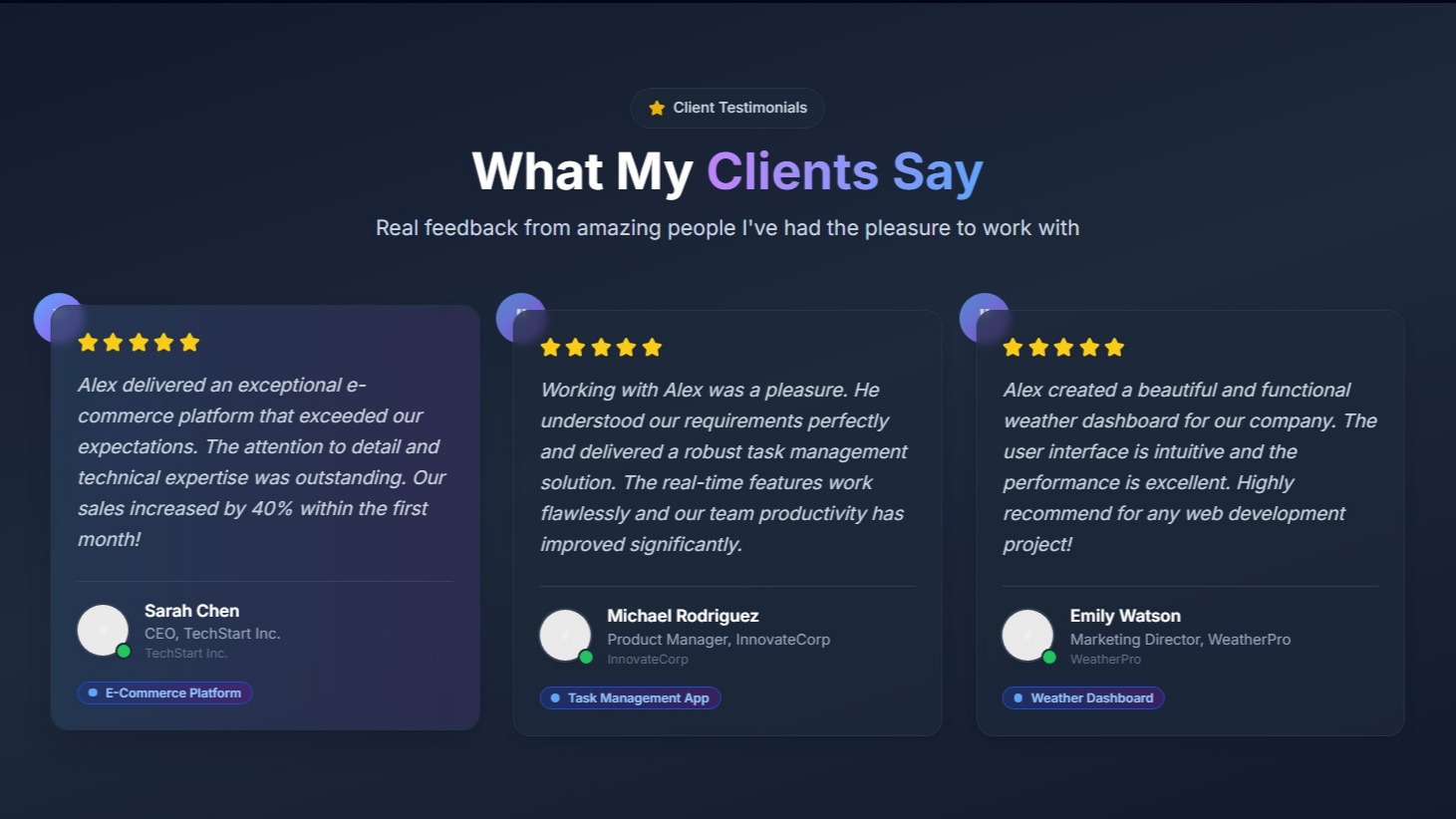
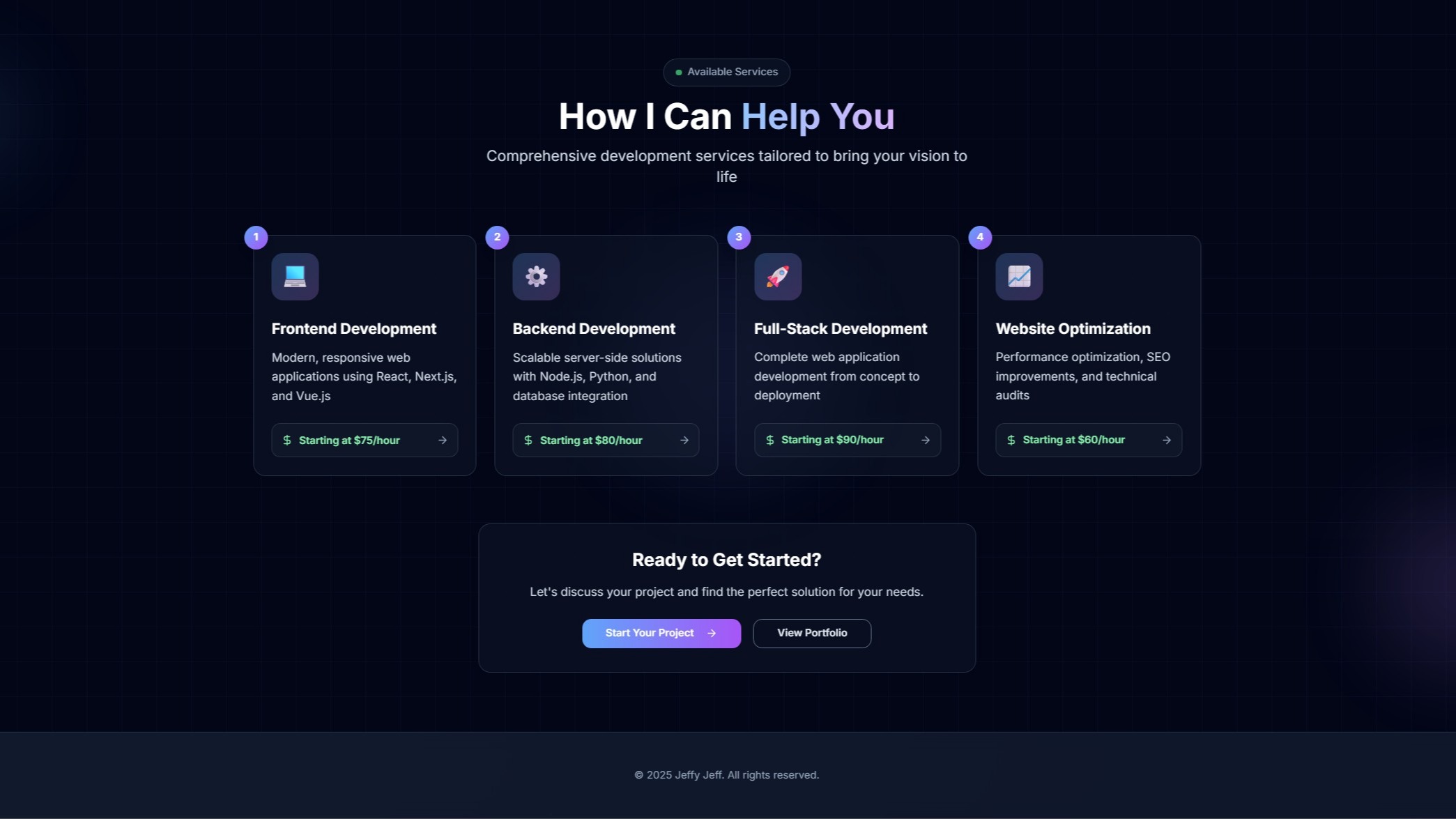
Zenti - Freelancer Portfolio
Product information
Release vv1 (Updated )
Reviews
0 von 5 Sternen
0 purchases
Zenti is a beautiful freelancer portfolio that is easy to set up and customize.
$5.99
Release history
Team
Jeff
Description
Zenti is a beautiful freelancer portfolio that is easy to set up and customize.
Live Preview: https://zenti.vercel.app
Installation Guide
Production Using Vercel
- Download the files
- Go to https://github.com. Register an account or sign into your Github account
- Make a private repo of your choice
- Upload the files to your private repo. Using the Github Desktop app is recommended.
- Go to https://vercel.com. Register an account or sign into your Vercel account
- Create a new project
- Use the Import with Github option
- Choose the private repo you have created
- Success! Your website should be live
Locally
- Download the files
- Extract the zip
- Open the folder in an IDE of your choice, preferably Visual Studio Code
- Open a new terminal
- Use the command 'npm install --force'
- After that is completed, use the command 'npm run dev'
- Visit localhost:3000 and see your live preview!
Support
Q: Where can I edit the website information at?
A: Go into the 'lib' folder and should find a file called 'settings.js' (/lib/settings.js). Here you can edit the existing website information and customize it
Q: I'm having trouble replacing the images. What should I do?
A: All images should be found in the 'public' folder. Replace the existing images with your new images. It is recommended to change the new image names to the same names as the existing images to minimize issues.
Q: I found a bug. How can I report it?
A: Add and DM me on discord. I will be able to fix it and patch it up
Discord: okJefferson