Better Files Manager
Product information
Release vA1.24.1 (Updated )
Reviews
0 von 5 Sternen
2 purchases
Navigate trough files easily, with drag and drop moving capability, media viewer and more
$10.99
Release history

Description

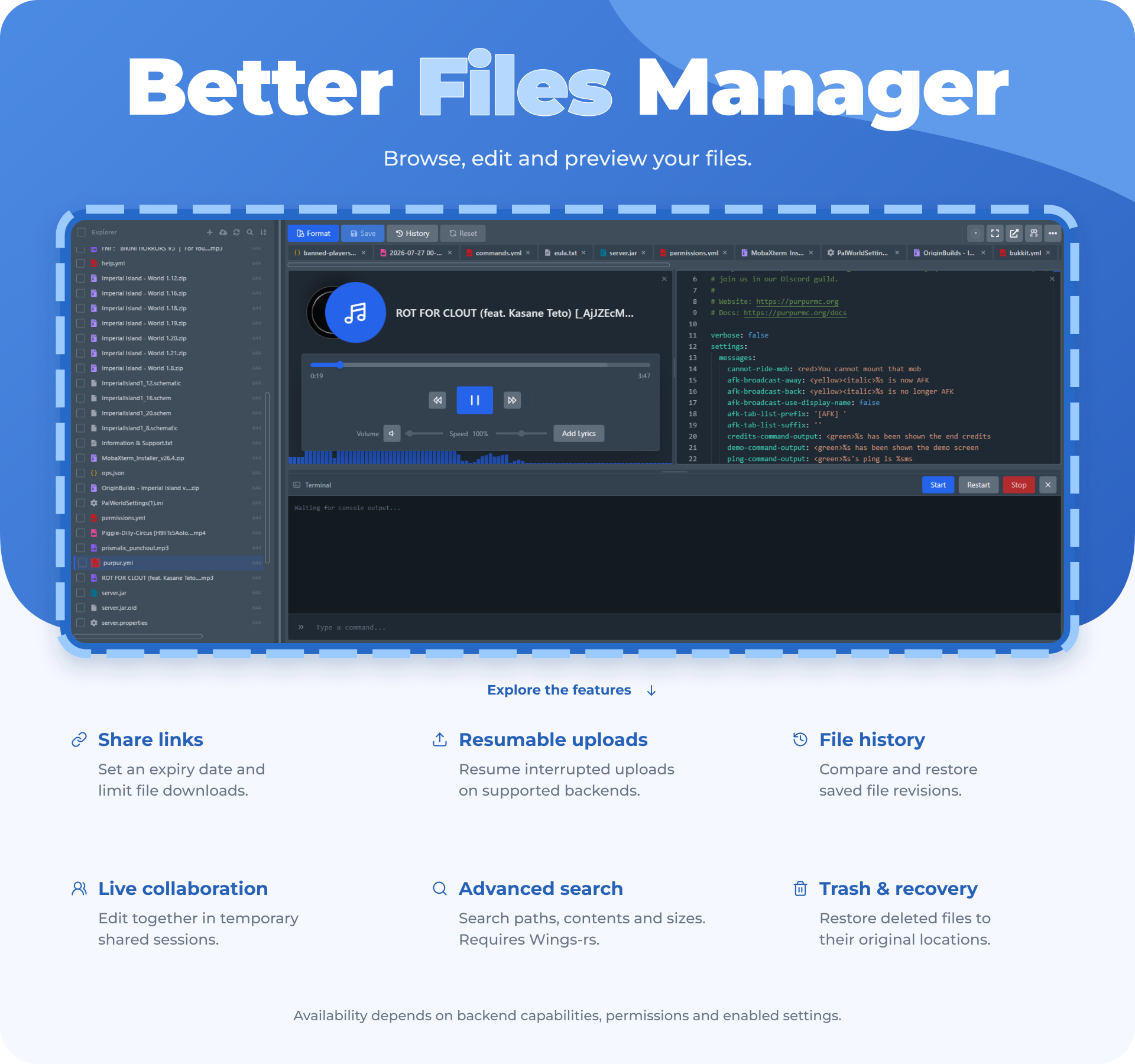
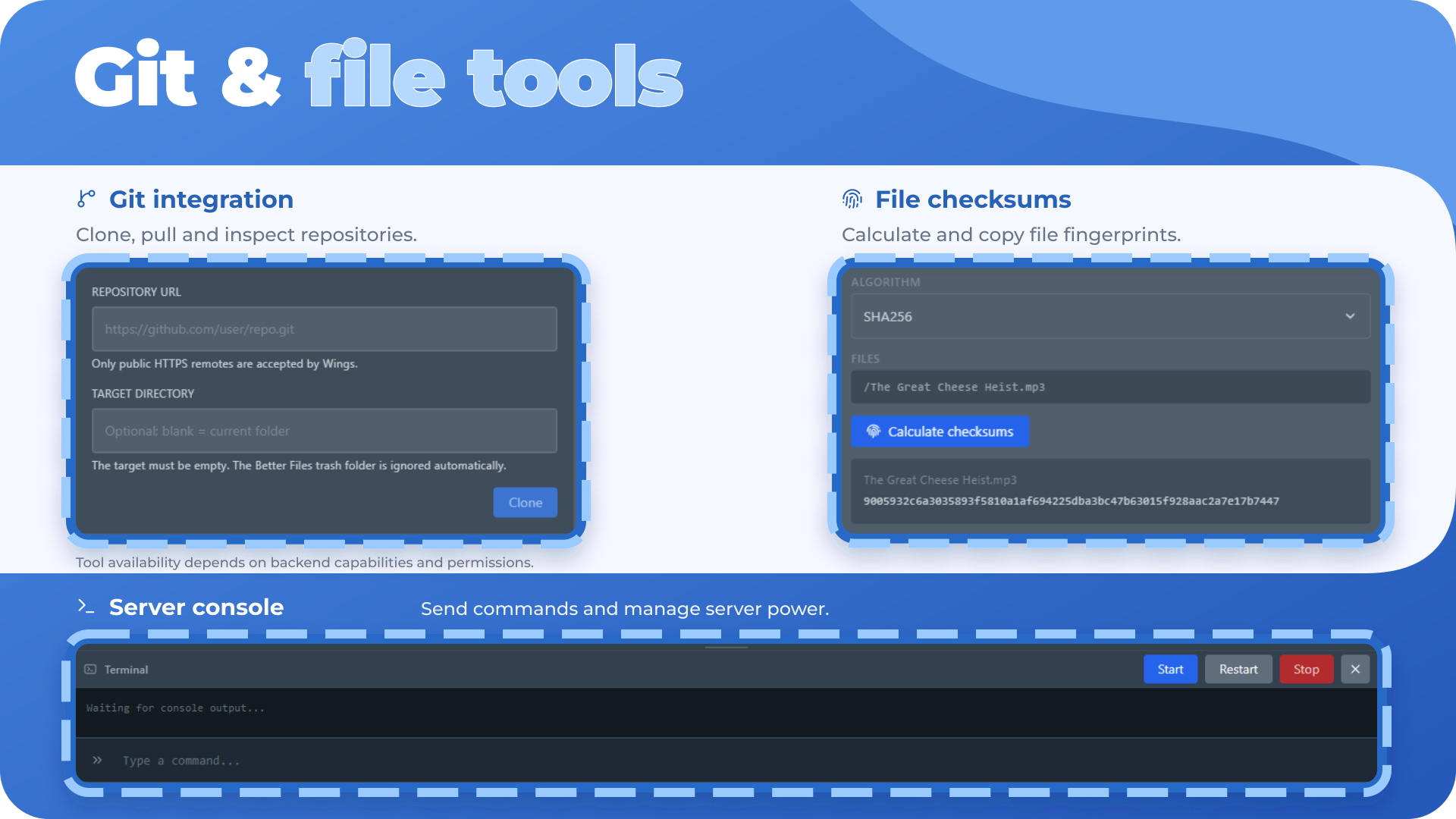
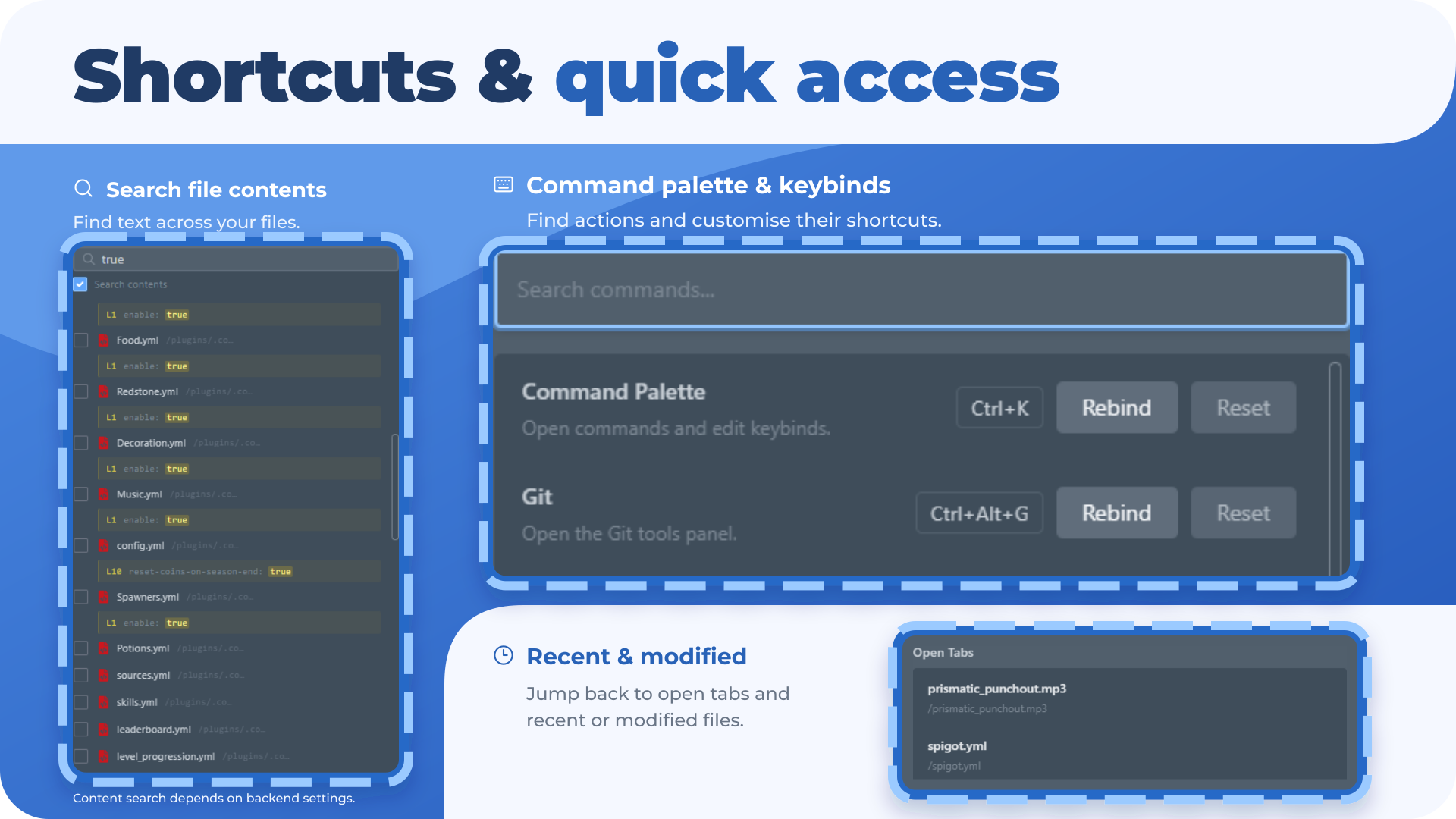
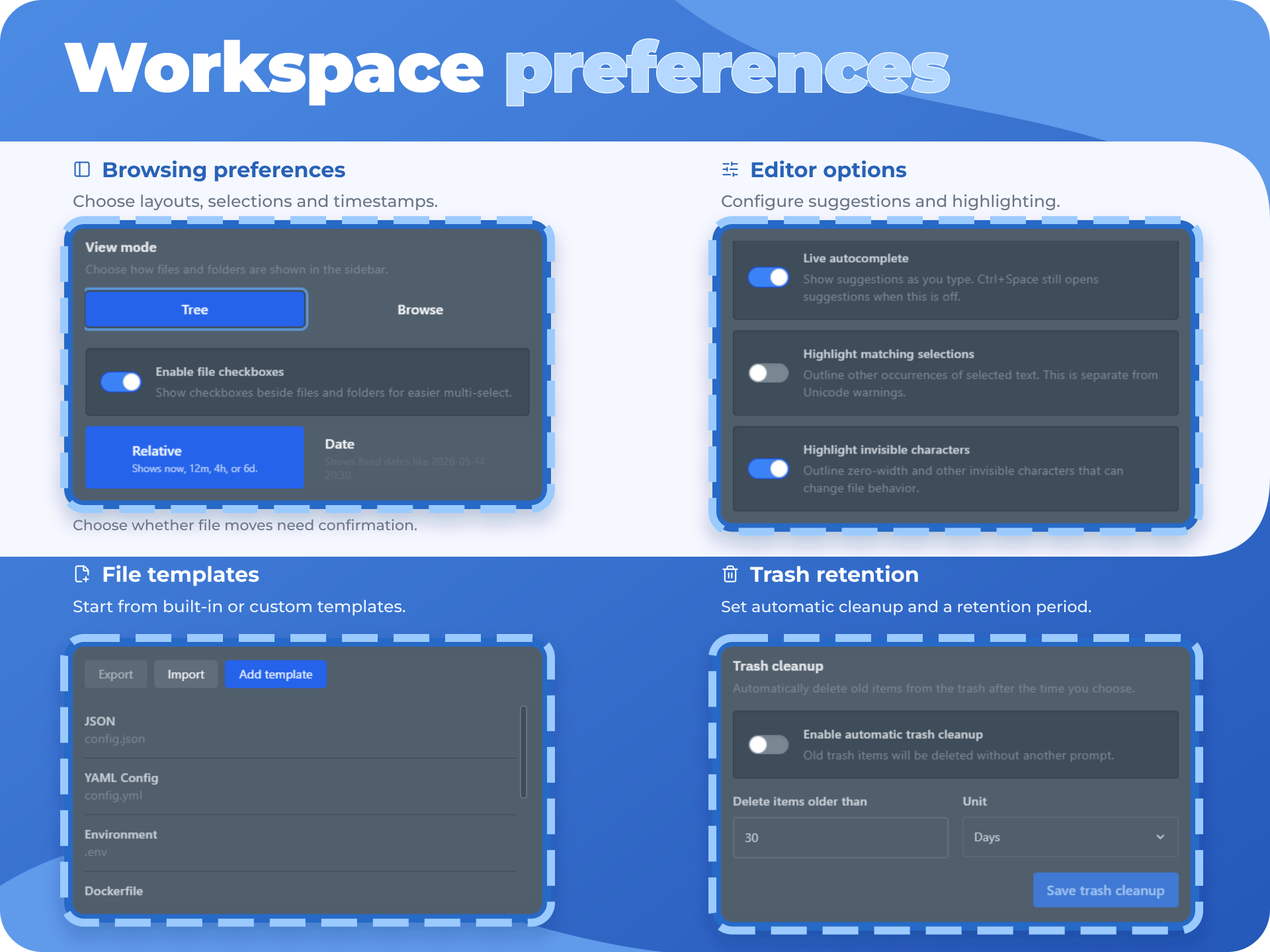
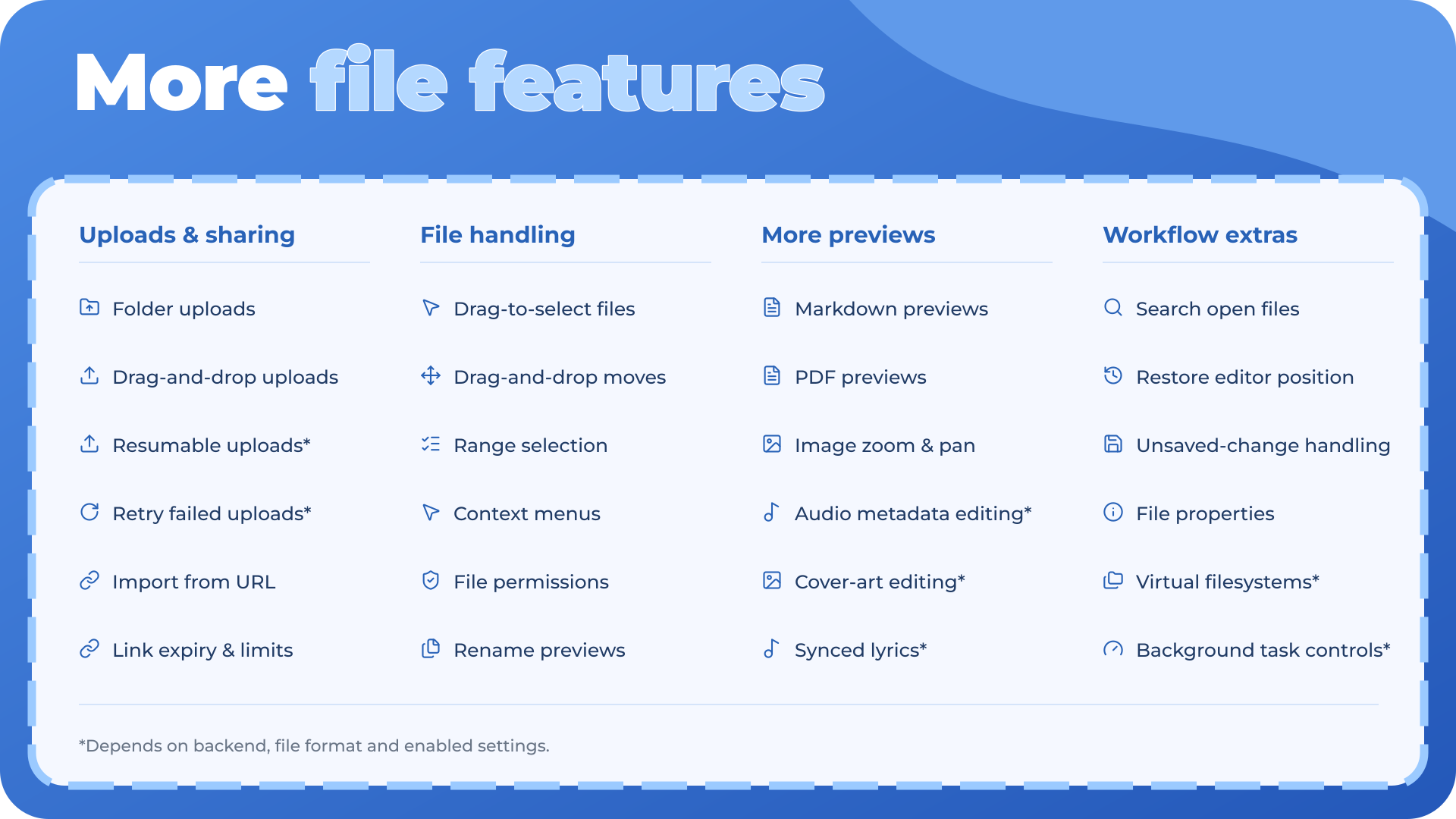
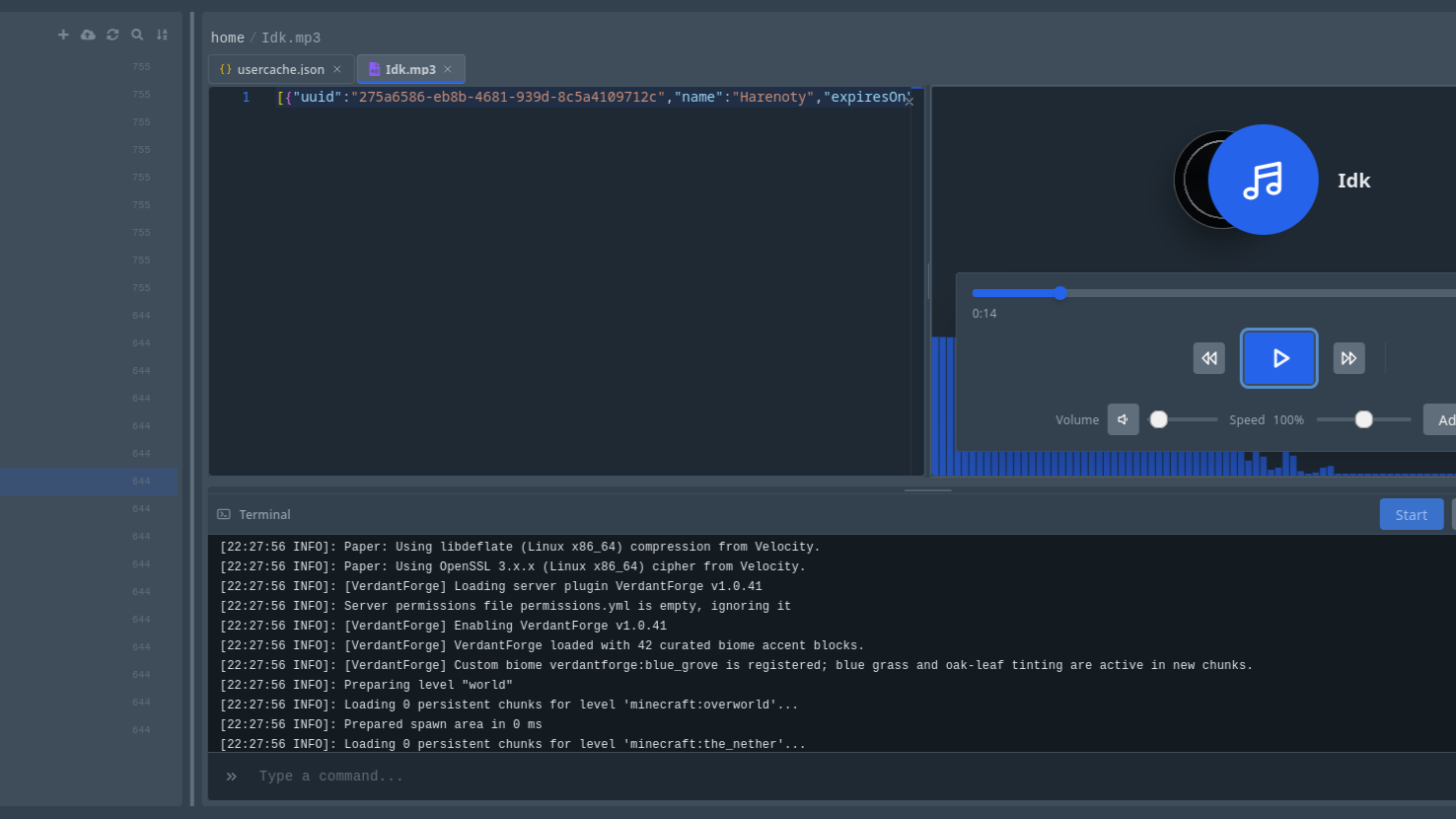
 Better Files Manager is basically a much more capable replacement for the normal Pterodactyl file manager. In normal human terms, it turns the file page into something closer to a desktop file explorer plus a proper code/media editor.
Core File Browsing
- Browse server files and folders in a cleaner interface.
- Use a sidebar folder tree for fast navigation.
- Use a right-side file list when no file is open, so folders and files are easier to separate.
- Switch between tree-style browsing and browse/list-style browsing.
- Resize the file tree/sidebar wider or narrower.
- Sort files by name, size, date, or type.
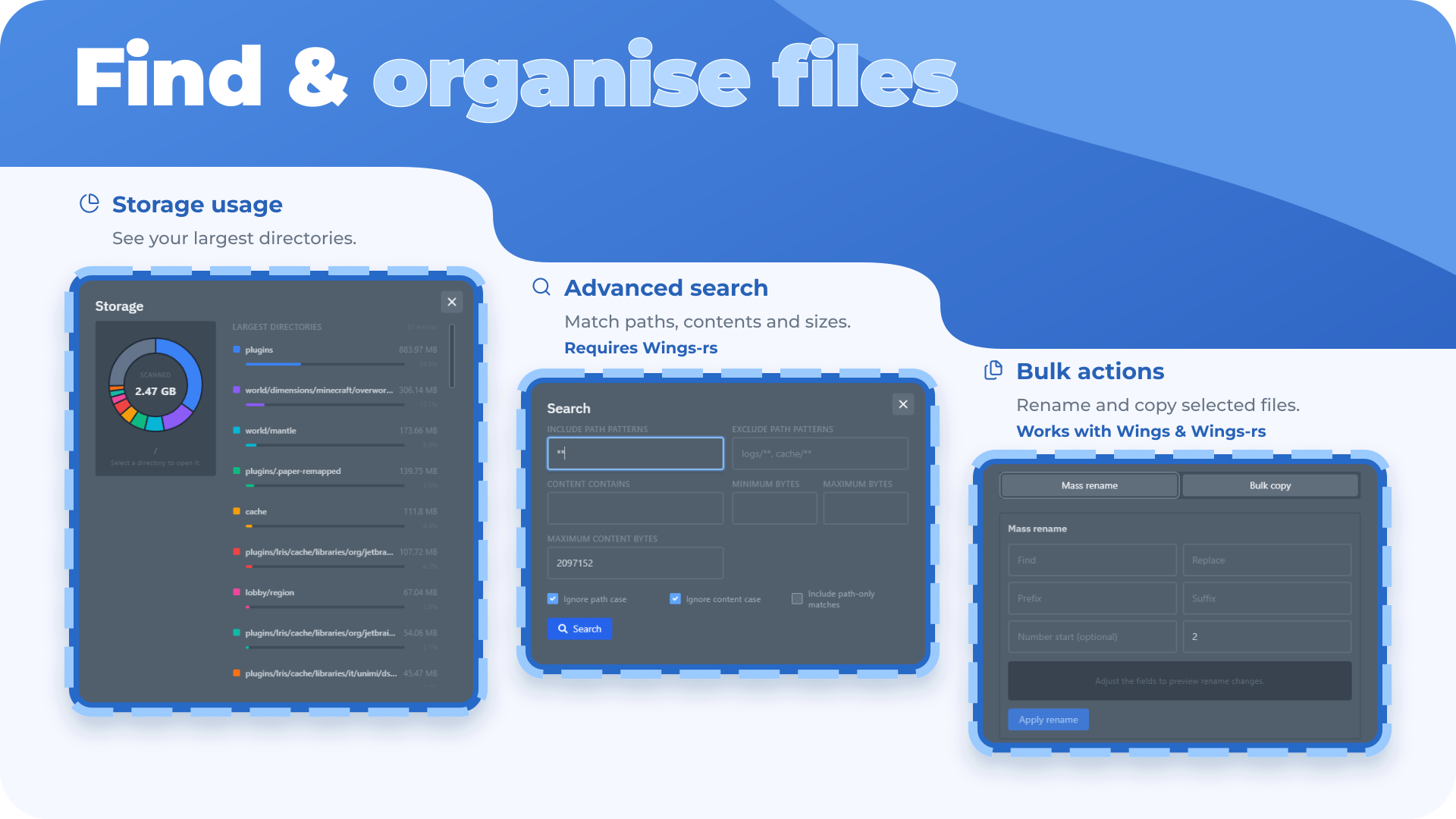
- Search files and folders.
- Select multiple files with checkboxes.
- Drag-select multiple files in the file list.
- Drag files or folders around to move them.
- Upload files by dragging them into the file manager.
- Create new files and folders.
- Rename, move, copy, delete, and restore files.
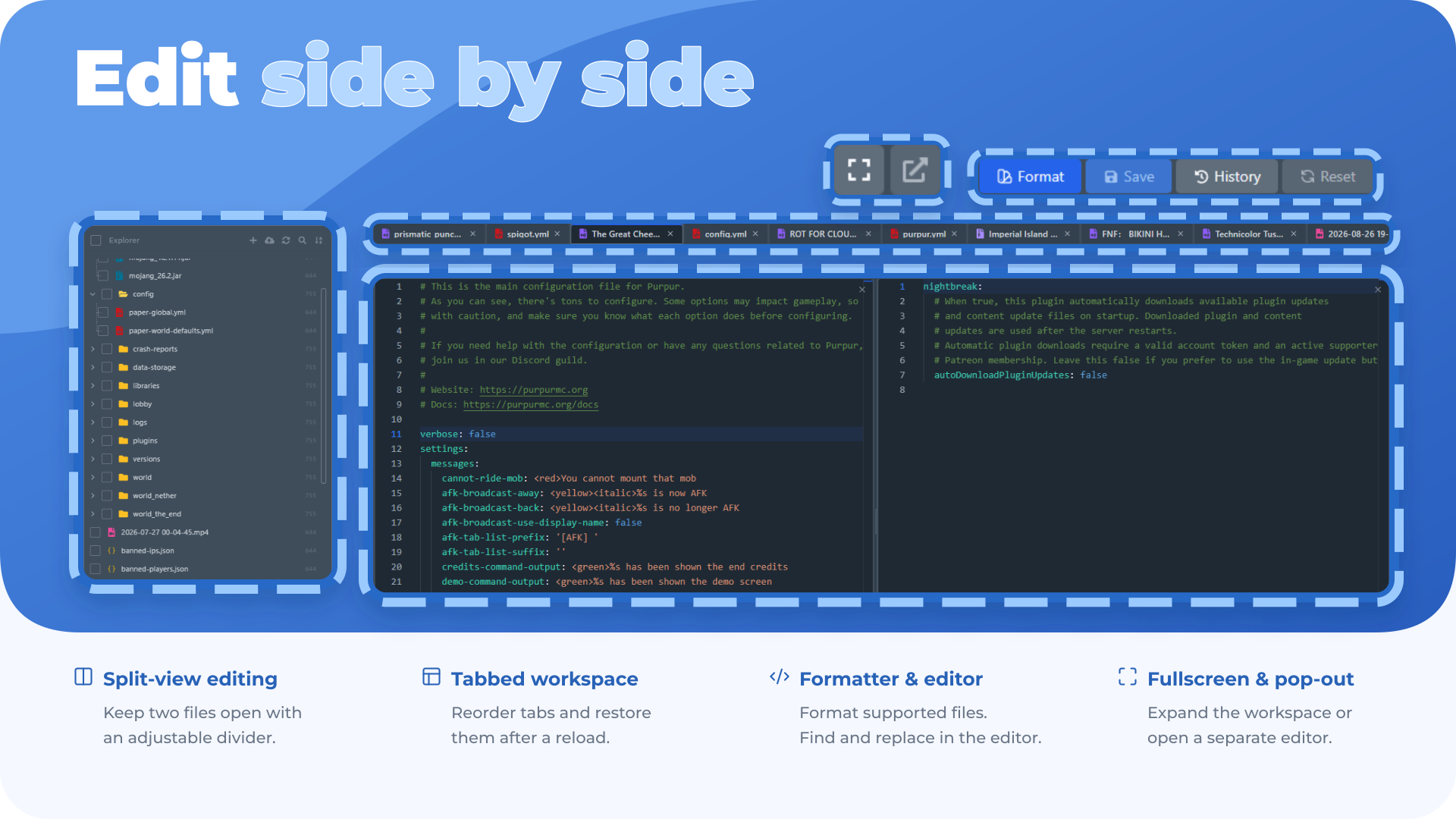
- Open multiple files in tabs.
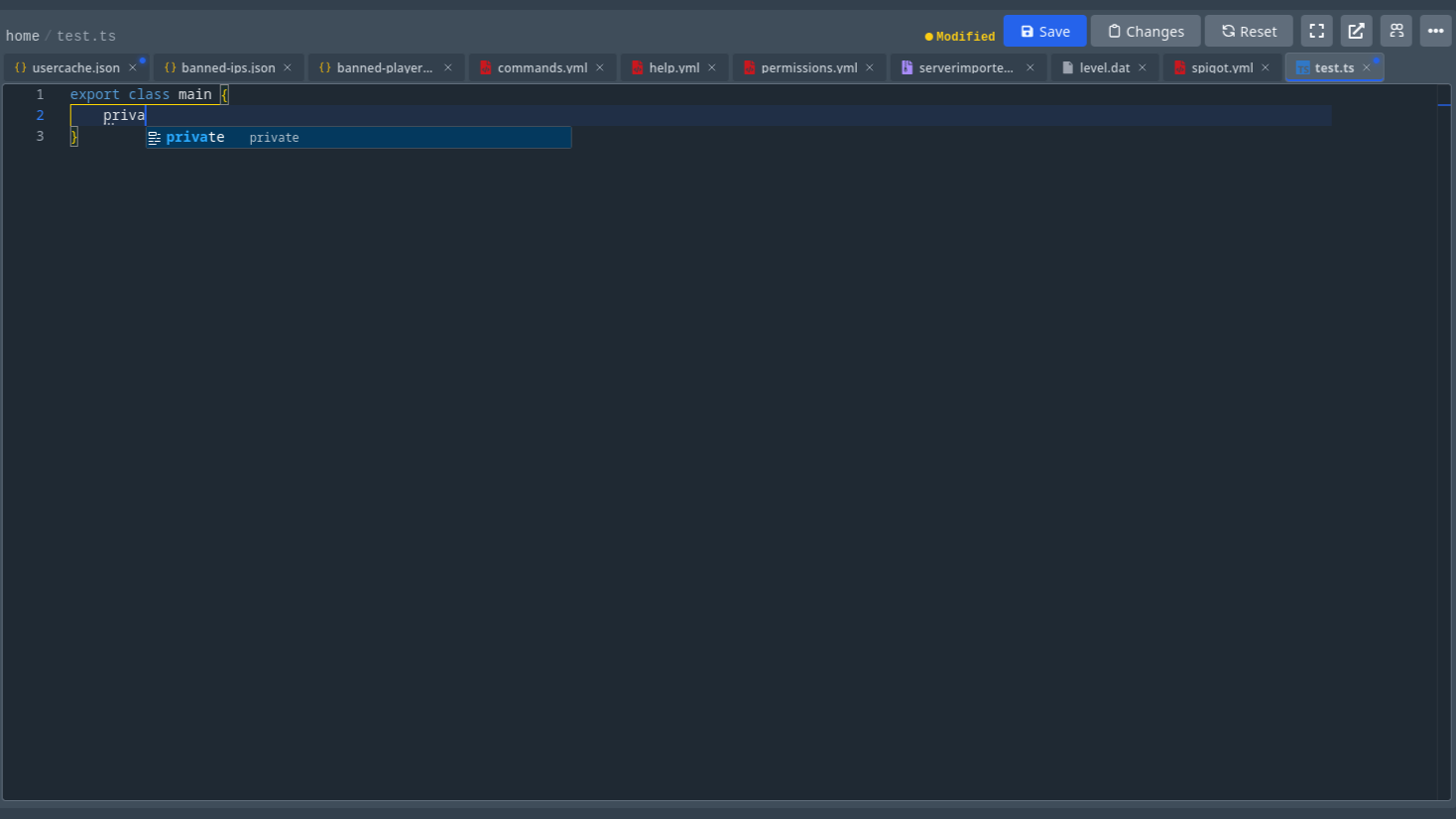
- Edit code and config files with a Monaco editor.
- Syntax highlighting for many file types.
- Save, reset, and format supported files.
- Markdown preview.
- Split-view editing so you can open another file beside the current one.
- Tracks unsaved changes.
- Warns before closing unsaved files.
- Remembers open files and editor state.
- Supports find/open-file style workflows.
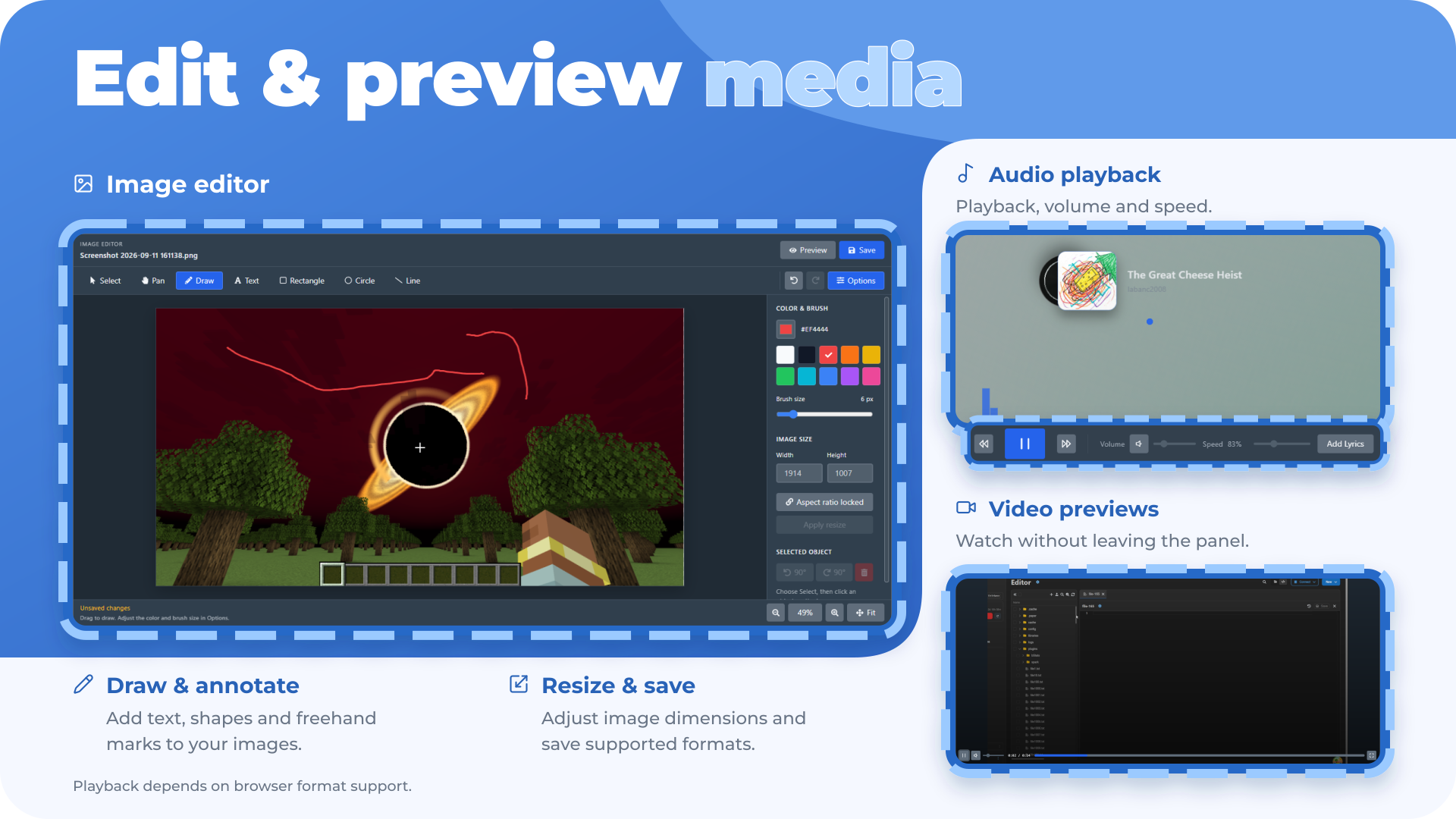
- Preview images directly.
- Preview SVGs visually instead of only as raw text.
- Play audio files.
- Play video files.
- Audio/video controls include keyboard support for pause, rewind, and volume.
- Reads media metadata where possible.
- Allows editing audio metadata where supported.
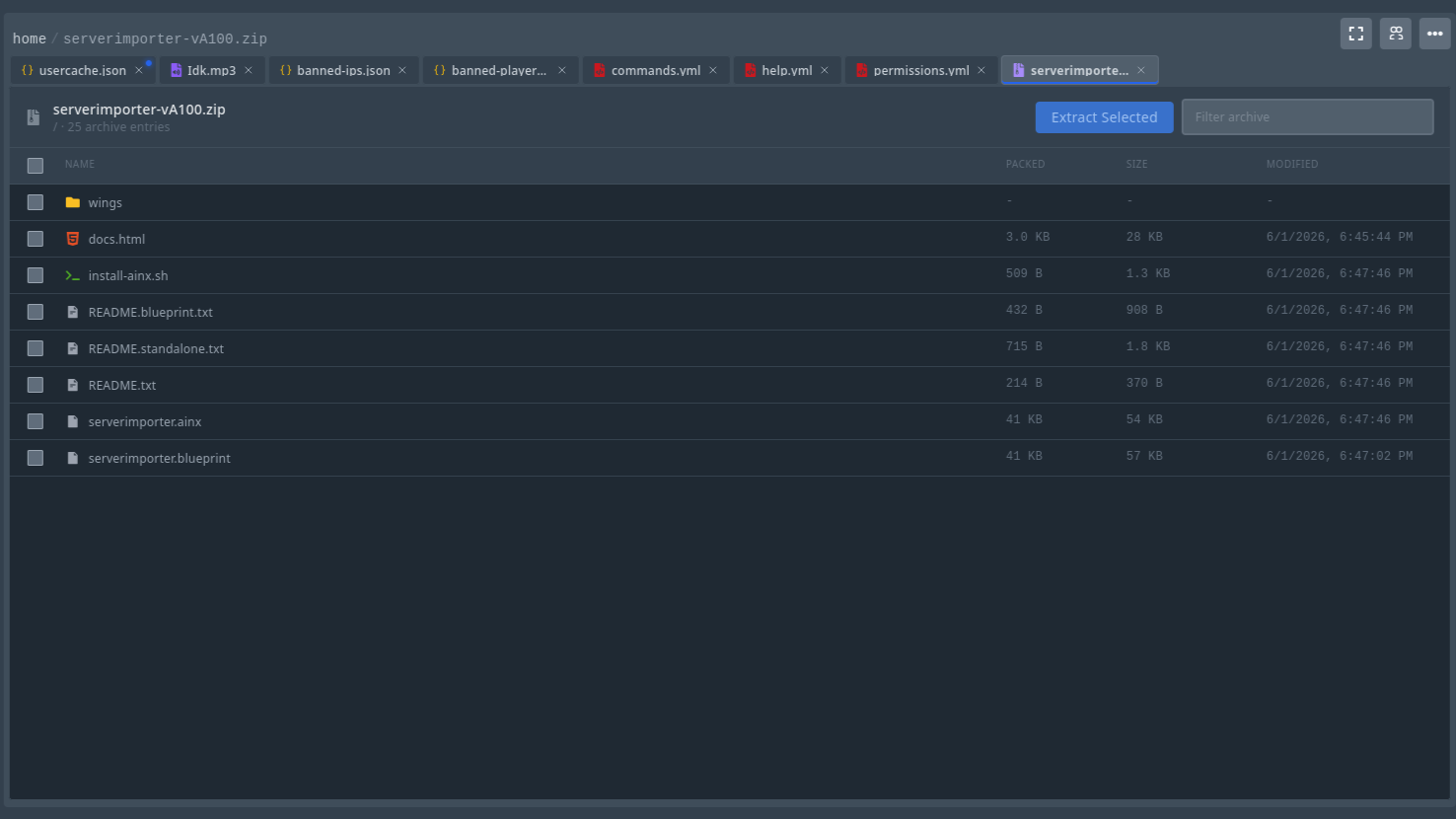
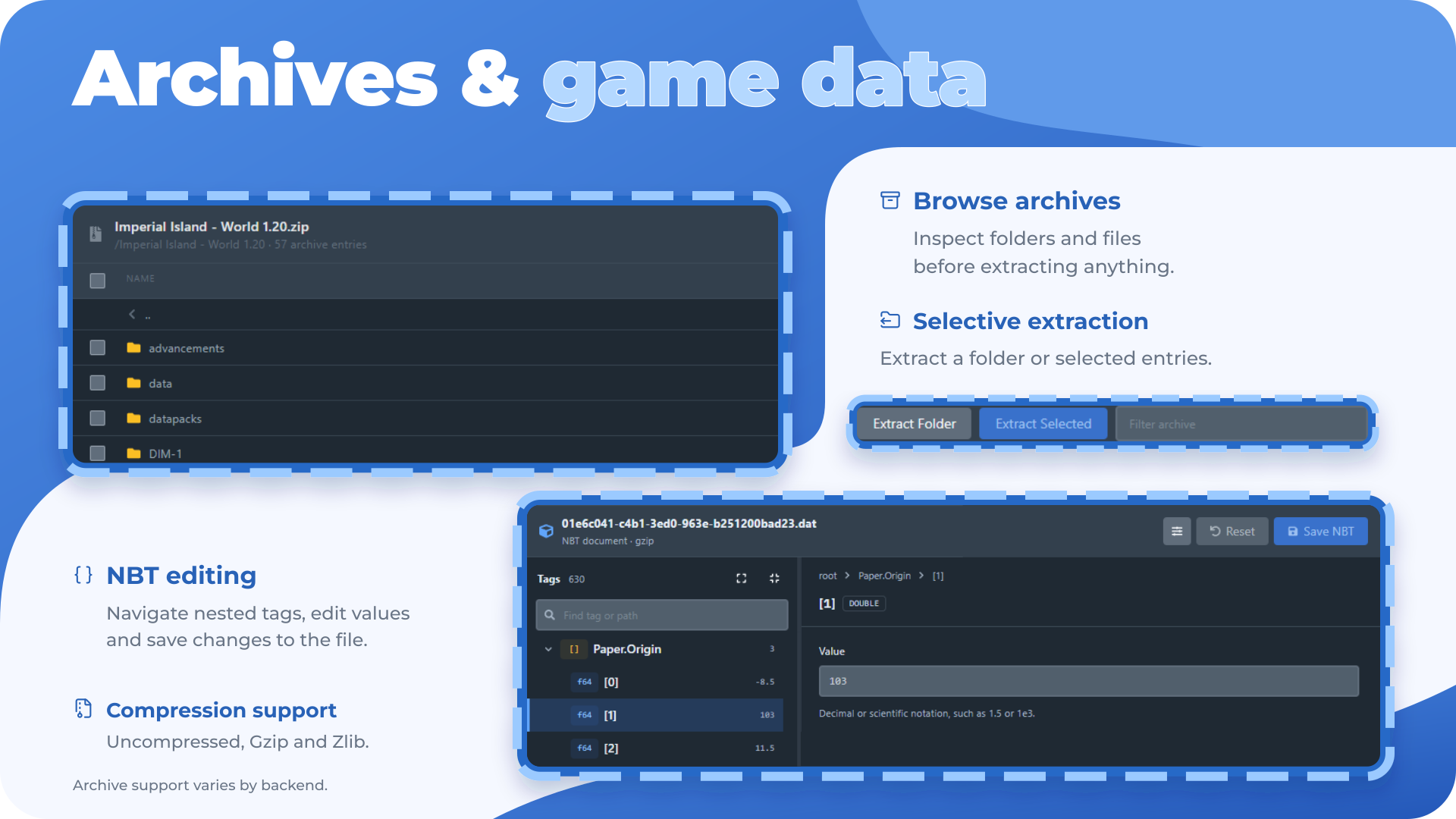
- Archive viewer for compressed files.
- Extract archives.
- Create archives from selected files.
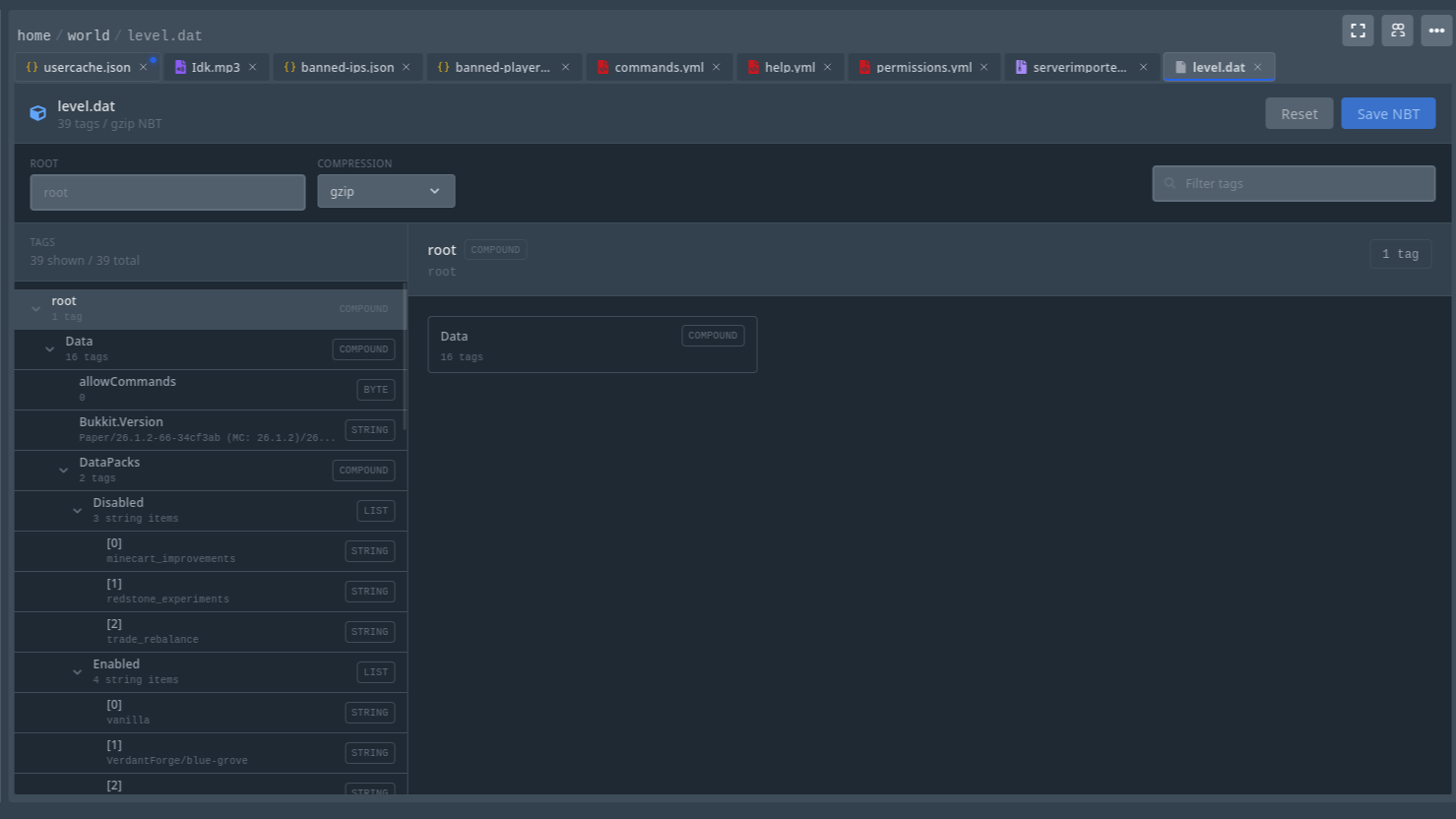
- NBT editor for Minecraft files.
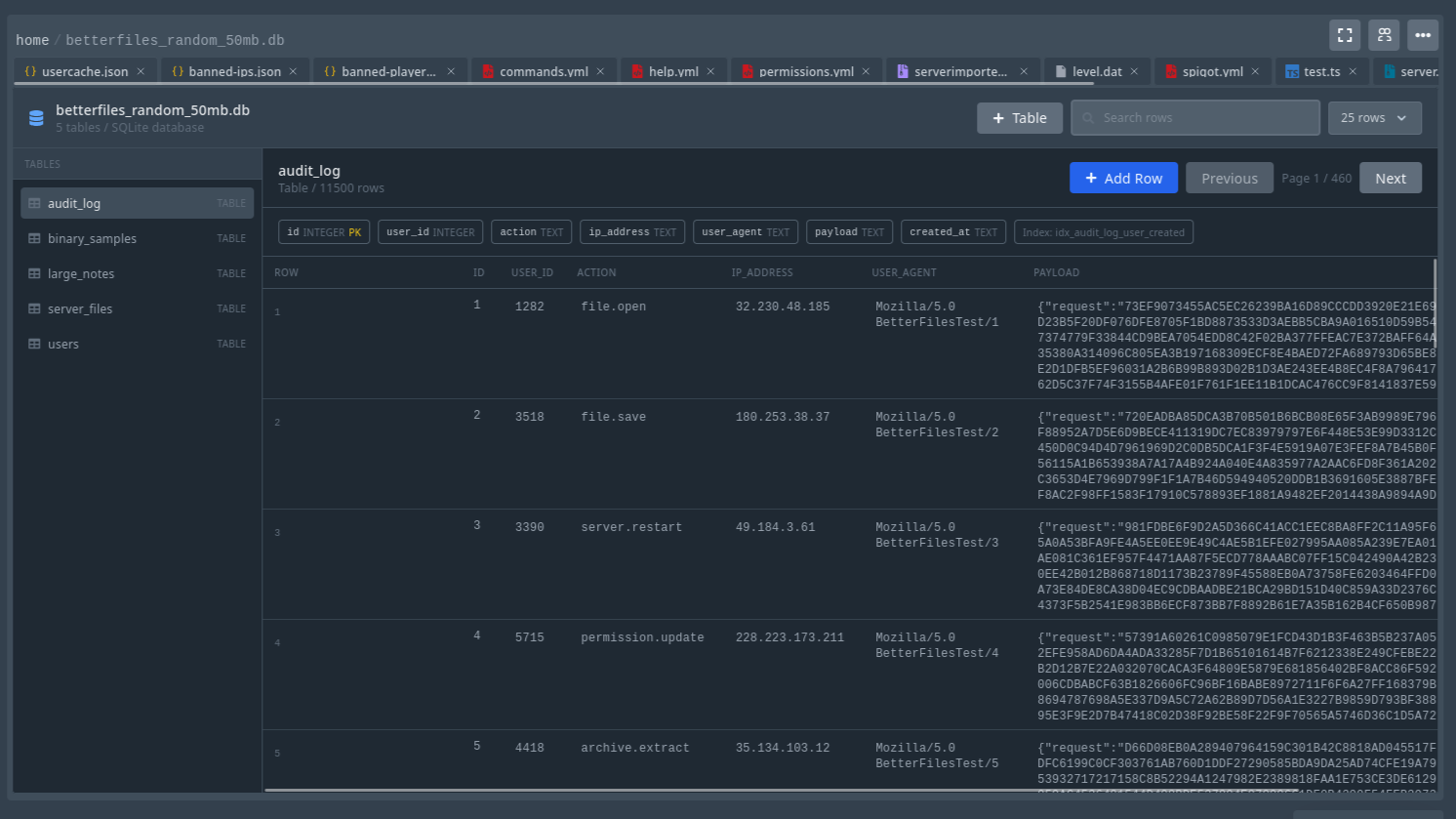
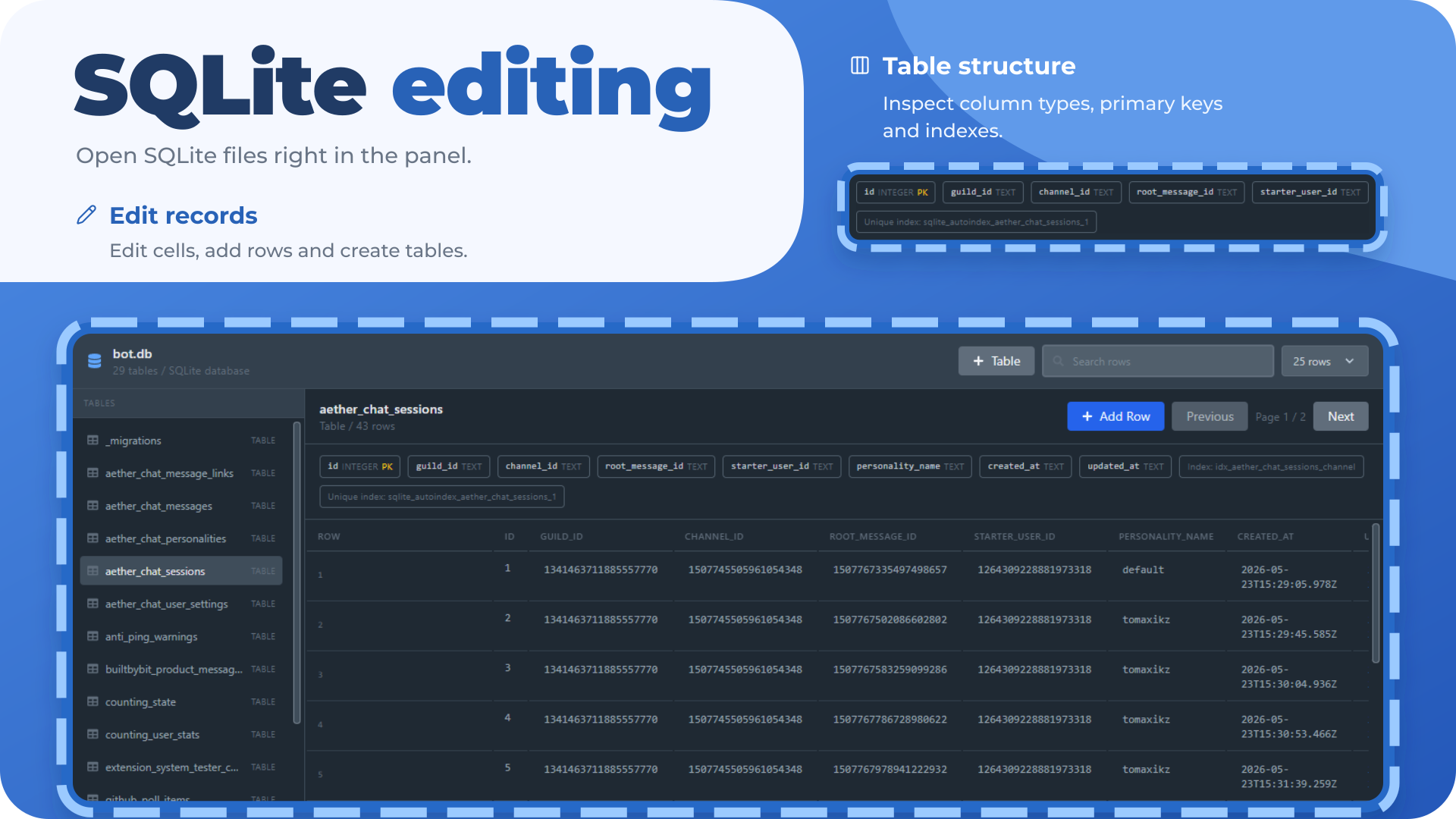
- Database/table-style viewer for supported files.
- File beautifier/formatter.
- File properties modal.
- Permissions editor.
- Pull file from URL into a selected directory.
- Git tools/panel for repository workflows.
- Recent and modified files view.
- Command palette for quick actions.
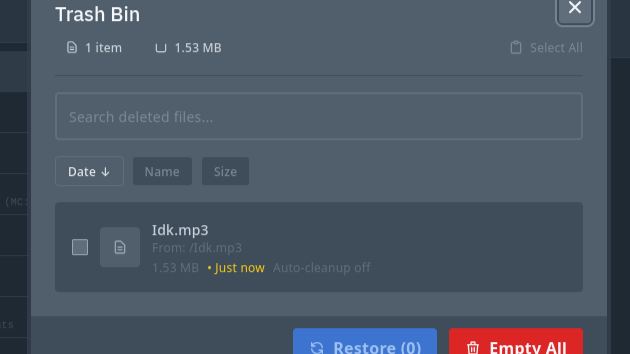
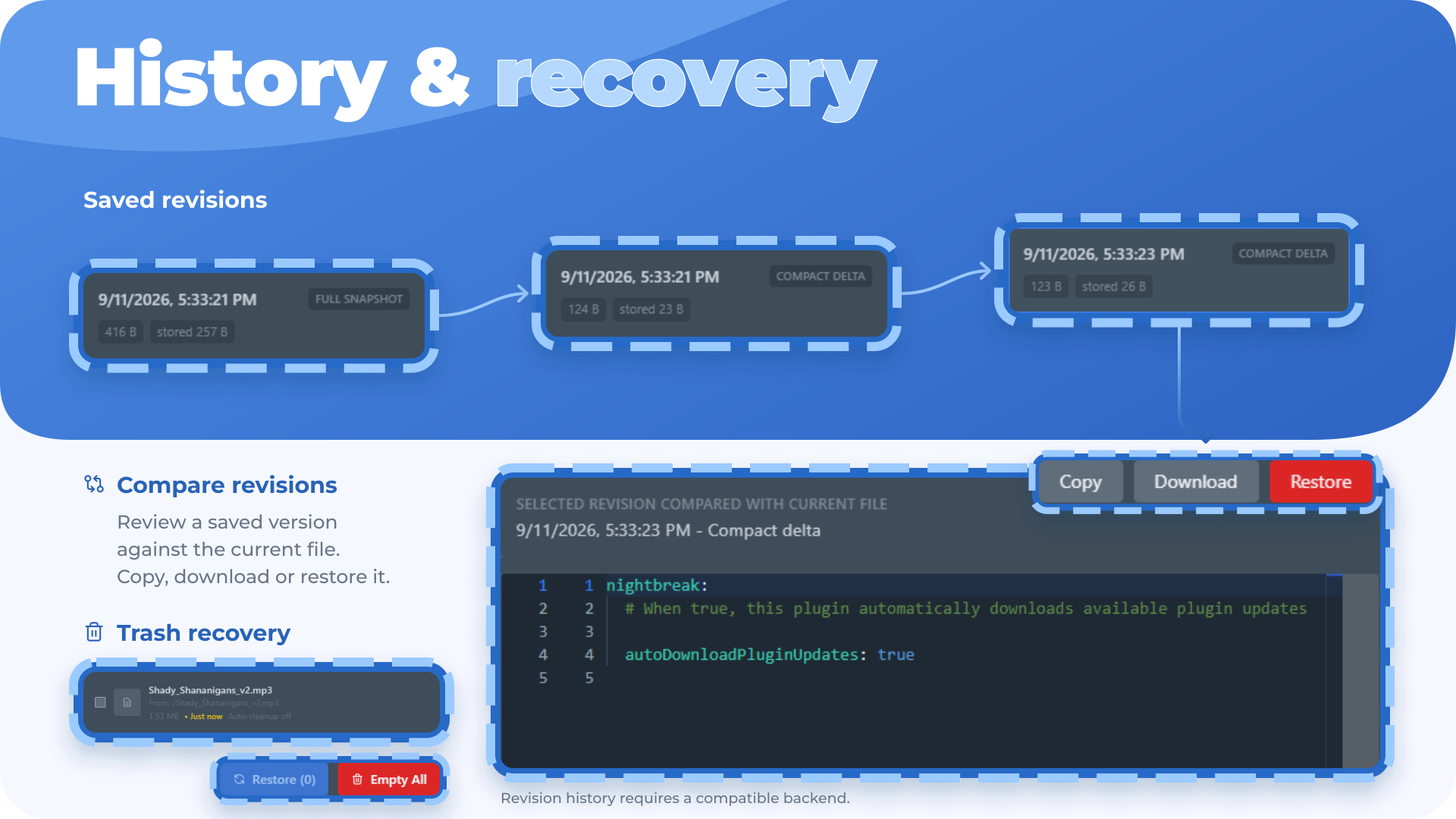
- Move files to trash instead of permanently deleting immediately.
- Restore trashed files.
- Empty/delete trash entries.
- Trash metadata is tracked so files can be restored properly.
- Automatic trash cleanup can delete old trash items after a retention period.
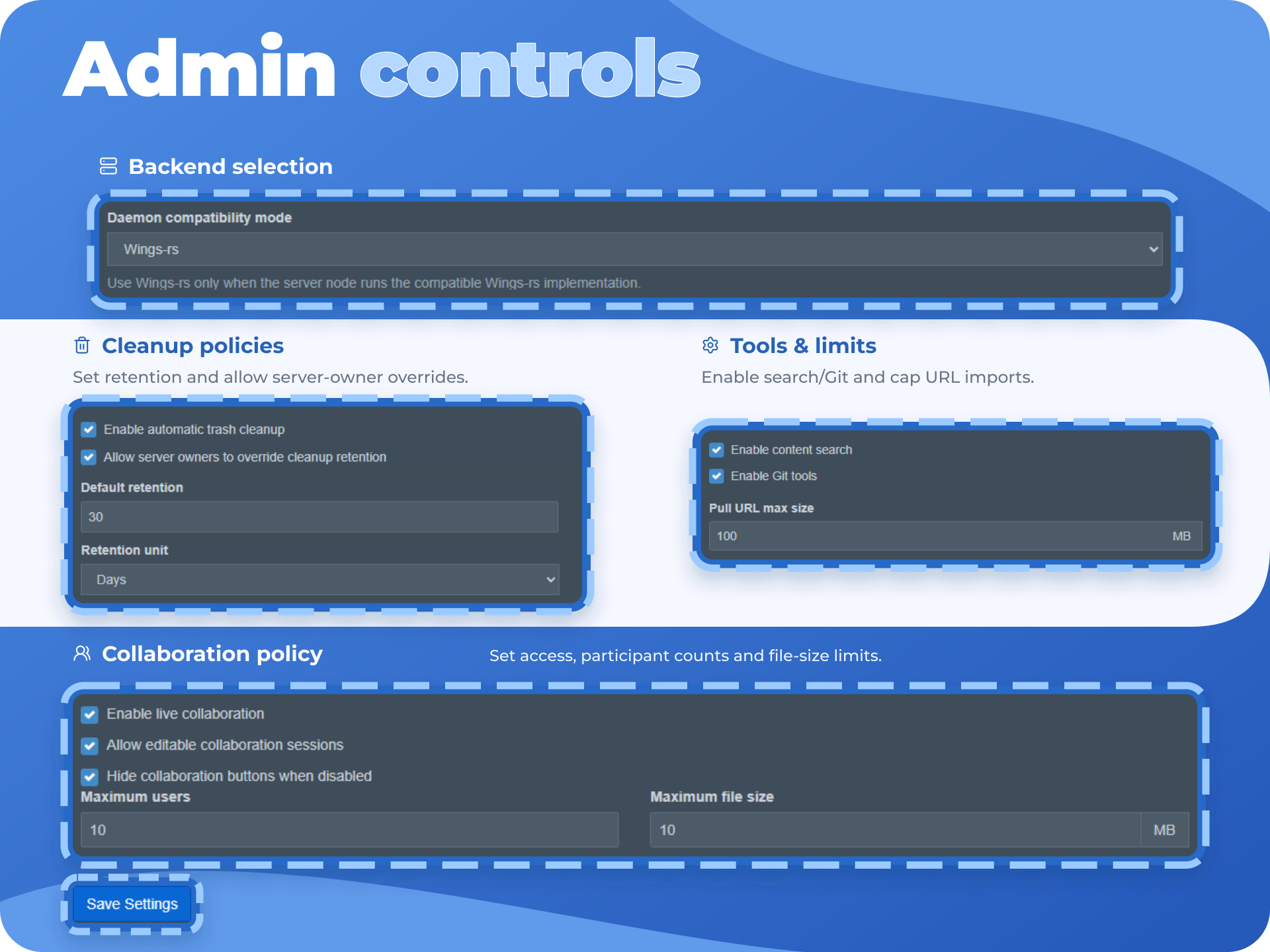
- Admin can configure cleanup behavior globally.
- Server owners can optionally override retention settings if allowed.
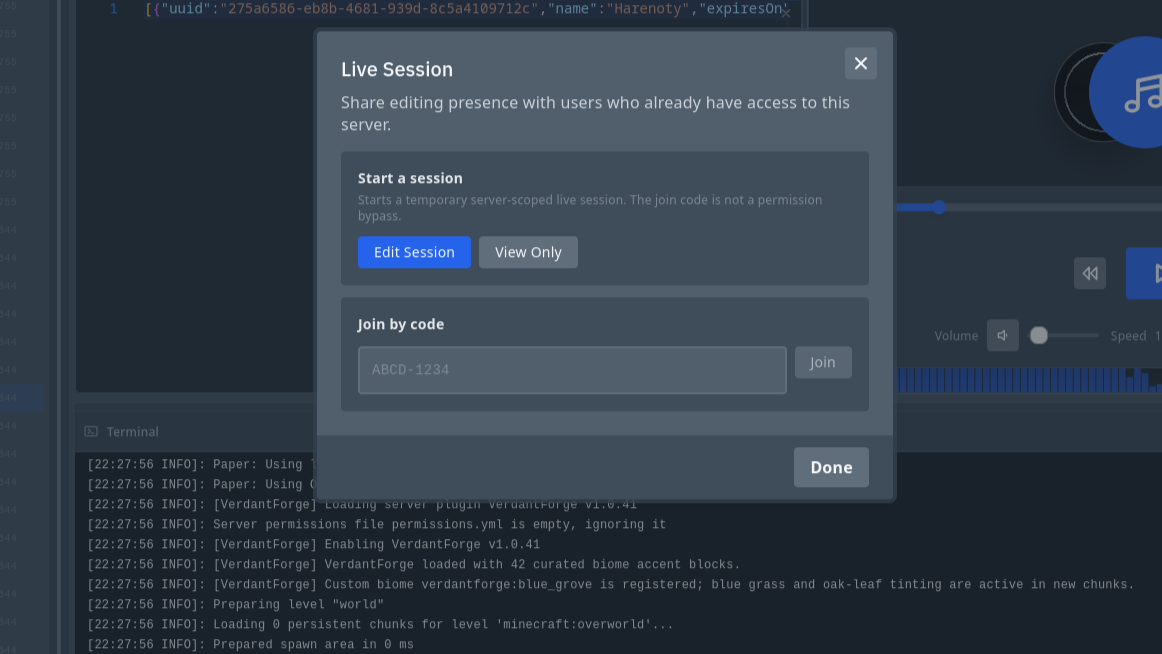
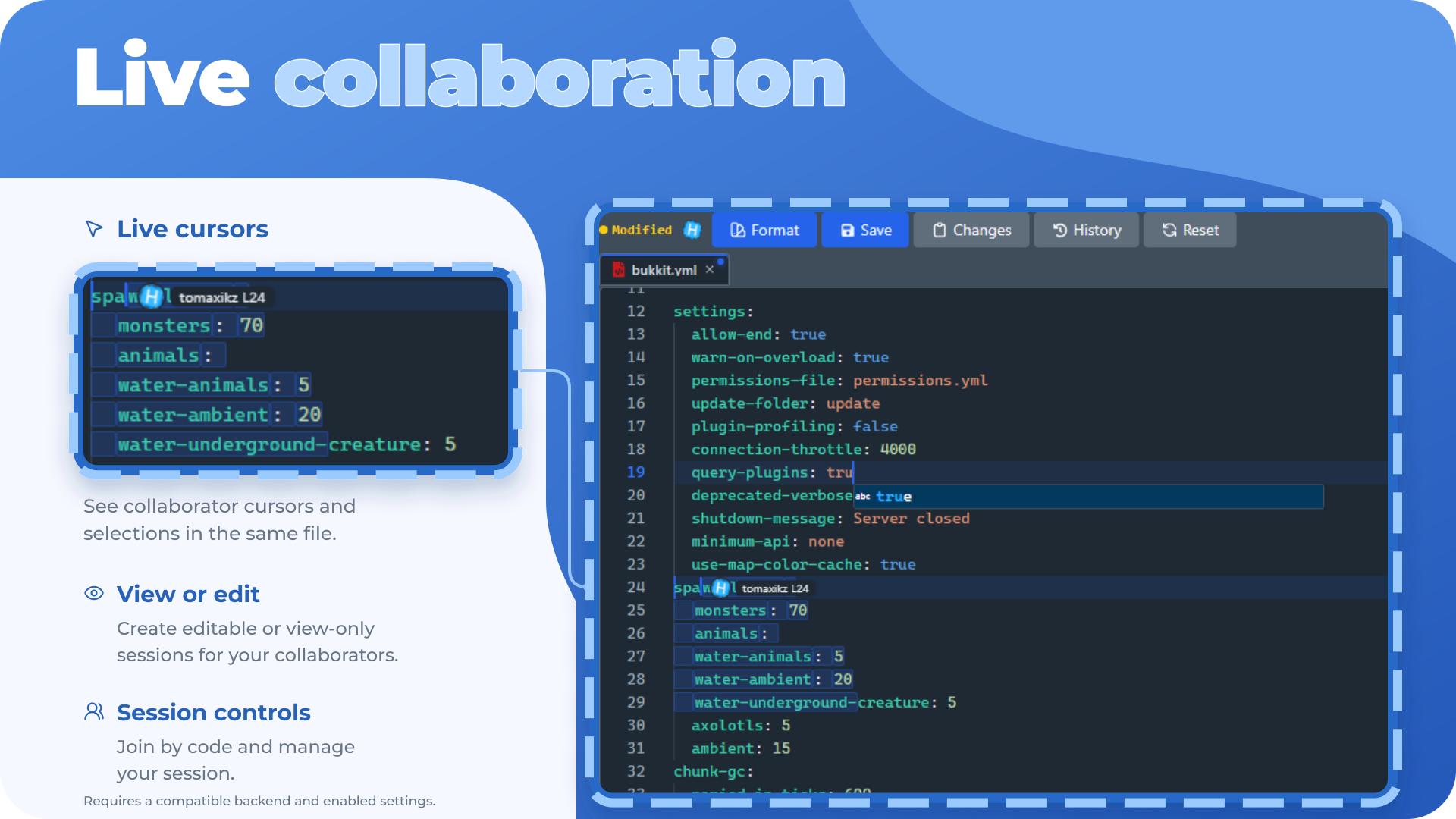
- Live collaboration support.
- Shows when other users are viewing/editing files.
- Presence indicators for users in files.
- Can help avoid overwriting someone else’s changes.
- Conflict handling for edited files.
- Settings modal for file manager behavior.
- Toggle desktop checkboxes.
- Toggle browse double-click behavior.
- Configure drag/drop confirmation behavior.
- Date display options.
- Theme-aware styling.
- Better mobile handling.
- Toolbars, context menus, and floating actions for common workflows.
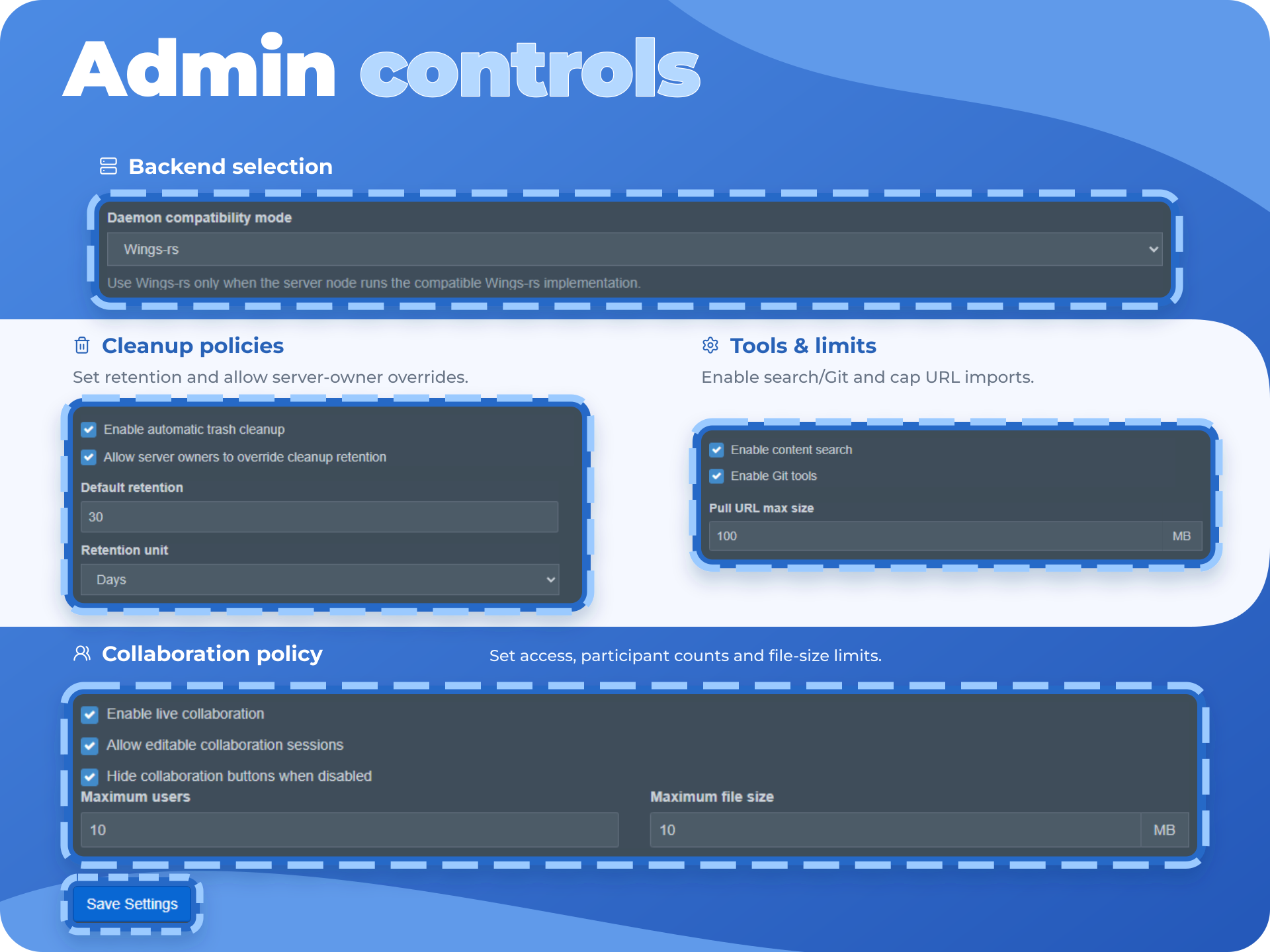
- Admin settings page for Better Files Manager.
- Global settings for trash cleanup, pull URL limits, content search, collaboration, and overrides.
- Configurable pull-from-URL maximum size.
- Backend services for archive handling, search, trash, database viewing, beautifying, collaboration, and file streaming.
- API routes for the advanced file actions.
- Console cleanup command for scheduled trash cleanup.
- Migrations for trash cleanup, pull URL settings, and collaboration sessions.