
Modrinth store for airlink
Product information
Release v1.6.23 (Updated )
Reviews
4 von 5 Sternen
4 out of 5 stars · 1 reviews · 1657 downloads
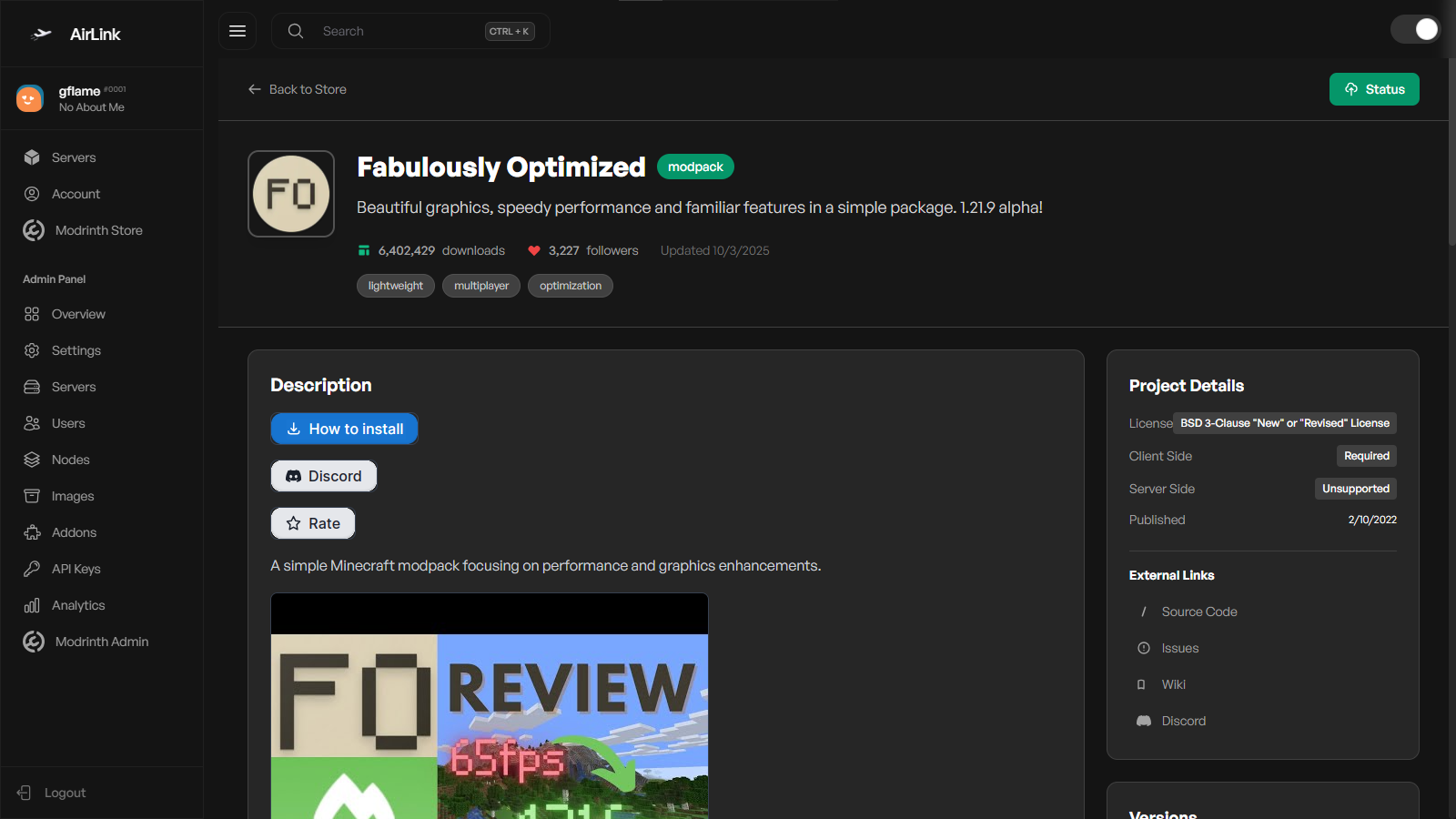
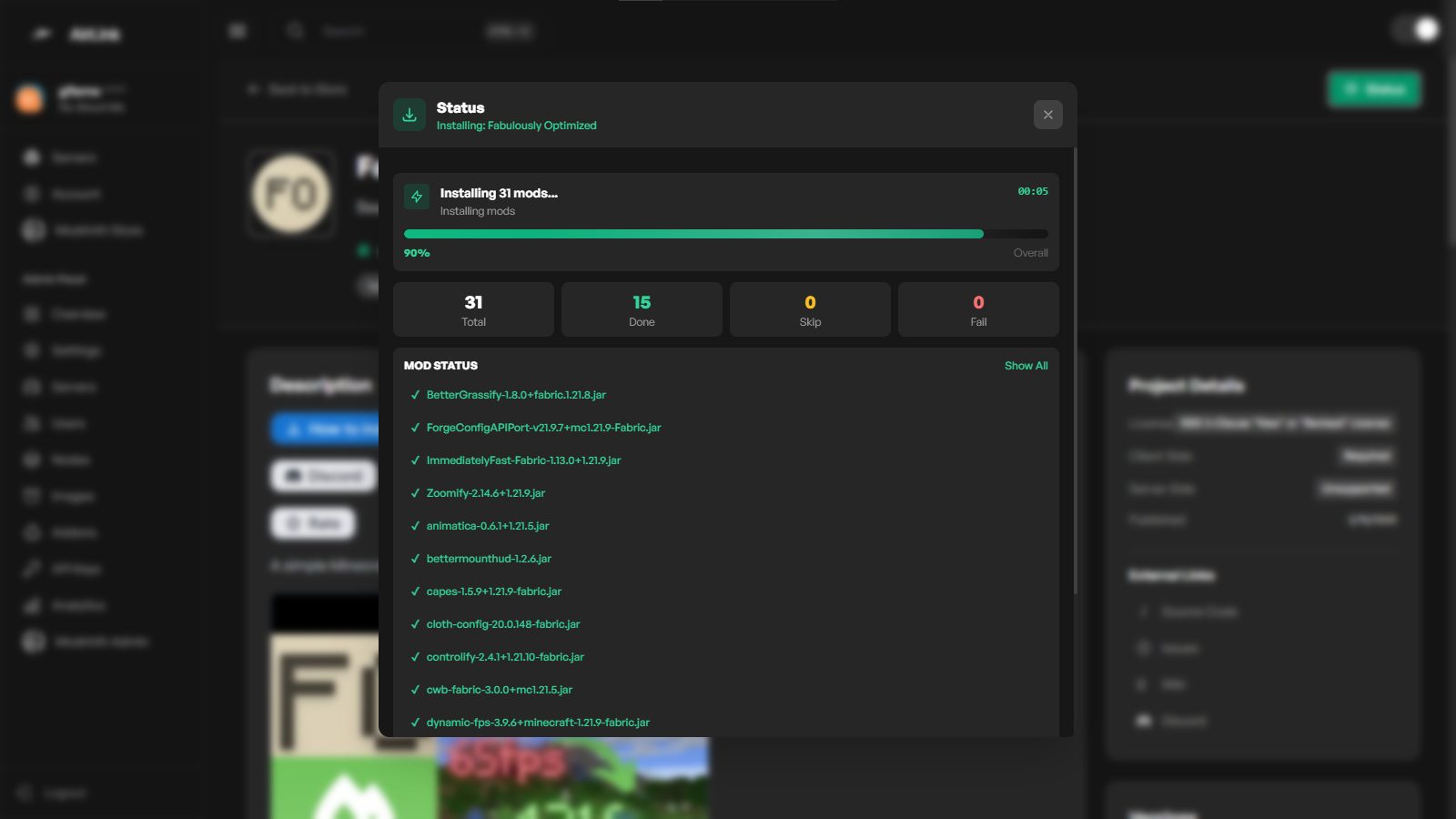
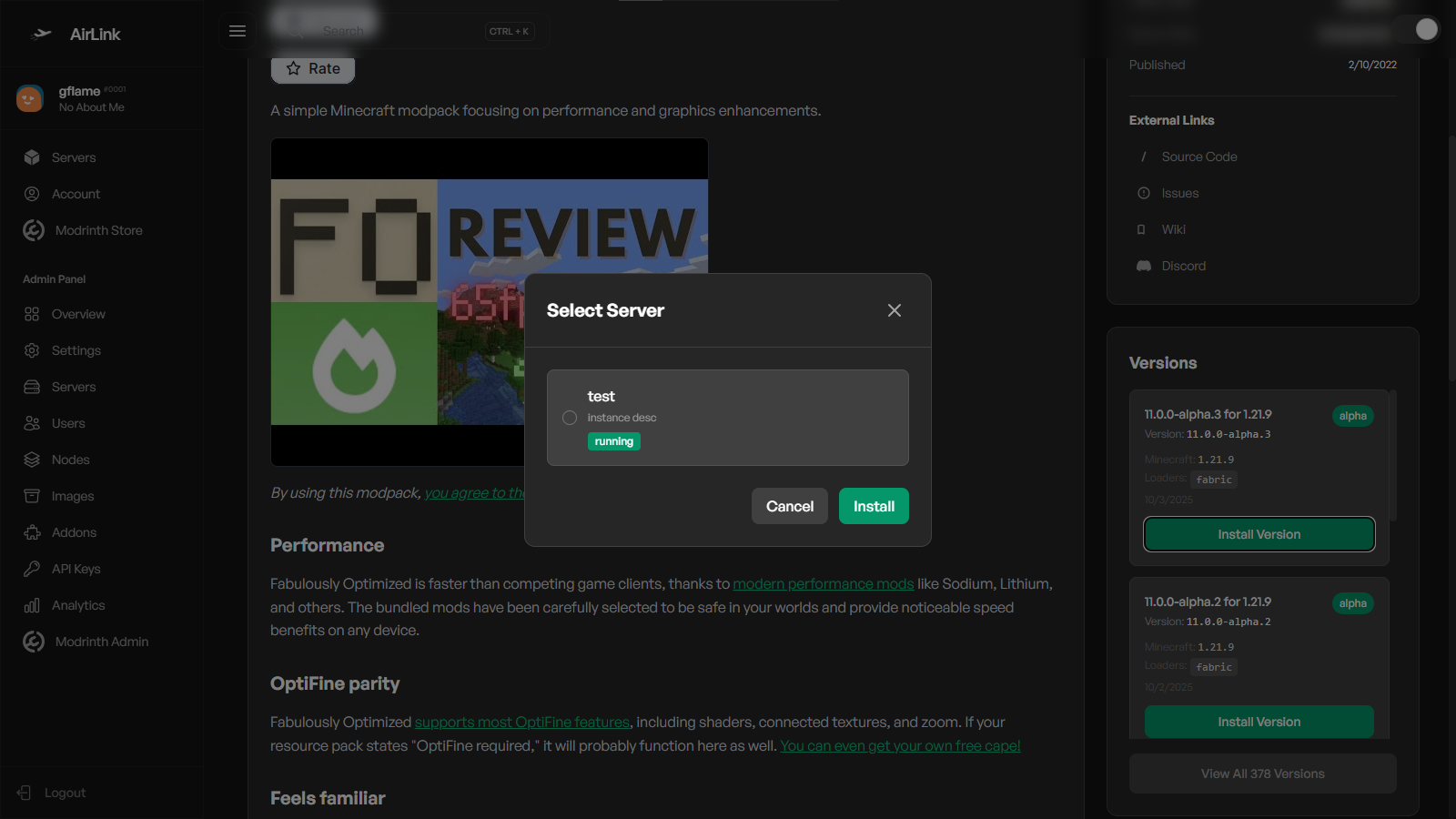
The Modrinth Store addon brings Modrinth integration to the Airlink Panel, allowing you to browse, search, and install mods and modpacks directly.
Release historyTeam
g-flame-oss

Description
Overview
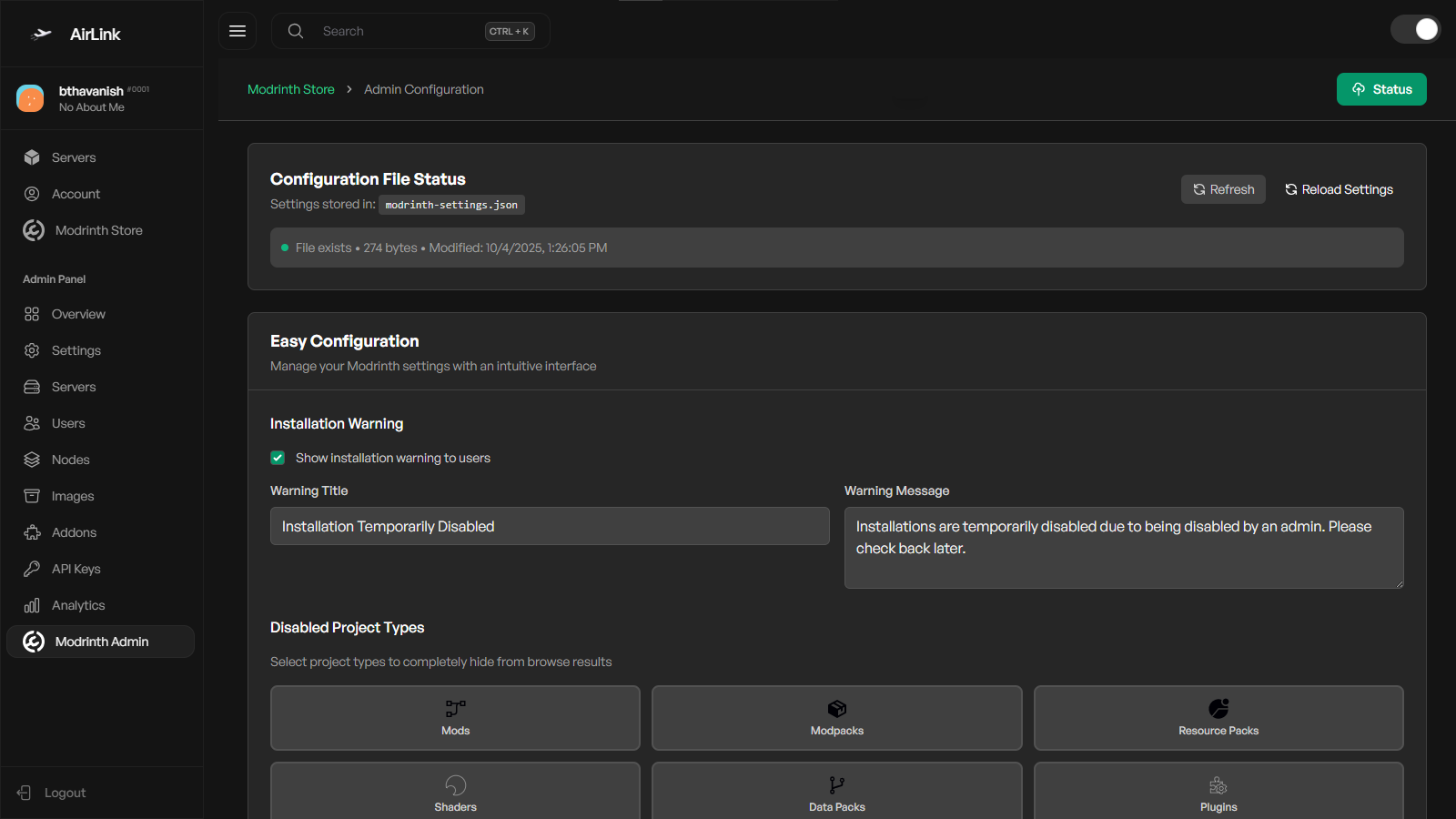
The Modrinth Store Addon integrates Modrinth directly into your Airlink panel. You can browse, search, and install mods or modpacks from the admin panel with full feature control.
Installation
Option 1: Download Release
- Download the latest release from HERE.
- Move the release to your Airlink addons folder:
/var/www/panel/storage/addons/
- Run the following commands:
cd /var/www/panel/storage/addons/
mkdir modrinth-store
mv modrinth-store.zip modrinth-store/
cd modrinth-store
unzip modrinth-store.zip
cd /var/www/panel/storage/addons/modrinth-store
sudo npm install
sudo npm run build
- Start your Airlink panel. The Modrinth Store will now be available in your admin panel.
Option 2: Clone Repository
- Clone the repository directly:
cd /var/www/panel/storage/addons/
git clone --branch modrinth-addon https://github.com/g-flame-oss/airlink-addons.git modrinth-store
- Install dependencies and build:
cd /var/www/panel/storage/addons/modrinth-store
sudo npm install
sudo npm run build
- Start your Airlink panel. The Modrinth Store will now be available in your admin panel.
Get It Here
License
This project is licensed under the MIT License.
Credits
- Addon developed by g-flame
- Panel by AirlinkLabs
- Special thanks to Modrinth for their platform and API
- Thanks to all contributors