Recolor Tool for Calagopus
Product information
Release v1.3.1 (Updated )
Reviews
0 von 5 Sternen
2 purchases
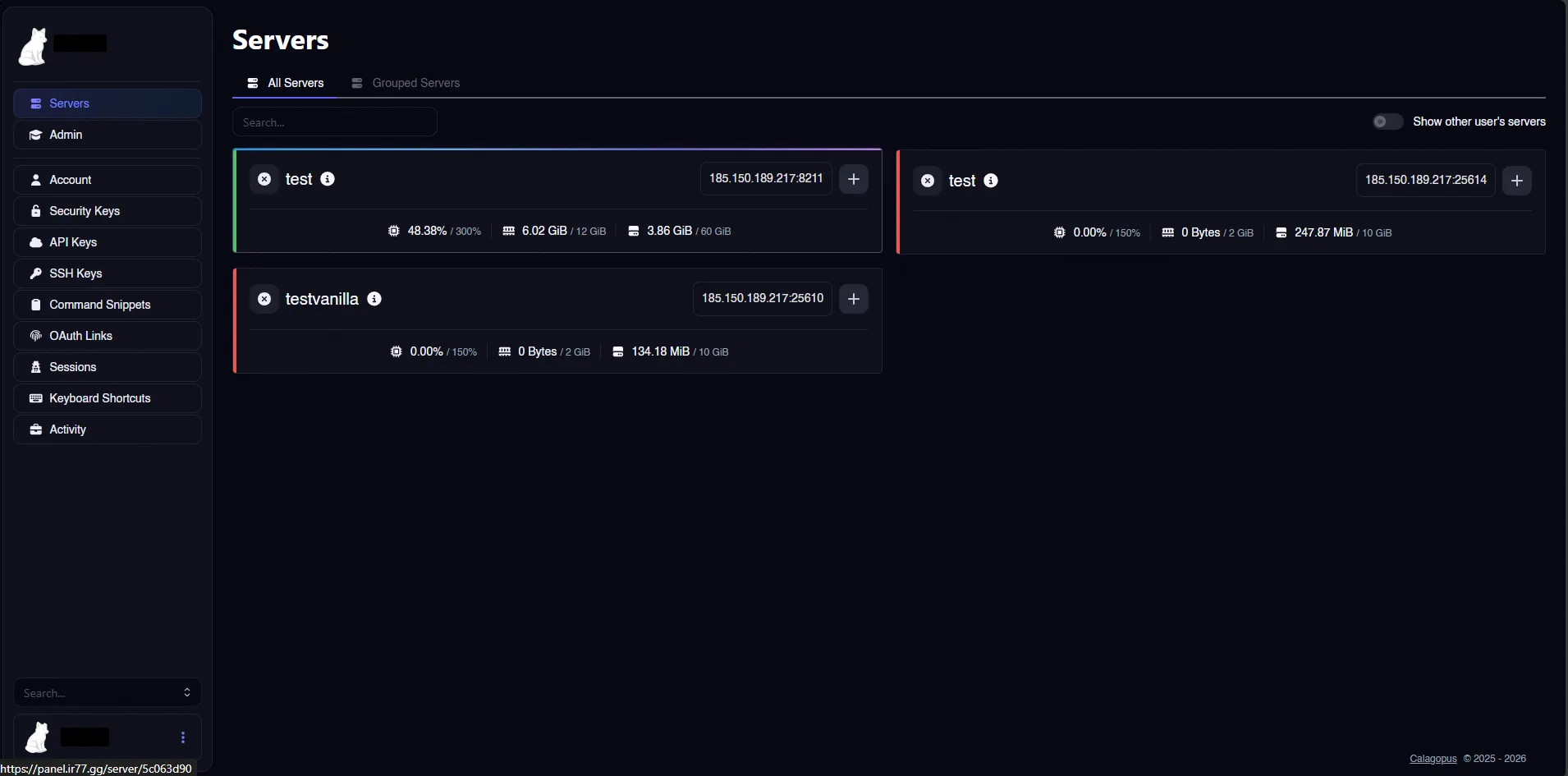
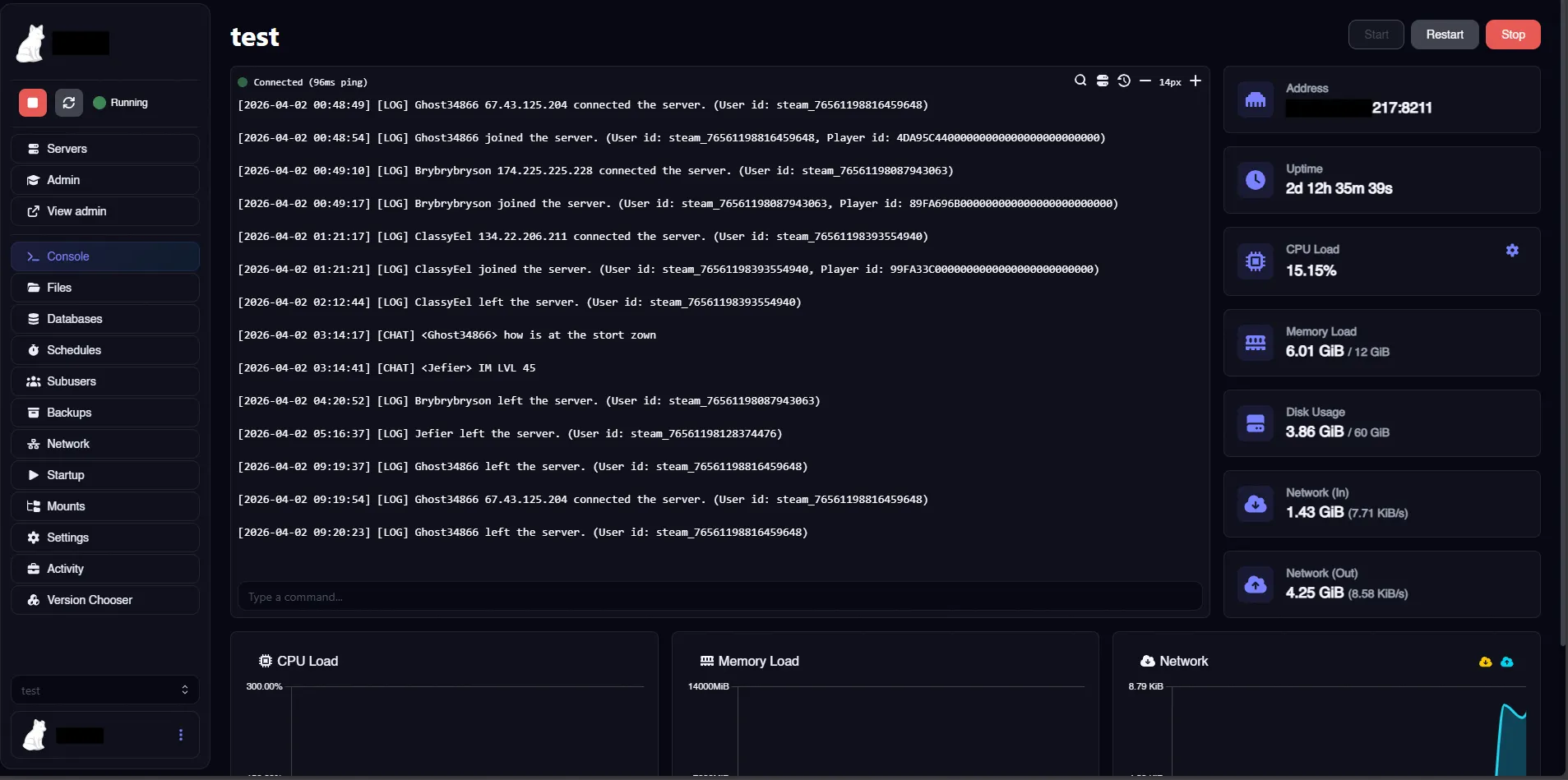
Pick a single brand color and instantly generate a complete panel theme. Supports dark/light mode
$4.99
Release historyDescription
Recolor Tool for Calagopus
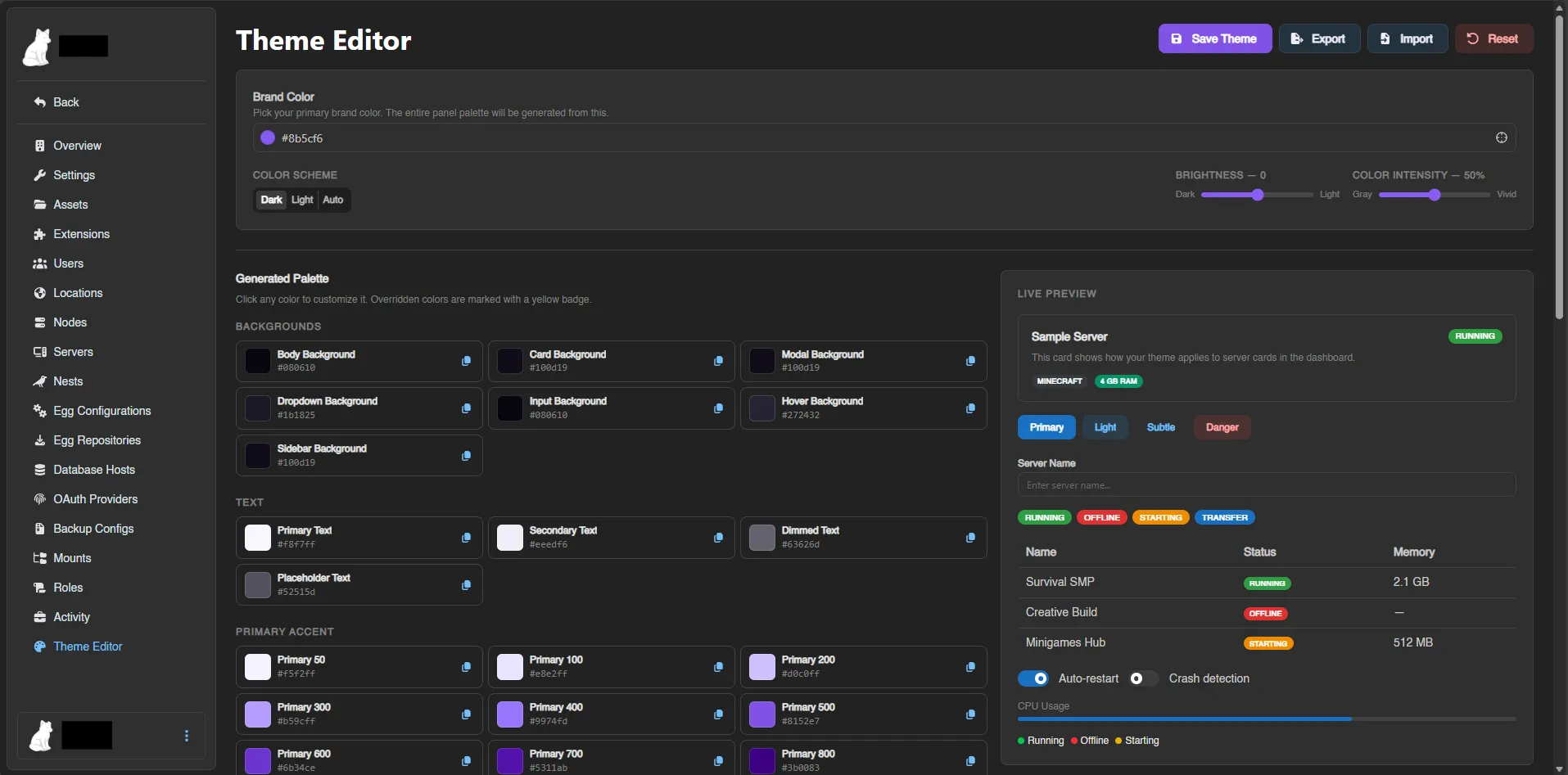
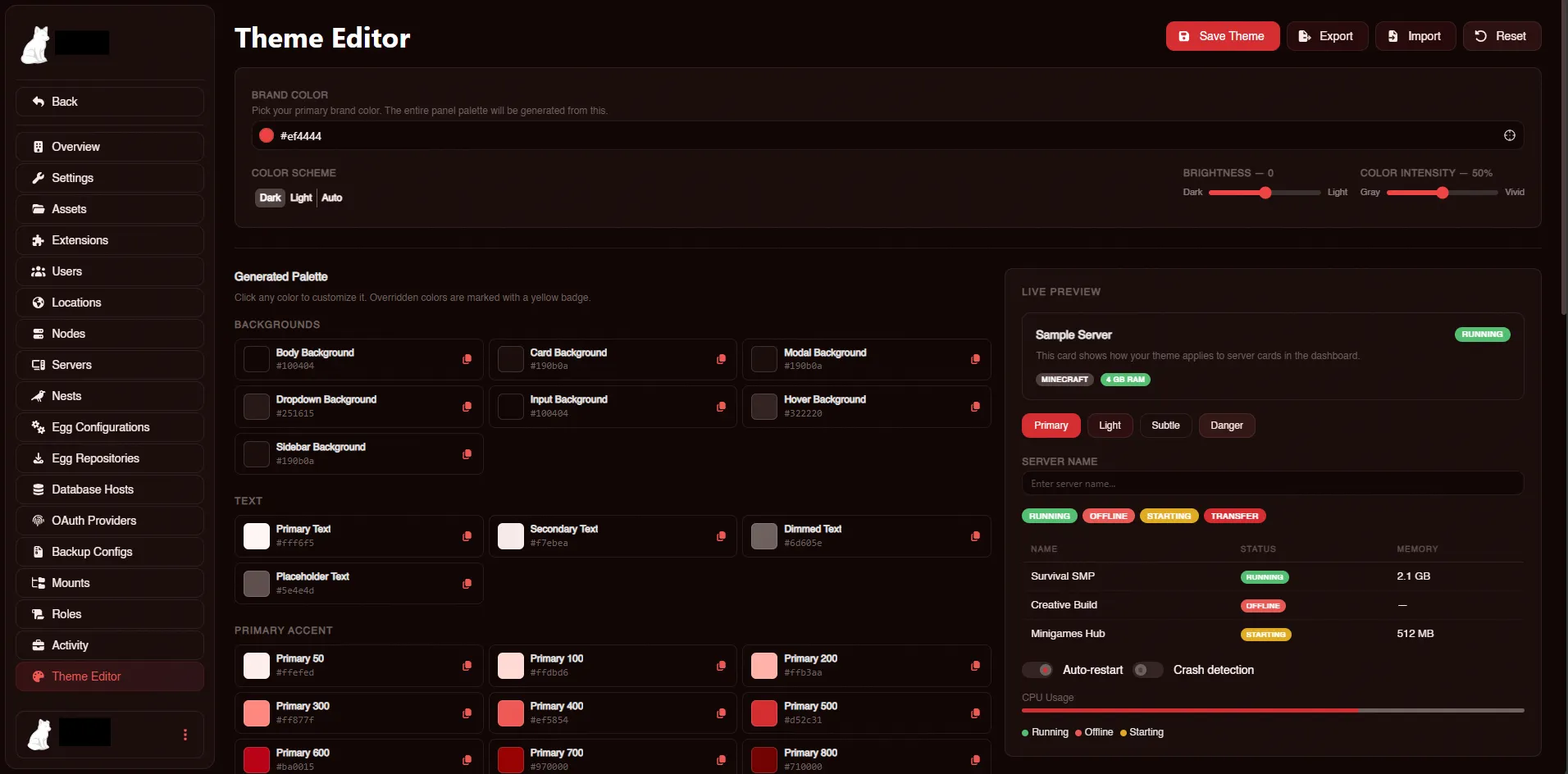
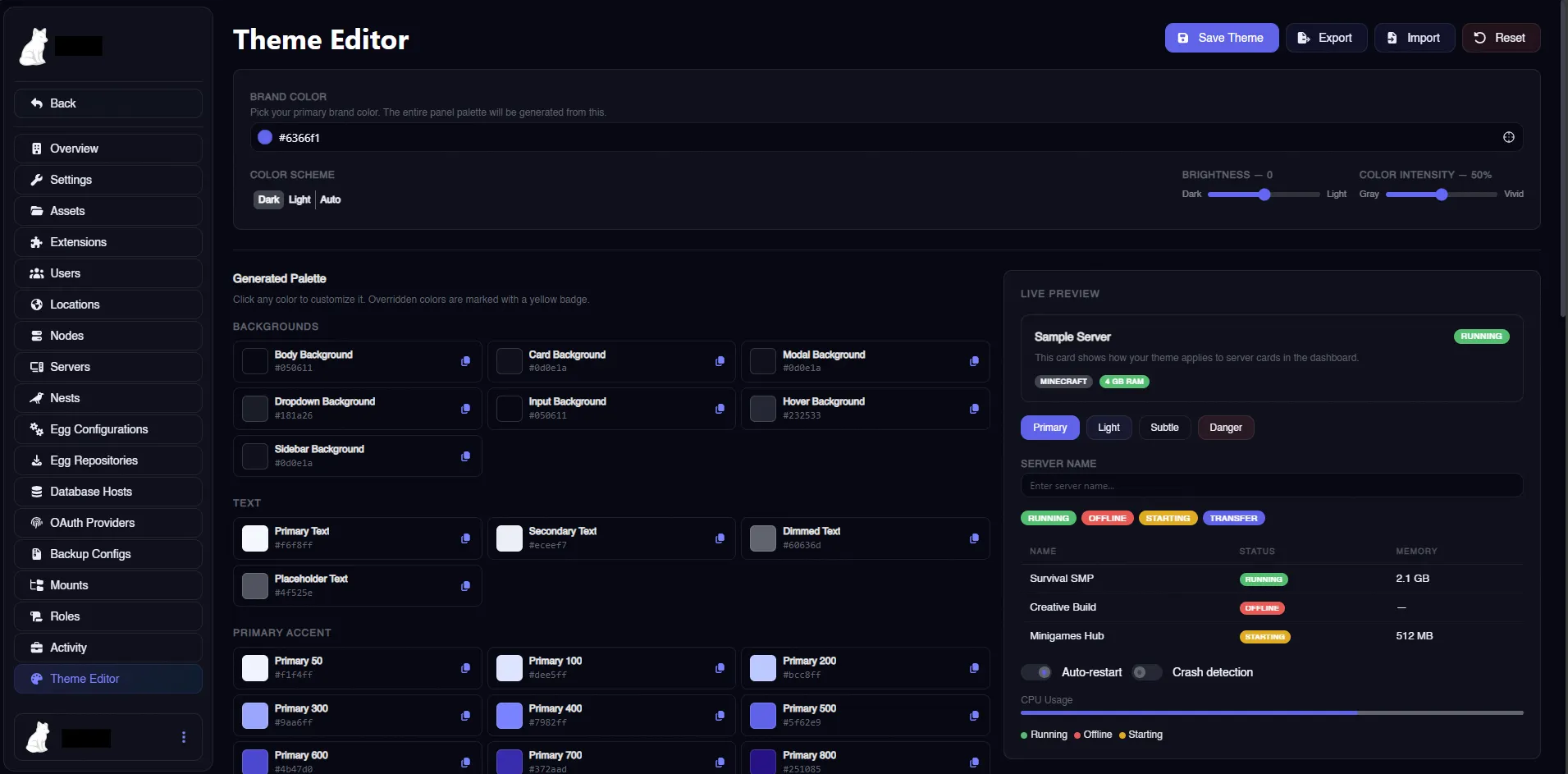
Pick a single brand color and instantly generate a complete panel theme. Supports dark and light mode with adjustable brightness and color intensity, live preview, per-color overrides, and JSON import/export.
Features:
- One Color, Full Theme - Pick any brand color and the entire panel palette is generated automatically using perceptually uniform color science (OKLCH)
- Dark & Light Mode - Toggle between dark and light schemes with a single click
- Brightness Slider - Fine-tune how dark or light your backgrounds are
- Color Intensity Slider - Control how much brand tint bleeds into your backgrounds, from pure gray to vivid
- Live Preview - See changes in real-time as you adjust colors, right on the editor page
- Per-Color Overrides - Click any generated color to manually customize it. Overrides are clearly marked
- Import / Export - Save your palette config as JSON and share it or back it up
- Reset to Default - One-click reset with confirmation to go back to stock Calagopus
- Server-Side Persistence - Saved theme applies to all users on the panel, not just you
- No Core File Modifications - Pure extension, installs and uninstalls cleanly via .c7s.zip
- Terminal Colors - Console/xterm colors adapt to your theme automatically
What Gets Themed:
- Body, card, modal, dropdown, sidebar, and input backgrounds Primary accent color across buttons, links, focus rings, and active states
- Text colors (primary, secondary, dimmed, placeholder) with WCAG contrast validation
- Status colors (running, offline, starting, warning) Borders, scrollbars, glows, and shadows
- Tab indicators, badges, switches, progress bars, pagination Notification styling
- Server status indicators
- File manager header
- Auth page background
- Terminal/console colors
Installation:
- Download the .c7s.zip from your purchase
- Go to your Calagopus admin panel > Extensions
- Upload the .c7s.zip file
- Hit "Rebuild Extensions" and wait for it to finish
- Navigate to Admin > Theme Editor and start customizing
Requirements: Calagopus Panel v1.1.0 or higher